
Thread the two loopers first and the two needles last, following the colored guides: green upper looper, blue lower looper, pink right needle, yellow left needle. Brother's 1034D handbook starts with the upper looper. The 1034DX manual starts with the lower looper. Either way, both needles go on after both loopers, and every thread has to sit down inside its tension disc. Most "tension problems" on this serger turn out to be one of those two things.
Which order applies to your machine
Brother hosts two manuals, and they don't give the same sequence:
| Step | 1034D handbook (884-345) | 1034DX manual (884-B02/B03) |
|---|---|---|
| 1 | Upper looper (green) | Lower looper (blue) |
| 2 | Lower looper (blue) | Upper looper (green) |
| 3 | Right needle (pink) | Right needle (pink) |
| 4 | Left needle (yellow) | Left needle (yellow) |
| Where it says so | Page 16, "Before threading" | Page 15, "Threading" |
The 1034D handbook on Brother's site dates from 2015, and machines change between print runs. So go by the threading chart printed inside your own front cover. If it shows numbers next to the color marks, that's the order for your machine. You can download either manual from Brother's support site (links at the bottom of this page). We don't reproduce Brother's diagrams here; the one below is our own.
Not sure which model you have? The 1034D vs 1034DX comparison lists the differences, including the work light: a bulb on the 1034D and an LED on the DX, per Brother.
Before you start
- Turn the power switch off. Both manuals put this first, and the 1034D's front cover has a safety switch that stops the machine when it's open anyway.
- Raise the telescoping thread tree all the way, and check that the thread holders sit right above the spool pins. A tree that's half down feeds the thread at an angle and it can snag.
- Raise the presser foot. Both manuals list it as a step, and the 1034D handbook repeats it in a caution box: lift the presser foot lever before threading the needles.
- Turn the hand wheel toward you until the needles are at their highest point. The DX manual says to line up the mark on the hand wheel with the line on the machine.
- Slide the front cover to the right and swing it open toward you.
Threading the loopers
Upper looper (green)
Take the thread off the spool and straight up through its holder on the thread tree, from back to front. Bring it down to the green dial and pull it into the tension disc in the channel beside that dial. The 1034D has a tension release button: slide it to the right and hold it while you pull the thread in, then let go. From there the thread runs down the channel and through each numbered guide next to a green mark, in number order, and finally through the eye of the upper looper. The DX manual adds a detail worth knowing: the upper looper thread passes through the upper take-up guide only.
Lower looper (blue)
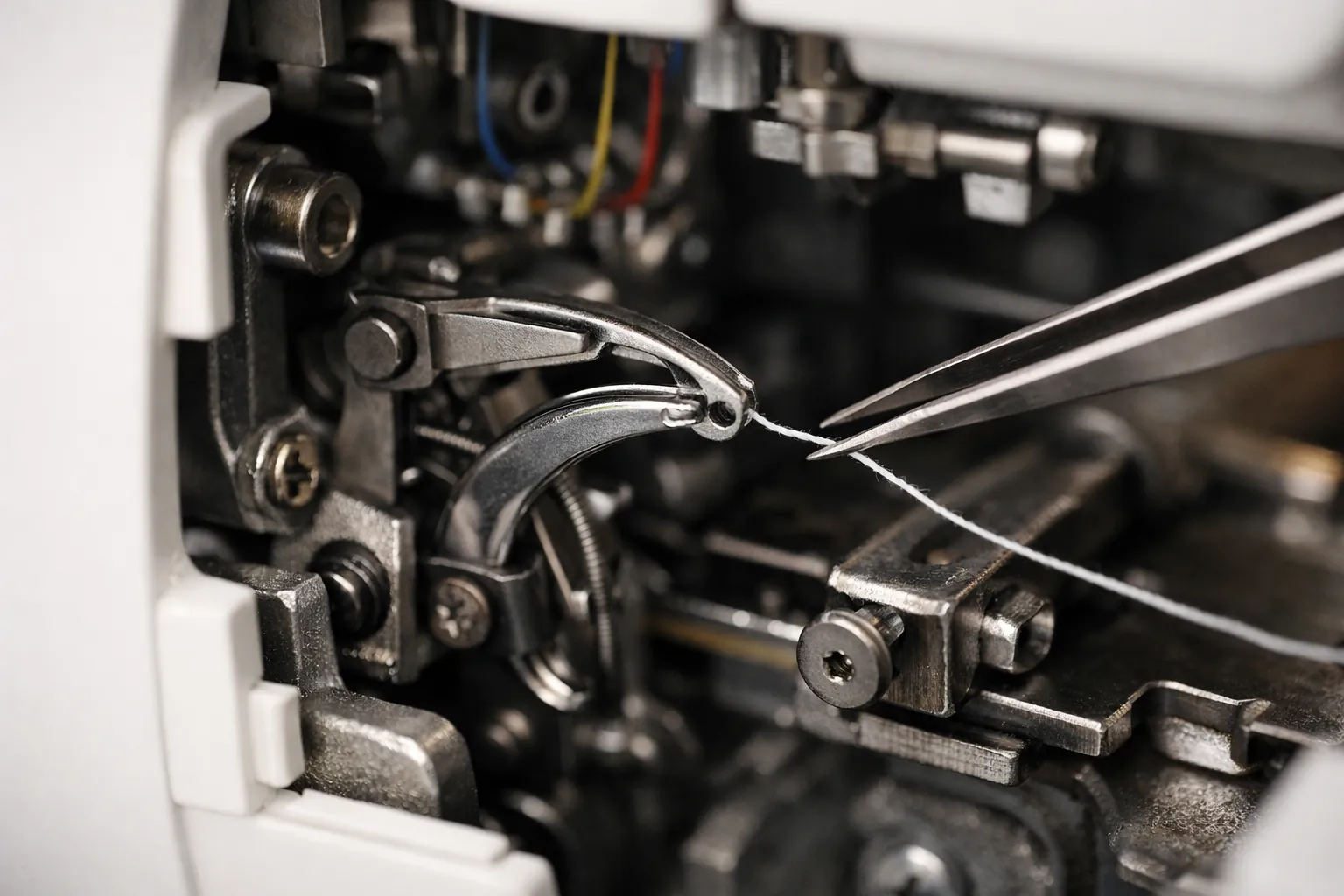
Same start: spool, thread tree, blue tension disc, then down through the guides marked blue. The lower looper sits deep in the machine, which is what the threading lever is for. Both manuals describe it the same way:
- With the needle at its highest point, slide the lower looper threading lever to the right. The looper swings out toward you.
- Hook the thread under the small hook at the left end of the lever, then pass it through the eye of the lower looper.
- Hold the thread end and slide the lever back to the left. The 1034D handbook says to check that its two pink triangle marks line up. The DX manual says to turn the hand wheel slowly and watch that the looper returns to its normal position.
Move that lever only in the direction of its arrow. Both manuals warn that forcing it any other way can damage it. On the DX, the manual also notes that the lower looper thread goes through both take-up guides, where the upper looper thread uses only one.
Threading the needles
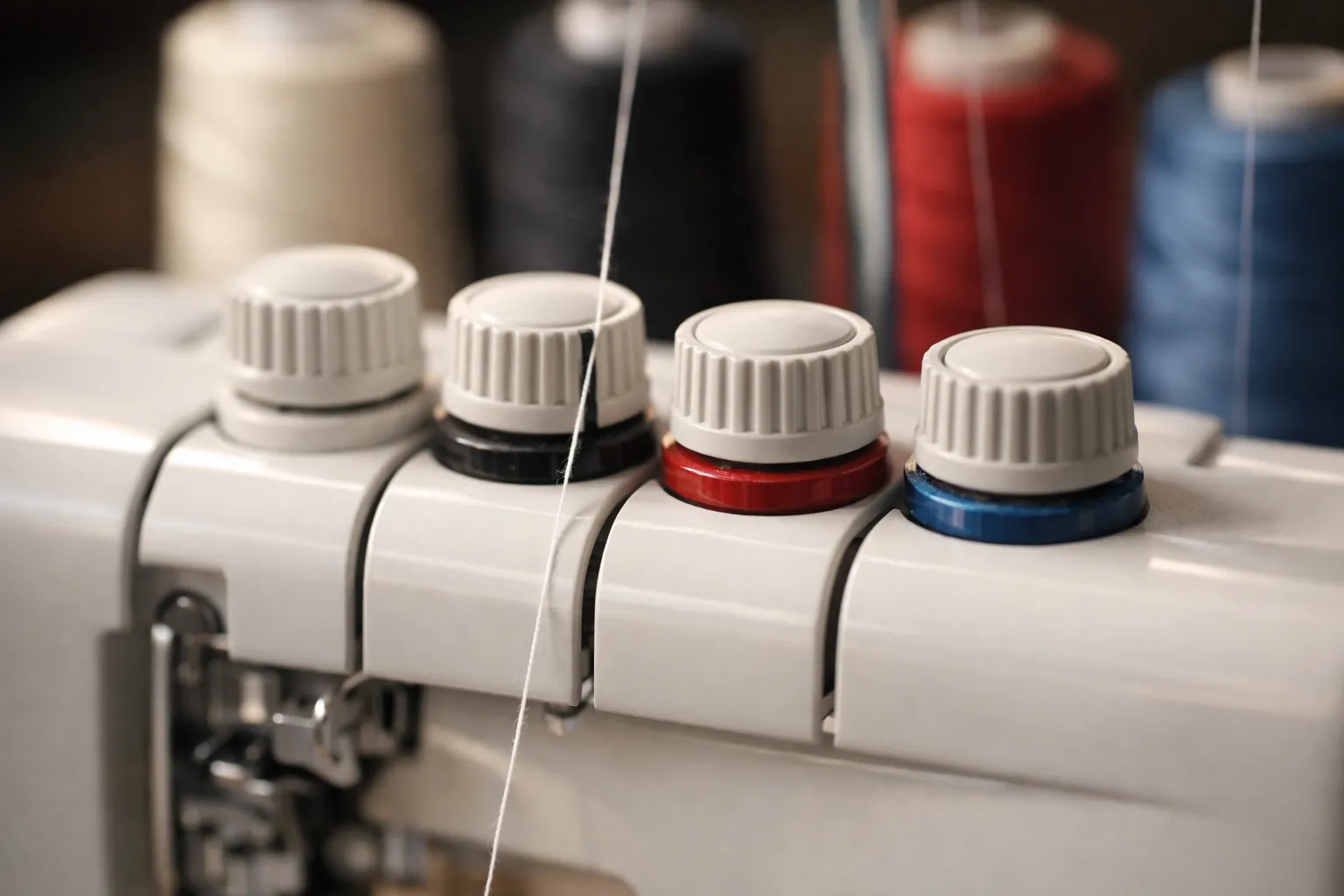
Needles go last, and the right needle goes before the left. Each one runs from the thread tree into its tension disc (pink for the right needle, yellow for the left), down the channel, through the numbered guides beside its color, through the thread guide on the needle bar, and finally through the needle eye from front to back.
The one place people go wrong is the separator plate above the needles. The DX manual says the right needle thread passes to the right of the separator and the left needle thread to its left. Cross them and the threads twist around each other before they reach the needles.
If you're sewing 3-thread, you only thread one needle and remove the other. The left needle alone gives the wide 3-thread stitch. The right needle alone gives the narrow one and is the one you keep for a rolled hem.
Test it before you sew
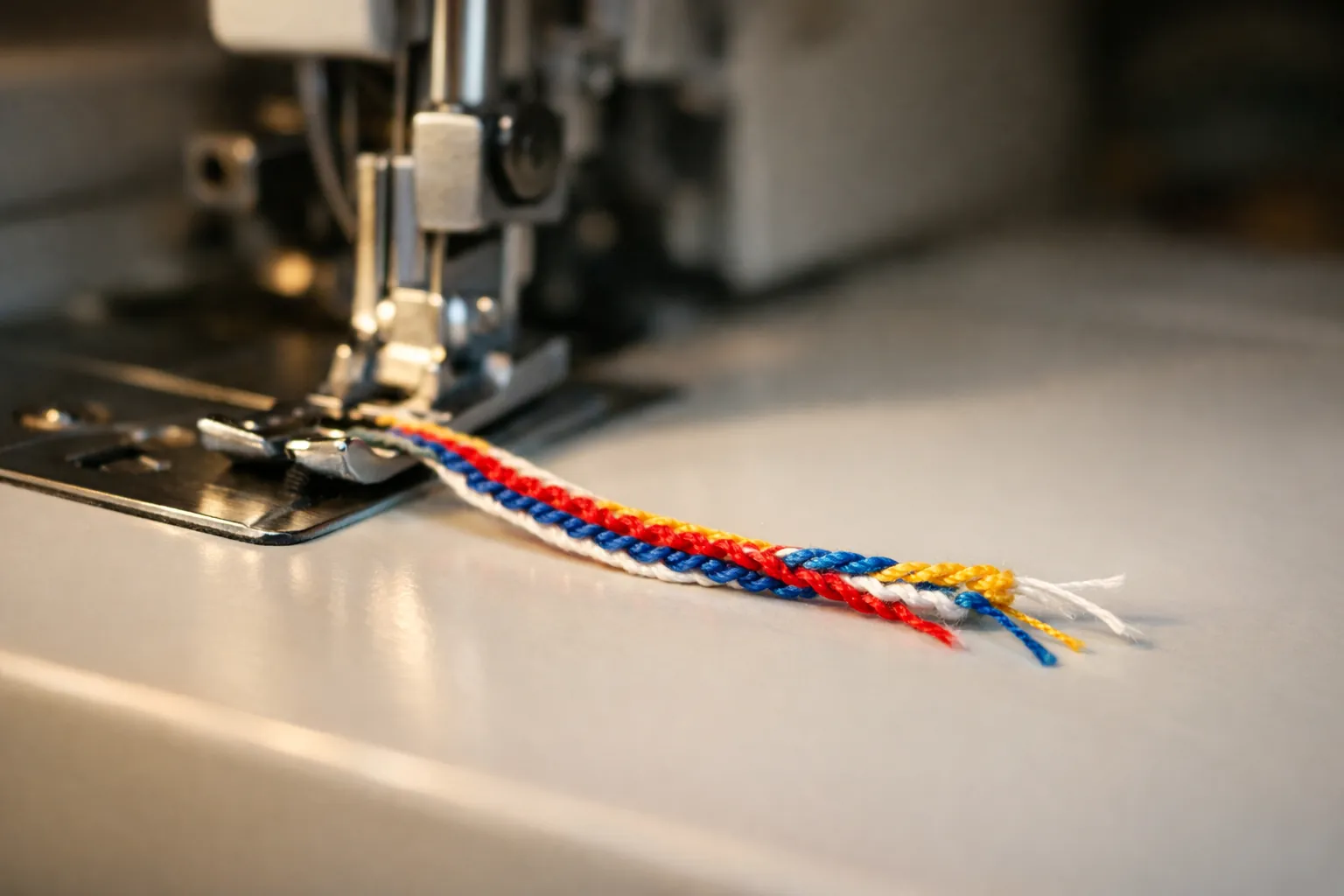
The DX manual's test routine works on either model. Set all four tension dials to 4, pull every thread about 15 cm (6 inches) out behind the presser foot, and hold them with your left hand. Turn the hand wheel toward you a few times and watch that the threads twist together. Then press the pedal gently and chain off about 10 cm (4 inches) with no fabric under the foot. An even chain means you're threaded. A ragged chain, or one where a thread hangs loose, means you should check the threading before you touch a tension dial. When the chain looks right, try a scrap of the fabric you'll actually sew and use our 1034D tension settings chart to read the result.
Six threading mistakes that look like tension problems
Turn the dials only after you've ruled these out. Each one comes from a caution or troubleshooting line in Brother's manuals.
- A thread isn't seated in its tension disc. Both manuals warn about this in their tension sections. The thread looks threaded but carries almost no tension, so you get loops on one side.
- Needles threaded before the loopers. The machine won't form a proper stitch. Pull the needle threads out, thread the loopers, then redo the needles.
- The lower looper thread is caught on the upper looper. Brother names this as the cause of a breaking upper looper thread. Turn the hand wheel to lower the upper looper, lift the stray thread off, and rethread the upper looper from the tension disc down.
- Presser foot down while threading. Both manuals say to raise it first. Raise it and pull the thread through its disc again.
- Needle threads crossed at the separator. Right thread right of the plate, left thread left of it.
- A needle that isn't all the way up. The DX manual notes that with both needles fully inserted, the right needle sits slightly lower than the left. If they're level, one isn't seated. Skipped stitches and broken threads follow.
Brother's troubleshooting tables list "improper threading" as the first cause of breaking threads, ahead of tension, and as a cause of skipped stitches. That's where to start.
Changing colors with the tie-on method
Brother's manuals don't mention this, but it's the shortcut most serger owners use to change thread colors. Cut each old thread near its cone, tie the new thread on with a small, tight knot, and pull the old threads through slowly from the back of the machine until the knots come out at the loopers. Keep the knots small and pull gently; if one catches in a tension disc, don't force it. For the needles, stop when the knot reaches the needle, cut it off, and thread the eye fresh, because a knot won't fit through it. If a knot snaps a thread on the way, go back to threading that path the long way.
Thread and needles that make threading easier
Use four cones of the same thread while you learn. Mixed brands and weights stretch differently, which makes a correct threading job look wrong. The Maxi-Lock all-purpose 4-pack is the set we start most people on, and our serger thread guide compares the others. Both machines take standard household needles in the 130/705H system, sizes 80 and 90 per the manuals, so a card of Schmetz Universal 130/705H needles is all you need. Still choosing a machine? See our best sergers for beginners. Threading a Juki instead? The MO-654DE review covers its breakaway lower looper threader. Many serger manuals also mark oiling points on the loopers; our guide to sewing machine oil covers which oil to use.
Sources: Brother 1034D handbook (product code 884-345, version 07) and 1034DX operation manual (884-B02/B03, version 06), both from Brother's support site: 1034D manuals, 1034DX manuals. Checked October 3, 2026. This guide paraphrases Brother's steps; for the original illustrations, download the manual. How we research · Affiliate disclosure