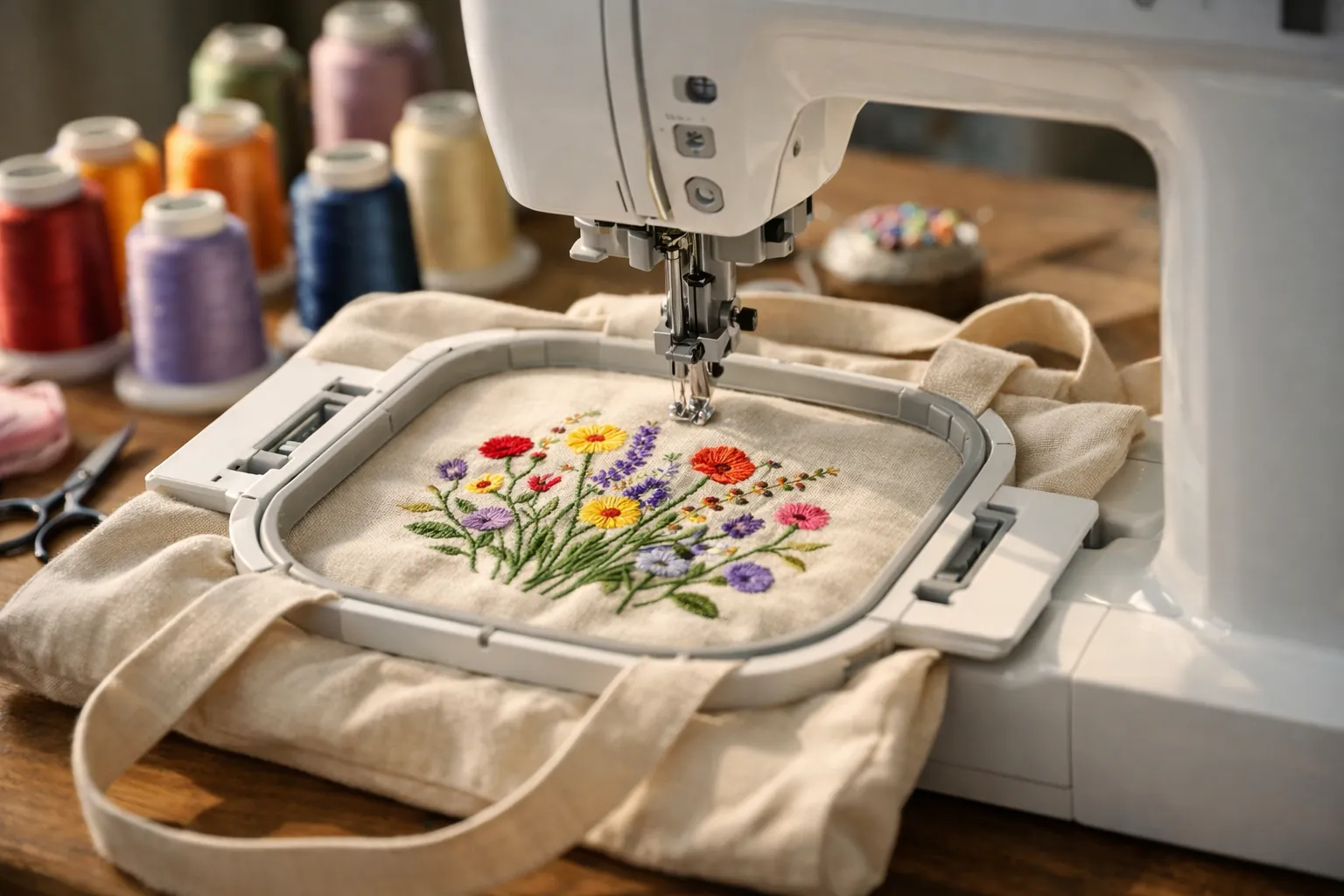
Start with the Brother SE700. It's Amazon's top-selling embroidery machine, it's easy to learn, and it sews as well as embroiders. The 4x4 hoop is the right size for monograms and patches. Want designs across a shirt front or a tote bag? Then skip it and buy the 5x7 Brother PE900. Need to sew too? Combo machines compared.
Quick picks
| Best overall for beginners | Brother SE700 | Amazon |
|---|---|---|
| Best 5x7 embroidery-only machine | Brother PE900 | Amazon |
| Best budget pick | Brother PE545 | Amazon |
| Best 5x7 combo | Brother SE2000 | Amazon |
| Biggest hoop for the money | Poolin EOC06 | Amazon |
How we picked
The pool was every home embroidery machine in Amazon's US results for beginner searches on October 3, 2026. Sales came first. Amazon's Embroidery Machines best-seller list that day had the Brother SE700 at #1, the PE545 at #2 and the PE900 at #3, and the SE700 showed 1,000+ purchases in the past month.
After that we weighed hoop size and ease of use (maximum embroidery area, screen size, how designs get onto the machine, and support) over gimmicks. Machines with too few ratings to judge, or with low averages, were cut. Specs come only from each manufacturer's Amazon listing.
This is a spec review. We compared listings and owner feedback and did not stitch on these machines. How we research.
How machine embroidery works (and where beginners struggle)
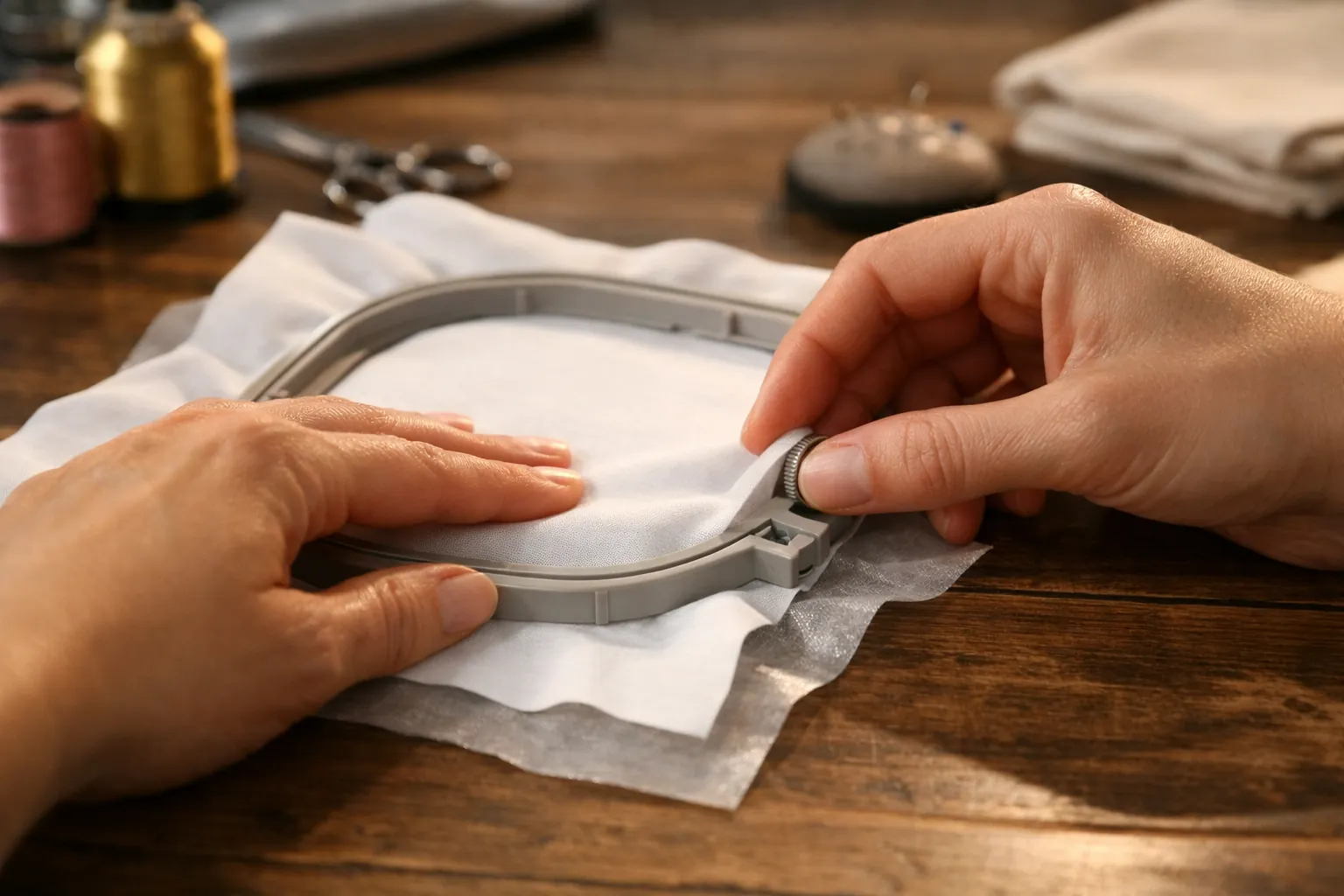
A home embroidery machine stitches a digital design file. You don't guide the fabric. The hoop rides on an arm and moves under the needle, and every project runs through the same five steps:
Puckering and gaps in a finished design almost always trace back to step 2: fabric hooped too loosely, fabric stretched in the hoop, or the wrong stabilizer. That's good news for your budget, because it means an affordable machine can turn out excellent work. Our stabilizer guide covers what to use on each fabric.
The 5 best embroidery machines for beginners
Brother SE700
On October 3, 2026 this was #1 in Amazon's Embroidery Machines category, and it's the machine we'd hand most beginners. Underneath the embroidery arm is a full computerized sewing machine, with 103 stitches and ten one-step buttonhole styles. The arm detaches, and the embroidery field is 4x4.
The small things add up for a new embroiderer. There are 135 built-in designs and 10 fonts, so you can personalize a gift on day one. The 3.7-inch touchscreen is where you position designs. Threading is helped by an automatic needle threader and a drop-in bobbin, and designs arrive wirelessly from your computer or the Artspira phone app.
- Typesewing + embroidery
- Embroidery area4" x 4"
- Built-in designs135
- Fonts10
- Sewing stitches103
- Screen3.7" touchscreen
- TransferWi-Fi + USB
Why it stands out
- One machine for sewing and embroidery
- Wi-Fi transfer and Artspira app
- Amazon's best-selling embroidery machine, so help is easy to find
Think twice if
- You want designs larger than 4x4 in one hooping
- You already own a sewing machine you like
Open the SE700 listing to see photos of the embroidery arm attached and the 4x4 hoop in place
Brother PE900
Already own a sewing machine, or already know you want bigger designs? This is the beginner machine with the most room to grow. A 5x7 field covers sweatshirt fronts and tote bags, and quilt blocks too. Two features take care of the fiddly cleanup that puts new embroiderers off: jump stitch trimming cuts the loose threads between parts of a design, and advanced color sort cuts down thread changes on combined designs.
- Typeembroidery only
- Embroidery area5" x 7"
- Built-in designs193 (+50 via Artspira)
- Fonts13
- Screen3.7" touchscreen
- Needle to arm7.4"
- Extrascolor sort, jump stitch trimming
Why it stands out
- 5x7 field: more than twice the area of 4x4
- Largest built-in library on this list from Brother
- Automatic jump stitch trimming
Think twice if
- You want to sew seams too: it's embroidery-only
- Your projects are mostly small monograms
Brother PE545
Cheapest of Brother's current embroidery machines, and #2 in Amazon's Embroidery Machines category. Think of it as the SE700 with the sewing half removed: same 4x4 field, same design library, same screen, same Wi-Fi. Tutorial videos are built into the screen. Needles and prewound bobbins are in the box. So are scissors and a seam ripper.
- Typeembroidery only
- Embroidery area4" x 4"
- Built-in designs135
- Fonts10
- Screen3.7" touchscreen
- TransferWi-Fi + USB
Why it stands out
- Cheapest way into Brother's current embroidery line
- Same Wi-Fi and Artspira features as the pricier models
- Good fit next to a sewing machine you already own
Think twice if
- 4x4 limits you to smaller designs
Brother SE2000
Take the PE900's 5x7 embroidery features and add a 241-stitch sewing machine, and you have the SE2000. If you don't own a sewing machine and you want 5x7, this is the one-machine answer. It costs more than the SE700, but you're much less likely to outgrow it. Our SE2000 review goes through it in detail.
- Typesewing + embroidery
- Embroidery area5" x 7"
- Built-in designs190+ (+50 via Artspira)
- Fonts13
- Sewing stitches241
- Screen3.7" touchscreen
- Extrascolor sort, jump stitch trimming
Why it stands out
- 5x7 field plus a full-featured sewing machine
- Jump stitch trimming and color sort
- Wi-Fi + USB transfer
Think twice if
- You already own a good sewing machine, since the PE900 costs less
- You want to sew and embroider at the same time
Poolin EOC06
Big designs, beginner budget. Poolin lists up to 11 x 7.9 inches of stitching area, far more than Brother's home models, and four hoops come in the box. The listing also names a 7-inch touchscreen, an automatic needle threader, automatic thread trimming when each color finishes, and USB or wireless design transfer. It ships with thread and stabilizer, plus prewound bobbins.
Two cautions. It has far fewer Amazon ratings than the Brother picks (about 390). And it reads DST/DSB design files, not Brother's PES, so check that your design source sells those formats before you commit.
- Typeembroidery only
- Max embroidery area11" x 7.9"
- Hoops included4 (two 5.5x5.5, one 7.9x7.9, one 7.9x11)
- Built-in designs200
- Fonts8
- Screen7" touchscreen
- FormatsDST, DSB
Why it stands out
- Largest embroidery area on this list
- Four hoops and starter supplies included
- Large 7-inch screen
Think twice if
- You want the bigger owner community and PES format of the Brother machines
- You only need small designs
Side-by-side comparison
| Machine | Sews too? | Max area | Built-in designs | Wi-Fi | Amazon category rank |
|---|---|---|---|---|---|
| Brother SE700 | Yes | 4" x 4" | 135 | Yes | #1 |
| Brother PE900 | No | 5" x 7" | 193 | Yes | #3 |
| Brother PE545 | No | 4" x 4" | 135 | Yes | #2 |
| Brother SE2000 | Yes | 5" x 7" | 190+ | Yes | #5 |
| Poolin EOC06 | No | 11" x 7.9" | 200 | Yes | #31 |
Ranks are Amazon's Embroidery Machines best-seller ranks on October 3, 2026. They change daily.
How to choose
1. Let your projects set the hoop size
| You mostly want to make | Minimum hoop |
|---|---|
| Monograms, towels, baby bibs, patches | 4" x 4" |
| Shirt and sweatshirt fronts, tote bags | 5" x 7" |
| Jacket backs, large quilt blocks, big lettering | 6" x 10" or larger |
Our hoop sizes guide shows what fits in each size, drawn to scale.
2. Combo or embroidery-only?
No sewing machine yet? Buy a combo (SE700 or SE2000). Already have one you like? An embroidery-only machine (PE545 or PE900) gets you the same embroidery features for less, and you can sew on one machine while the other stitches a design. More in embroidery machine vs sewing machine.
3. Check the design format
Brother machines read PES files, which most design shops sell. Other brands may use DST or a format of their own. That won't rule a machine out, but check it before you spend money on a design library.
What about the Brother Skitch?
The Brother Skitch is a compact 4x4 embroidery-only machine run through the Artspira app. It ranked #4 in Embroidery Machines, but its average rating on October 3, 2026 was 3.0 stars, well below everything above. At the same hoop size, we'd send a beginner to the PE545 instead.
Three beginner mistakes to avoid
The first is shopping by built-in design count. The gap between 135 and 193 designs matters far less than the gap between 4x4 and 5x7, and most people end up stitching designs they download or buy anyway. When you've stitched the built-ins, our guide to embroidery machine designs lists free sources and the file format your machine reads.
The second is the wrong stabilizer. T-shirts and sweatshirts need cut-away. Tear-away on a knit is the most common cause of puckered, distorted designs.
Third, resizing too far. A design digitized for 5x7 doesn't shrink cleanly to 4x4: the stitch count stays the same, so the stitches pile up. Where you can, buy designs made for your hoop size.
Supplies to buy with your machine
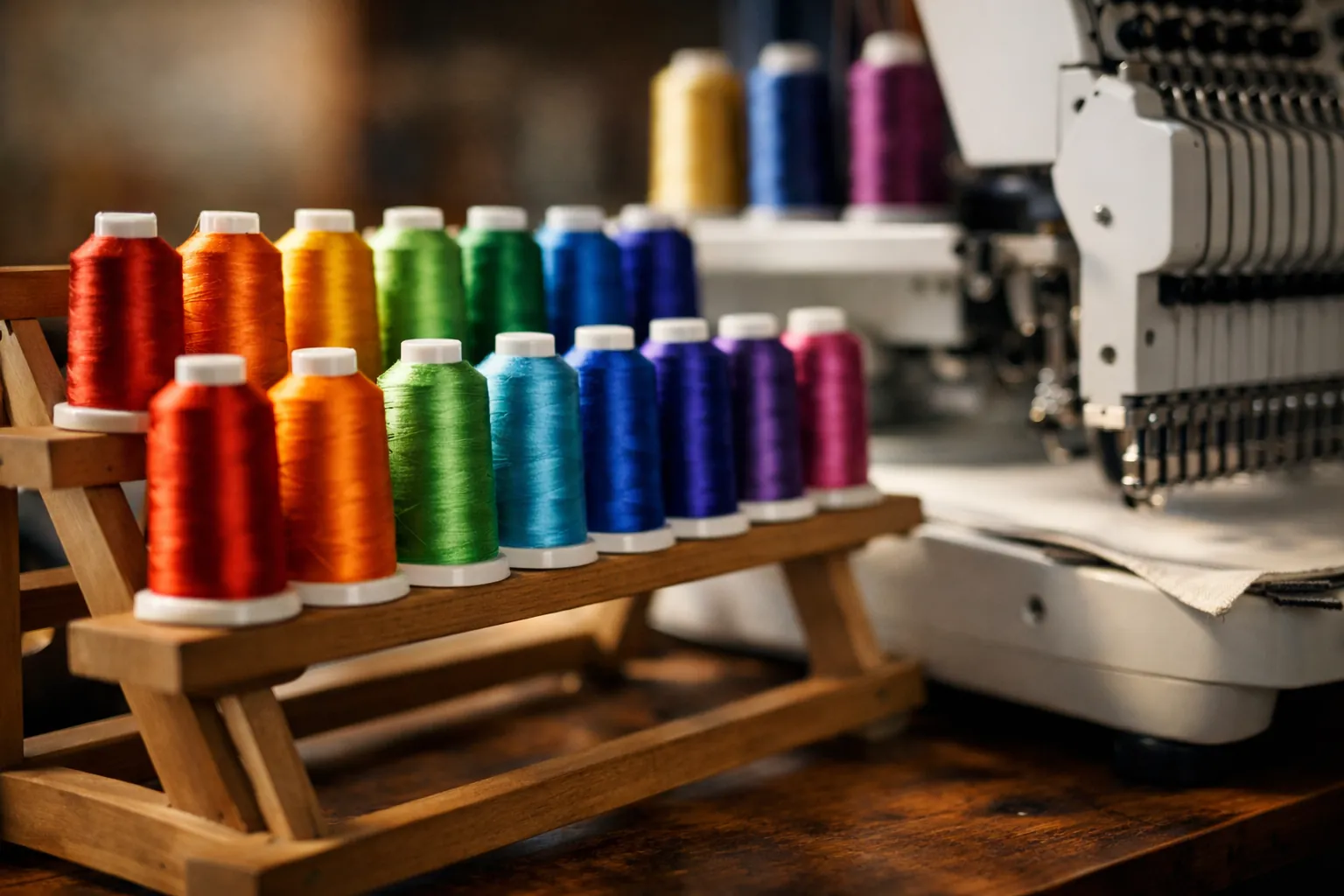
- New brothread 40-color polyester embroidery thread kit: the best-selling machine embroidery thread kit in our searches, with 12,000+ ratings. Not sure which kit? Our embroidery thread picks match kits to Brother and Janome color charts.
- Tear-away stabilizer, 100 precut 8x8 sheets for towels and woven cottons.
- Cut-away stabilizer, 100 precut 8x8 sheets for T-shirts and other knits, sweatshirts included.
- Schmetz embroidery needles, size 75/11. The larger eye protects the thread at embroidery speed.
- Prewound size A bobbins (SA156) for Brother machines.
Our pick, and when to spend more
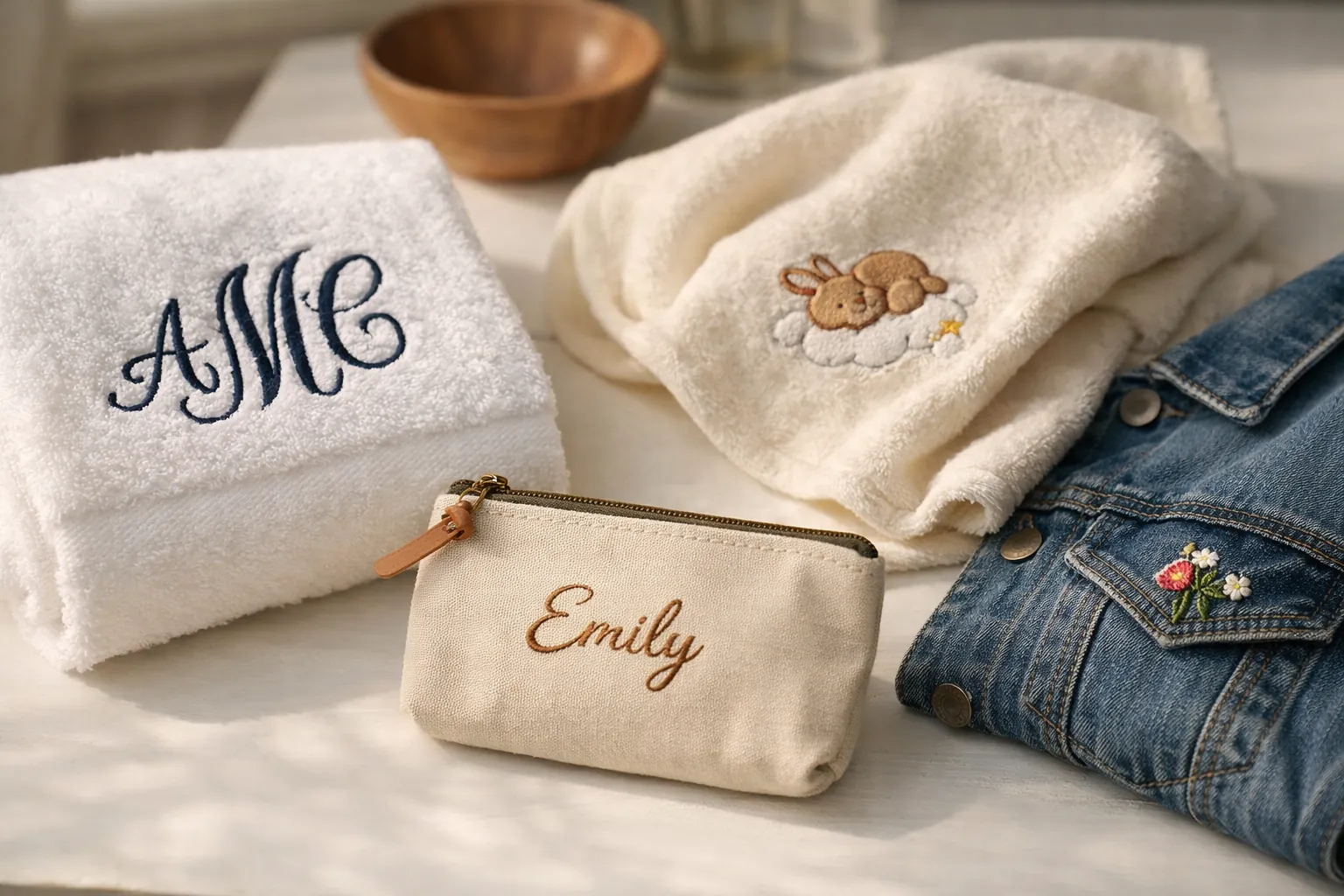
Buy the Brother SE700 if your first projects are names on towels and patches on bags. It's the category best seller, it's easy to learn, and it sews when you need a hem. If you can already picture designs on sweatshirt fronts, go straight to 5x7: the Brother PE900, or the SE2000 if you also need the sewing machine. Still torn between models? Read SE600 vs SE700 or our PE line comparison.
Specs and features come from each manufacturer's Amazon listing, checked October 3, 2026. Prices change often, so the buttons above show the current price on Amazon. How we research · Affiliate disclosure