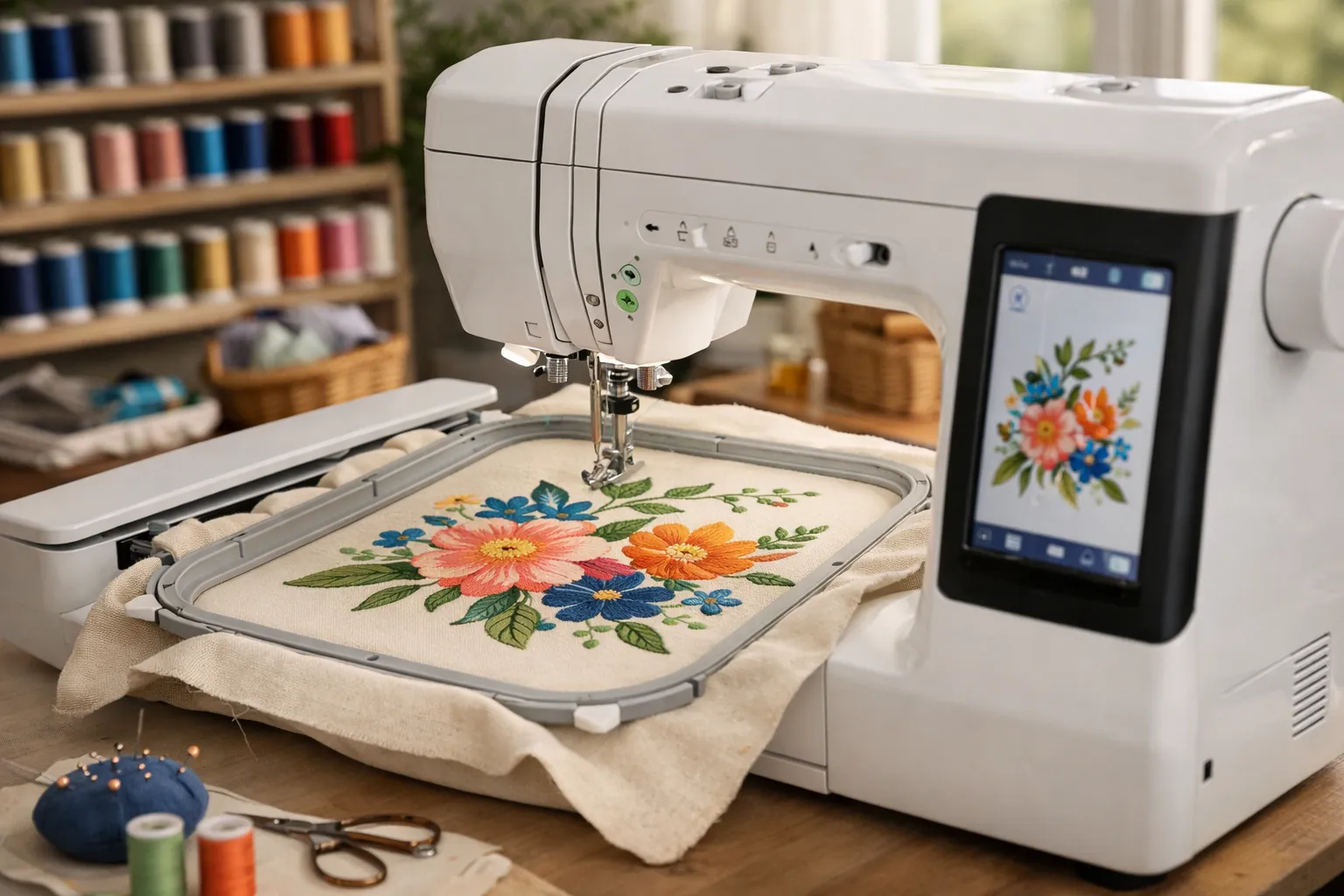
Verdict: the Brother SE2000 is worth it if you don't own a sewing machine and you want 5x7 embroidery. You get every embroidery feature of Brother's PE900 (the 5x7 field, jump stitch trimming, color sort, Wi-Fi) attached to a 241-stitch sewing machine. Already have a sewing machine you like? The embroidery-only PE900 does the same embroidery for less. Happy with 4x4? The SE700 costs much less.
At a glance
| Type | Computerized sewing + embroidery combo |
|---|---|
| Max embroidery area | 5" x 7" (hoop included) |
| Built-in designs | 190+ built in, plus 50 downloadable via Artspira |
| Lettering fonts | 13 |
| Sewing stitches | 241, with 10 buttonhole styles |
| Screen | 3.7" color LCD touchscreen with on-screen editing |
| Design transfer | Wi-Fi (Design Database Transfer, Artspira app) + USB |
| Embroidery time-savers | Advanced color sort, jump stitch trimming |
| Feet included | 8 |
| Amazon (Oct 3, 2026) | #5 in Embroidery Machines; 4.6 stars from 200+ ratings, 86% five-star |
From Brother's Amazon listing. The buttonhole count comes from an Amazon retailer bundle listing of the same machine, as do sideways sewing and the My Custom Stitch feature.
This is a spec review. We compared Brother's listings, Amazon rating data and competing models, and we did not sew on the SE2000. How we research.
Brother SE2000
Garment sewing and quilting on one side, 5x7 embroidery on the other, and the embroidery gets the time-savers Brother keeps for its newer models.
- Embroidery area5" x 7"
- Built-in designs190+
- Fonts13
- Sewing stitches241
- Screen3.7" touchscreen
- TransferWi-Fi + USB
- Extrascolor sort, jump stitch trimming
Why it stands out
- 5x7 field for shirts and bags, even quilt blocks
- Jump stitch trimming and color sort
- 241 sewing stitches: a capable sewing machine on its own
Think twice if
- You already own a sewing machine (the PE900 is the same embroidery for less)
- You only make monograms and patches (the SE700 is enough)
What's good
The 5x7 field
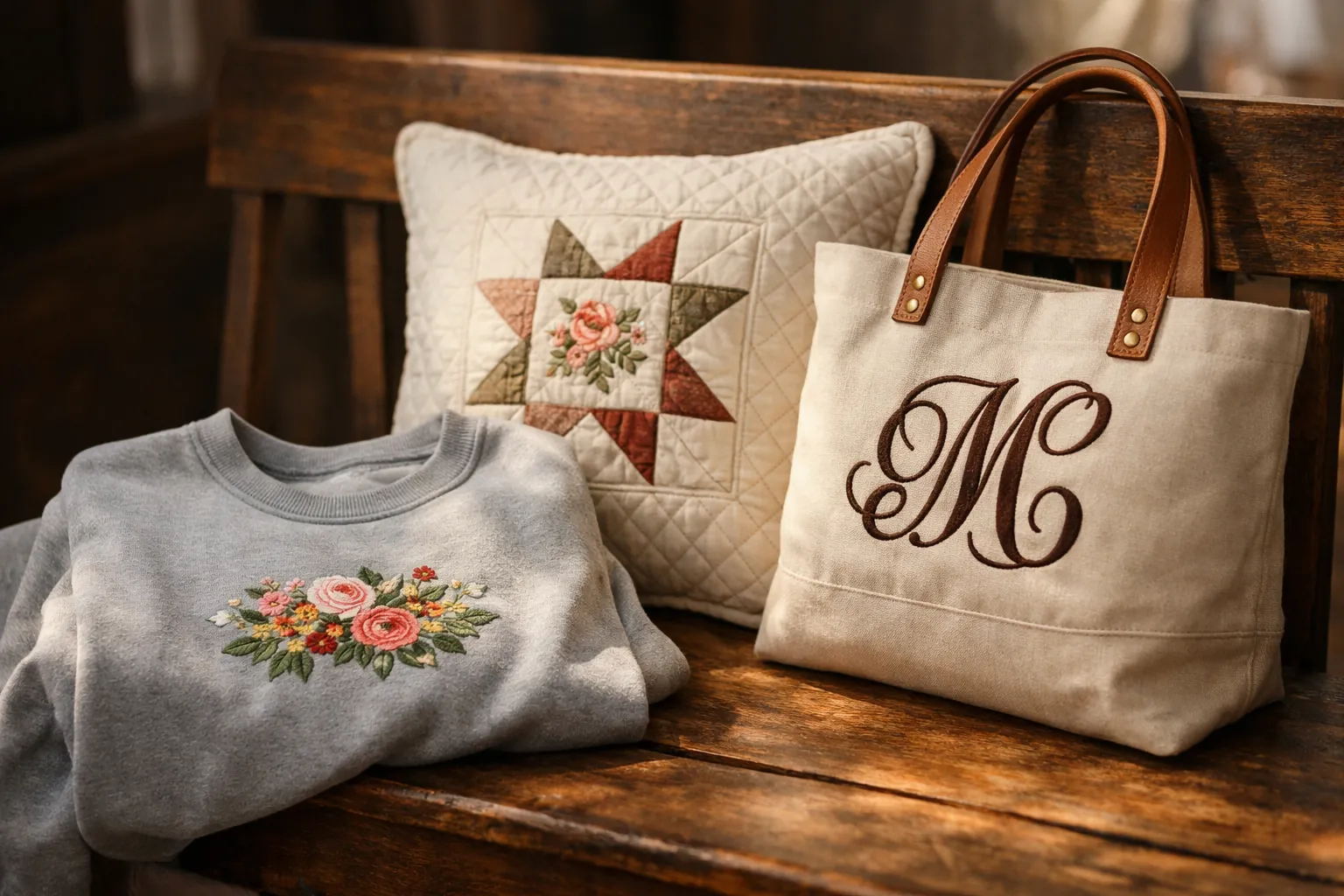
This is why you'd pay more than the SE700 costs. A 5x7 field has more than twice the area of 4x4. That takes you past monograms and patches to sweatshirt chests and tote fronts, bigger names, and most quilt-block designs. Our hoop sizes guide shows what fits.
Jump stitch trimming and color sort
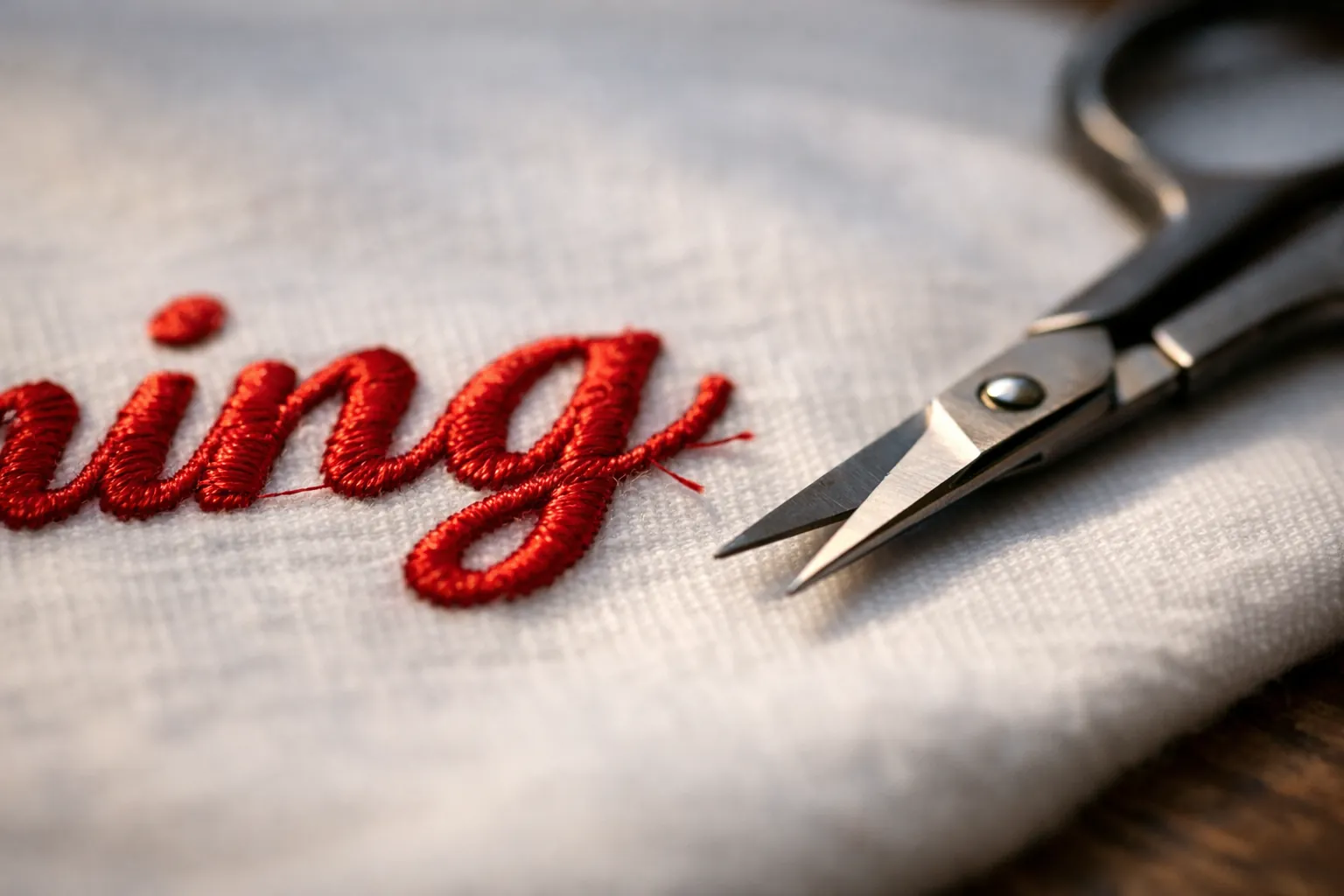
When a design jumps from one area to another in the same color, most entry machines leave a loose thread for you to snip afterward. The SE2000 trims those itself. Advanced color sort reorders combined designs so each color stitches once, which means fewer thread changes. Both save real time on lettering and multi-part designs, and the SE700 lists neither.
A serious sewing machine, too
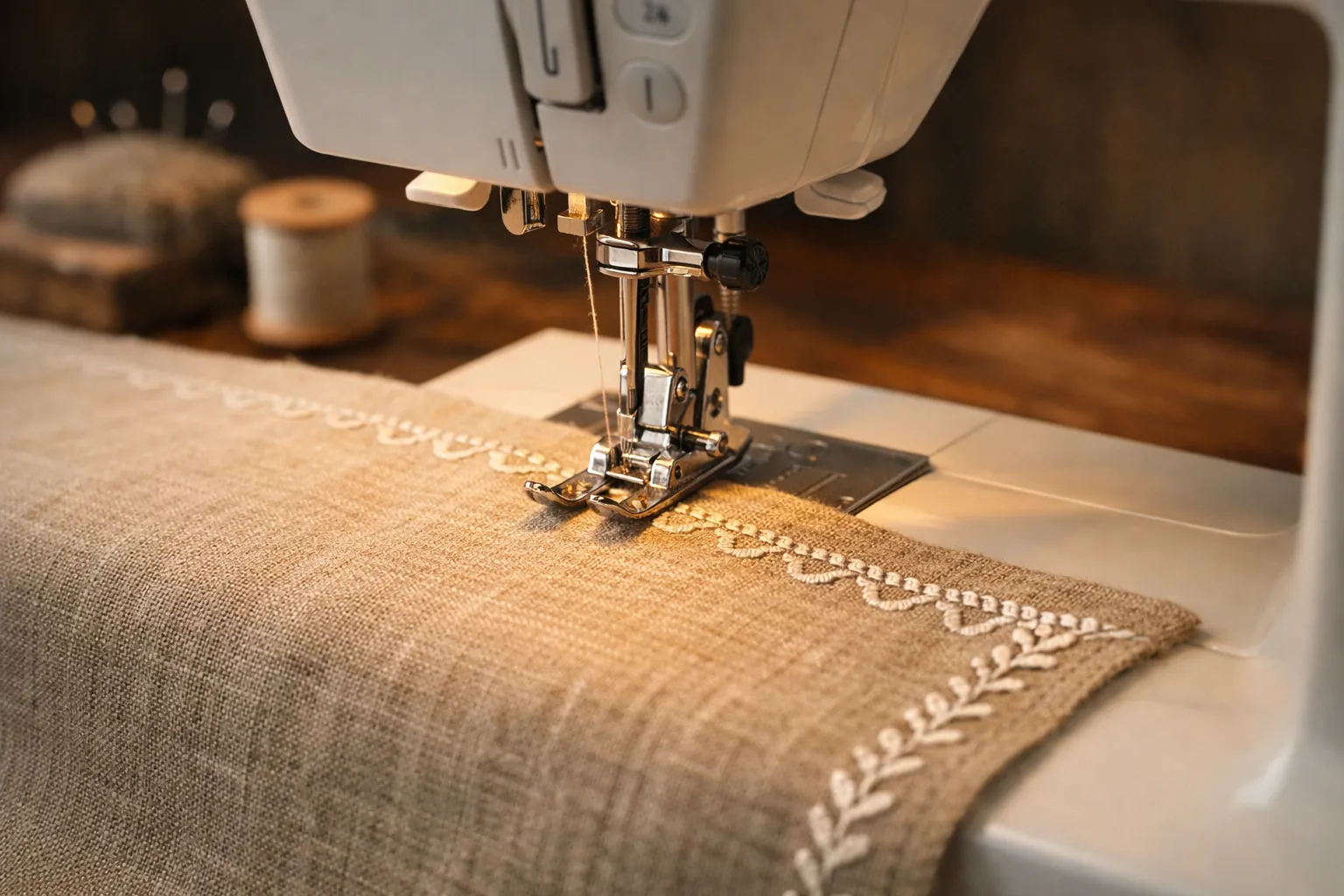
Take the embroidery unit off and you have a sewing machine with 241 stitches and ten buttonhole styles, well beyond the SE700's 103 stitches. A retailer bundle listing also describes sideways sewing and a My Custom Stitch feature for designing and saving your own stitches.
Wireless design transfer
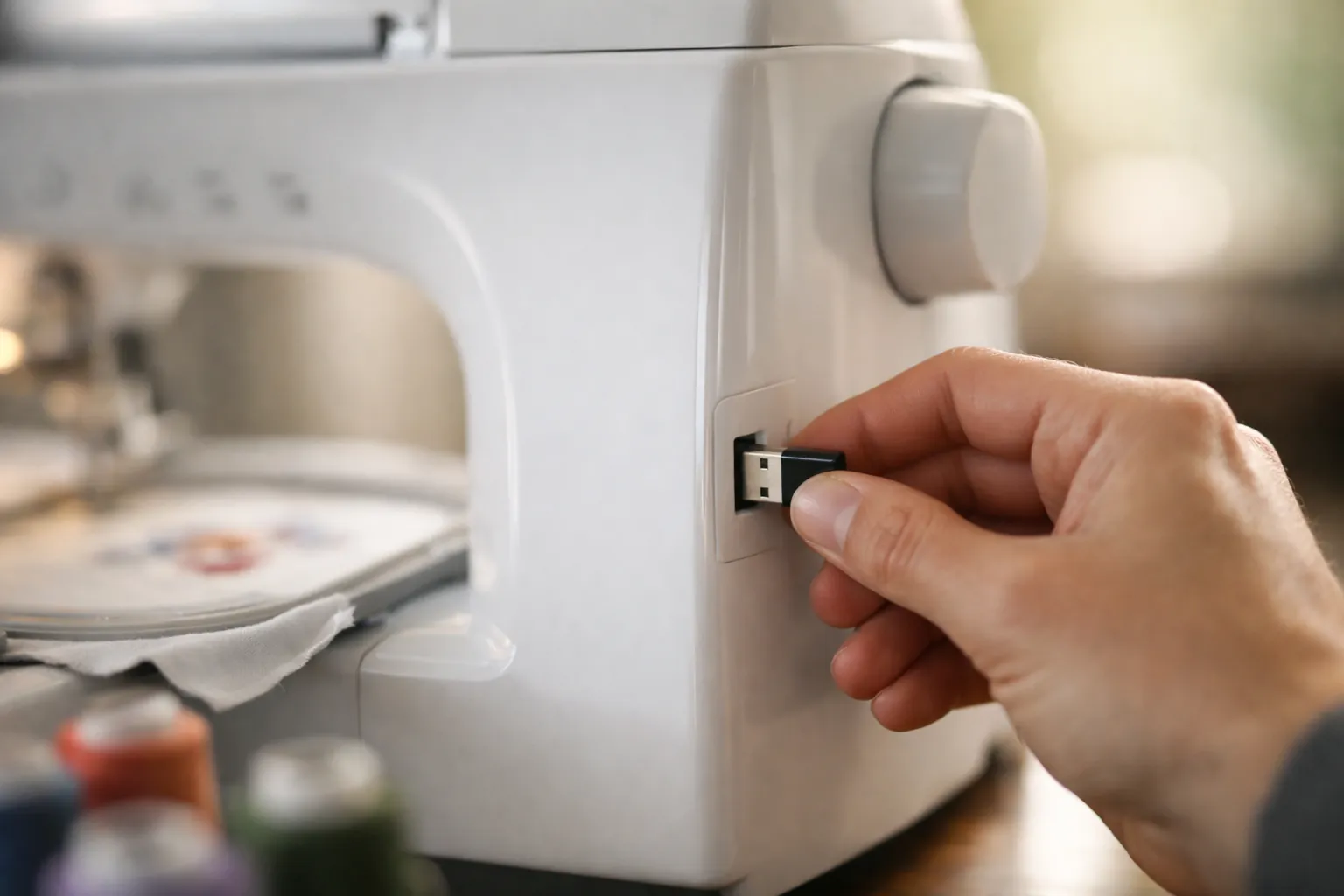
Designs arrive from a computer through Brother's free Design Database Transfer software, or from your phone through Artspira, where you can also draw your own (50 free designs are included). USB still works.
What to know before you buy
It does one job at a time. While it embroiders, you can't sew, so if you'll often do both in one session, two machines are more efficient: a sewing machine plus a PE900.
Brother's listing mentions one hoop, for the 5x7 field. A 4x4 for small designs or a pocket hoop costs extra unless you buy a retailer bundle. Structured caps are out too; like every single-needle home machine, it embroiders flat items. See embroidery machines for hats if that matters.
Then the price. It costs much more than the SE700 and more than the PE900, and what you're paying for is 5x7 plus a sewing machine in one footprint. Owners seem satisfied: on October 3, 2026, 86% of its ratings were five stars and 6% one star, close to the PE900's 82% and 6%.
What using it looks like
People ask most about switching modes. To embroider, you attach the embroidery unit, which carries the hoop on a motorized arm, then pick a design on the touchscreen or send one over Wi-Fi. Before stitching you can resize or rotate it on screen, move it, combine it with another, or edit lettering. At each color change the machine stops and shows which thread to load next, and with color sort on, combined designs need fewer stops.
To sew, take the unit off. What's left is a normal computerized machine with an automatic needle threader and a drop-in bobbin, like the rest of Brother's line. You pick stitches on the same 3.7-inch touchscreen you use for embroidery, not with buttons and dials.
For a first project, stitch a name in one of the 13 built-in fonts on a tea towel backed with tear-away stabilizer. It walks you through hooping and positioning, and a couple of color changes, in about the time it takes to make a coffee, and you don't need to buy a design.
Running costs
Bigger designs use more of everything: more stabilizer per hooping, more thread per design, more bobbin thread. None of it is expensive. Plan on a starter kit anyway, with a 40-color thread set and both tear-away and cut-away stabilizer, plus embroidery needles and prewound bobbins in the size your manual specifies. Designs are the other cost. The built-in library and Artspira's free designs are enough to start, and most design shops sell Brother's PES format.
SE2000 vs the alternatives
| SE2000 | PE900 | SE700 | SE1900 | |
|---|---|---|---|---|
| Sews? | Yes, 241 stitches | No | Yes, 103 stitches | Yes, 240 stitches |
| Max embroidery | 5" x 7" | 5" x 7" | 4" x 4" | 5" x 7" |
| Built-in designs | 190+ | 193 | 135 | 138 |
| Fonts | 13 | 13 | 10 | 11 |
| Screen | 3.7" | 3.7" | 3.7" | 3.2" |
| Wi-Fi | Yes | Yes | Yes | No |
| Jump stitch trimming | Yes | Yes | Not listed | Not listed |
| Link | SE2000 | PE900 | SE700 | SE1900 |
The PE900 has identical embroidery features. Choose it if you already sew on another machine: it costs less, and your sewing machine stays free while it stitches.
Against the SE700, you're paying more for 5x7, jump stitch trimming and a lot more sewing stitches. If your projects are small, save the money.
The SE1900 is the older 5x7 combo, with a 3.2-inch screen and no Wi-Fi, and Brother now lists it as discontinued. The next section compares it with the SE2000 in detail.
SE1900 vs SE2000
Buy the SE2000 if you're buying new. Brother's SE1900 product page reads Discontinued and the SE2000 page reads New, which is Brother's label for a current model (both checked October 3, 2026). Brother doesn't use the word "replacement" on either page, so we won't either, but the SE2000 is the only current combo in the SE lineup with a 5" x 7" field. The SE1900 is still a good machine for monograms and 5x7 designs, so it comes down to whether a used one is cheap enough to skip the upgrades.
| Spec | Brother SE1900 | Brother SE2000 |
|---|---|---|
| Brother status (Oct 3, 2026) | Discontinued | Current |
| Max embroidery area | 5" x 7" | 5" x 7" |
| Built-in embroidery designs | 138 (Brother's spec field says 136) | 193, plus 50 free downloads |
| Sewing stitches | 240 | 241 |
| Max sewing speed | 850 stitches per minute | 850 stitches per minute |
| Screen | 3" x 1.6" color touch LCD per Brother; the listing says 3.2" | 3.7" color touch LCD |
| Design transfer | USB only | USB, wireless LAN, Artspira app |
| Color Sort / jump stitch trimming | Not listed | Yes / yes |
Sources: Brother product pages for the SE1900 and SE2000, and the Amazon listings, checked October 3, 2026. Where Brother's page disagrees with itself (the SE1900's design count and screen size), we show both. The at-a-glance table at the top says 190+ designs for the SE2000, from Amazon's listing; Brother's page says 193.
The sewing rows are nearly identical: same speed, same buttonholes, one extra stitch. The changes are all on the embroidery side, and most are about getting designs onto the machine and stitching them with less handwork.
What the SE2000 adds
The SE1900 takes designs through its USB port and that's it. The SE2000 adds wireless LAN, so you can send a design from a PC with Brother's free Design Database Transfer software or from a phone with the Artspira app. If you already download designs to a computer, a USB stick does the same job with one extra step. If you want to draw or edit on a phone, Wi-Fi is the reason to buy the newer machine. Our Artspira app guide covers what's free and what isn't.
The change that saves the most time is jump stitch trimming. When a design jumps between letters or motifs in the same color, the thread travels across the top, and without trimming you snip those by hand at the end. On a name in script that's a handful of snips; on a scattered floral it's dozens. Color Sort reorders a multi-color design to cut thread changes, which helps when you combine several designs in one hooping. Add 55 more built-in designs and a 3.7-inch screen, and the SE2000 is simply less work to stand over.
What stays the same
The 5" x 7" field decides which projects fit, and it didn't change. A tote-bag monogram, a quilt block or a full name across a pillowcase fits either machine in one hooping. Hoops look like they carry over too: third-party sets on Amazon name both machines, for example this set of 4 hoops for the PE770, PE800, PE900, SE2000 and SE1900. Brother's SE2000 page also lists compatibility with its 4" x 7" magnetic hoop. Check the model list on every hoop listing, and see Brother hoop sizes by model for what fits each machine.
Used SE1900 or new SE2000?
A used SE1900 makes sense when it's complete (embroidery unit, hoop and foot controller), you can watch it stitch, and the price is well below a new SE2000. A small discount isn't enough. Without the embroidery unit, walk away. If you want to send designs from your phone, stitch lettering or scattered motifs often, or want a warranty you can register as the first owner, buy the SE2000 new. Brother lists a 25-year limited warranty on both, but a used machine's coverage depends on the seller and Brother's terms. Brother still hosts the SE1900's manual on its support page, so a used machine doesn't leave you without documentation.
The SE1900 has the longer track record on Amazon, with 1,659 ratings averaging 4.7 when we checked, which is a lot of owner experience to read through before you buy: Brother SE1900 listing. Some SE2000 bundles add hoops and supplies; the SE2000 Ultimate Embroidery Kit listing says it includes 5" x 12", 5" x 7", 4" x 4" and 1" x 2.5" hoops plus stabilizers and thread. If you don't need the sewing side at all, PE900 vs SE2000 shows the embroidery-only route.
Who should buy it
| You are... | Buy |
|---|---|
| Starting from scratch, want sewing + 5x7 embroidery | SE2000 |
| Already own a sewing machine, want 5x7 | PE900 |
| Monograms, patches and gifts only | SE700 |
| Planning to sell embroidery in volume | A multi-needle machine (see small business picks) |
What to buy with it
- 5x7 magnetic hoop listed for the SE2000, PE900 and PE800. Hooping thick items like sweatshirts and towels gets much faster.
- Sew Tech 4-hoop set (1x2.5, 4x4, 5x7, 5x12), which lists the SE2000 as compatible. You get a small pocket hoop, a 4x4 for small designs on less fabric, a spare 5x7 and a 5x12 multi-position hoop. It has 3,600+ ratings.
- 40-color polyester embroidery thread kit and prewound size A bobbins.
- Cut-away stabilizer sheets for sweatshirts and knits; see our stabilizer guide.
If you want faster hooping, magnetic embroidery hoops for Brother are sorted by model.
Worth it?
Only if it's going to be your one and only machine, and then yes. The Brother SE2000 is the most complete combo in Brother's mainstream line, pairing 5x7 embroidery (with jump stitch trimming and color sort) with a 241-stitch sewing machine. Anyone who already sews should put the money into a PE900 instead. And if your ideas fit in a 4x4 hoop, the SE700 saves a lot of money.
Specs come from Brother's Amazon listings (and a retailer bundle listing where noted), checked October 3, 2026. Prices change often, so the buttons above show the current price on Amazon. How we research · Affiliate disclosure