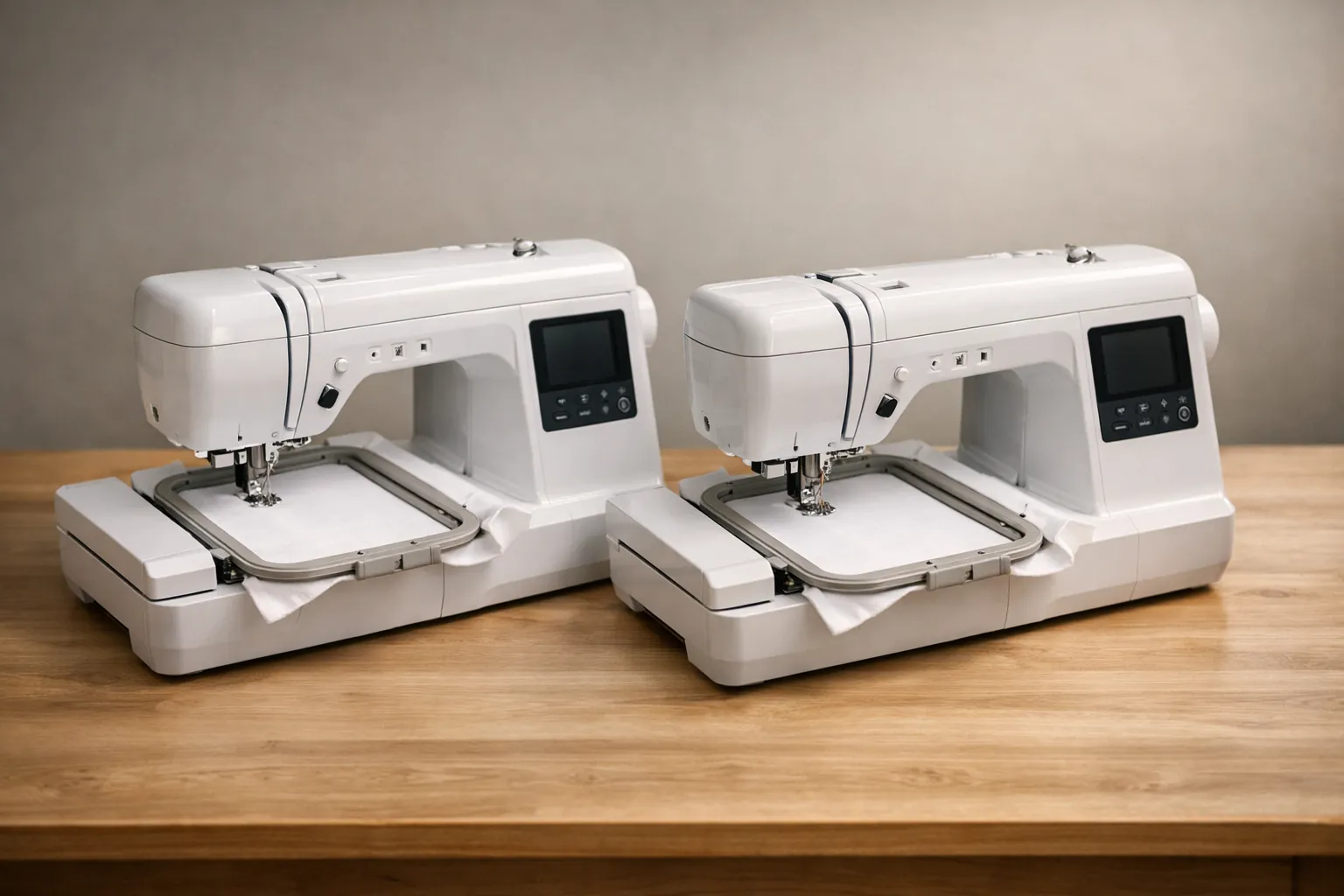
On Brother's own product pages, the SE700 and SE725 are the same machine, and the SE600 is the older version of it. All three stitch the same 4" x 4" field and have 103 sewing stitches. The SE700 and SE725 add Wi-Fi, the Artspira app and 135 built-in designs (the SE600 has 80), and Brother has discontinued the SE600. The SE725 is a Walmart exclusive with 50 free downloadable designs. Buy whichever of those two costs less on the day, and don't pay much extra for the 50 designs. Combo or two machines? See the best sewing and embroidery machine guide.
How we compared them
We pulled the product data from Brother's pages for the SE700 and the SE725 on October 3, 2026. Then we compared them field by field: status, embroidery area, designs, fonts, stitches, buttonholes, speed, threader, thread cutter, Wi-Fi, warranty and the full list of what's in the box. Both are listed as current.
The SE600 comes from Brother USA's product page for that model, checked the same day. It lists the SE600 as discontinued and out of stock, so there is less to compare, and where that page doesn't give a field we say so in the table rather than guess.
We couldn't compare Amazon listings, because there isn't one for the SE725 machine. Our Amazon search on the same day turned up only hoops and screen protectors that name it. So the SE725 has no buy button here.
This is a spec review. We didn't sew on any of these machines. How we research.
SE600 vs SE700 vs SE725, field by field
| Brother spec field | SE600 | SE700 | SE725 |
|---|---|---|---|
| Status (Oct 3, 2026) | Discontinued | Current | Current |
| Max embroidery area | 4" x 4" | 4" x 4" | 4" x 4" |
| Work area | Not checked | 6.4" x 4.0" | 6.4" x 4.0" |
| Built-in embroidery designs | 80 | 135 | 135 |
| Lettering fonts | 9 | 10 | 10 |
| Sewing stitches | 103 | 103 | 103 |
| Buttonhole styles | Not checked | 10 | 10 |
| Max sewing speed | Not checked | 710 spm | 710 spm |
| Needle threading | Automatic | Advanced | Advanced |
| Automatic thread cutter | Not checked | Yes | Yes |
| Design transfer | USB only | USB + wireless LAN | USB + wireless LAN |
| Artspira mobile app | No | Yes | Yes |
| Screen (Brother's feature text) | 3.2" color LCD | 3.2" x 1.8" color LCD | 3.2" x 1.8" color LCD |
| Warranty | Not checked | 25-year limited | 25-year limited |
| Unit dimensions | Not checked | 7.76" x 16.50" x 12.09" | 7.64" x 16.50" x 12.09" |
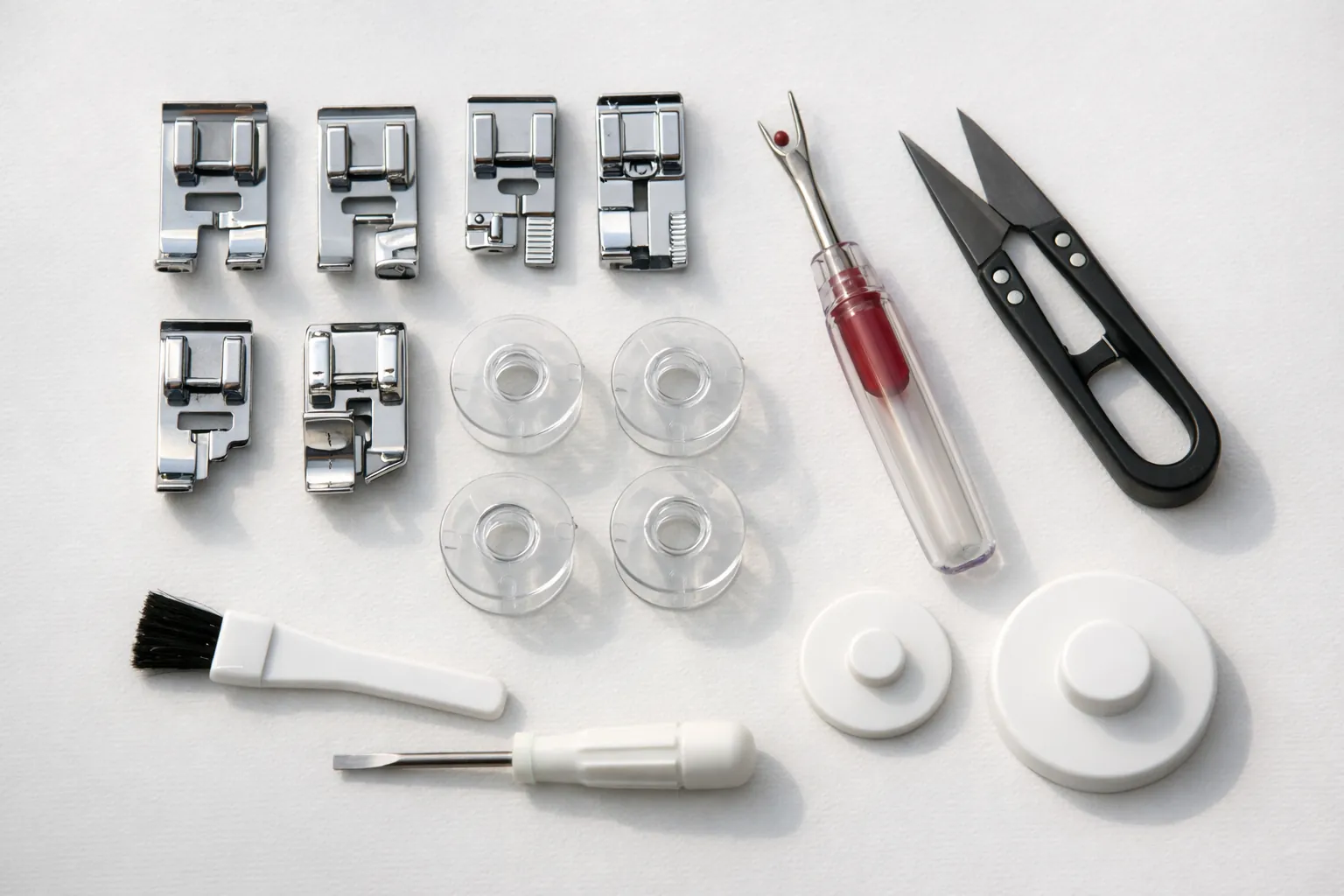
| Included accessories | 8 presser feet | Identical lists: 8 feet (J, N, G, I, R, M, A, Q), needle set, twin needle, 2 bobbins, 3 pre-wound bobbins, 4" x 4" embroidery frame, foot controller, dust cover and the rest | |
| Where sold | Leftover stock or used | General retail, including Amazon | Brother calls it a Walmart exclusive |
| Bonus designs | None | Not mentioned on Brother's page | 50 free downloadable designs |
Sources: Brother product pages for the SE700 and SE725, and Brother USA's page for the SE600, checked October 3, 2026. The SE700's Amazon listing describes a 3.7" touchscreen while Brother's feature text for the SE700 and SE725 says 3.2" x 1.8"; we show Brother's figure so the three columns compare like for like. The 0.12" depth difference between the SE700 and SE725 is the only spec that differs, and it's small enough to be a measurement difference.
Read down the columns and nothing about what the machines can physically stitch changed. The SE600 to SE700 step is about getting designs onto the machine and having more of them built in. The SE700 to SE725 step is a store and a download offer.
What the SE700 and SE725 add over the SE600
Wireless transfer and the Artspira app
This is the headline upgrade. On the SE600 you save a design to a USB stick and plug it into the machine. The SE700 and SE725 can also take designs over your home Wi-Fi, either from a PC running Brother's free Design Database Transfer software or from your phone through Artspira, where you can draw simple designs of your own or pick from the app's collection. The USB port is still there if you prefer it.
More designs and one more font
The SE700 and SE725 have 135 built-in designs against the SE600's 80, and 10 lettering fonts against 9. If you're starting out and don't want to buy design files yet, that's a useful library. Most people end up buying or downloading designs anyway, so count it as a bonus, not a reason to buy.
The screen: a smaller gain than it sounds
Amazon's SE700 listing says 3.7 inches against the SE600's 3.2, which would be half an inch more room for moving and resizing designs. Brother's own feature text for the SE700 and SE725 says 3.2" x 1.8" though, so we wouldn't buy on the screen.
What stayed the same
The hoop and the sewing side. All three have a 4" x 4" maximum field and 103 stitches, including the basics (straight, zigzag, stretch), decorative stitches and one-step buttonholes. Take the embroidery arm off and you have a computerized sewing machine with an automatic needle threader and a drop-in bobbin. So for mostly sewing with some monograms, no one of these sews better than another. The choice comes down to transfer, built-in designs and whether you want a new machine under warranty.
The embroidery workflow is also identical. Snap on the arm, hoop the fabric over stabilizer, pick a design and press start; the machine stops at each color change and tells you which thread to load. What takes practice has nothing to do with the model: hooping fabric tight but not stretched, choosing the right stabilizer and picking designs digitized for your fabric. All three read Brother's PES format, the most common one sold by design shops.
Should you buy a used SE600?
Only if the price is clearly lower and you can watch it work. A used SE600 in good order stitches the same size designs, so it makes the same projects. You lose the new-machine warranty, Wi-Fi transfer and 55 built-in designs. Before buying, check that the embroidery arm moves smoothly and that the original 4x4 hoop and feet are included, then ask the seller to stitch a test design while you watch.
The 50 free designs: worth paying for?
This is the SE725's one listed extra. Brother's page sets out the conditions:
- You need machine firmware version 1.51 or later and the Artspira app to redeem them.
- Updating the firmware needs a USB drive, which isn't included. Firmware is on Brother's SE725 support page.
- The designs are for personal, non-commercial use only. If you're planning to sell embroidered items, they don't help.
Fifty designs is a nice bonus, but it's not a reason to pay more. Both machines already come with 135 built-in designs and connect to Artspira, and Brother points both to its iBroidery store, which it says has over 5,000 designs for purchase. If the two cost the same, take the SE725 and the bonus. If the SE725 costs more, the SE700 is the better deal.
How to choose
For the SE700 and the SE725, price decides it, and so does where you like to shop:
- Check the SE700 price on Amazon and the SE725 price at Walmart on the same day.
- If they're within a few dollars, take the SE725 for the free designs.
- If the SE700 is cheaper, or comes in a bundle with extra hoops or thread, take the SE700.
- Compare return windows. If you're new to embroidery, a generous return window is worth more than 50 designs.
A question that shows up in searches ("se700 vs se725 reddit") is whether the SE725 has better internals. Brother's spec fields give no sign of that, and we'd need a published Brother statement to say otherwise.
| If you... | Choose |
|---|---|
| Want a new combo machine for monograms, gifts and everyday sewing, bought on Amazon | Brother SE700 |
| Shop at Walmart and the price matches | SE725, for the 50 bonus designs |
| Found a used SE600 at a low price and can test it | SE600 (used) |
| Only want embroidery, not sewing | Brother PE545 (4x4, Wi-Fi) |
| Want larger designs on shirts and bags | Brother SE2000 (5x7 combo) |
The one you can buy on Amazon
Brother SE700
The SE700 is the one we can link and verify, and it's selling well: it ranked #1 in Embroidery Machines on Amazon on October 3, 2026, with about 1,000 bought in the past month and more than a thousand ratings. Everything we've listed for the SE725 applies here except the bonus-design offer. Look at the bundles too. One SE700 combo listing adds four hoops (two 4" x 4", a 4" x 6.75" and a 1" x 2.5") plus 40 thread spools, which is worth more to a beginner than 50 downloadable designs.
- Max field4" x 4"
- Designs135
- Fonts10
- Sewing stitches103
- Buttonholes10
- Feet8
- Wi-Fiyes
Why it stands out
- Identical specs and accessories to the SE725 per Brother
- Sold widely, so it's easy to compare prices and return policies
- Large owner base for help
Think twice if
- You can get the SE725 at Walmart for the same price, since you'd get the bonus designs too
- You want designs larger than 4" x 4"
What these machines can and can't do
Since the choice comes down to price and transfer, the more useful question is whether this class of machine fits what you want to make. All three have a 4" x 4" maximum field. That covers a name or initials on a towel, a small motif on a onesie, a left-chest design on a polo or a small patch. It doesn't cover a design across the back of a jacket, a 5" x 7" quilt block or a long name in large letters without splitting it. Full-chest shirt designs and tote bag fronts also need 5x7, and our hoop sizes guide shows what fits in each size.
Hoop sets for this family often include a 4" x 6.75" multi-position hoop. You re-position the hoop on the arm between sections, and each section still stitches inside the 4" x 4" field, so it works for borders and longer lettering if you're patient with alignment.
The sewing side is a capable everyday machine: 103 stitches, 10 one-step buttonhole styles on the SE700 and SE725, an automatic thread cutter and eight feet, per Brother. It isn't built for heavy denim or thick quilts. If sewing is the bigger half of what you do, read SE700 vs PE545 before buying a combo at all.
If you already suspect 4" x 4" will feel small, the step up is the SE2000, the only current Brother combo with a 5" x 7" field, or the embroidery-only PE900.
Hoops and accessories fit all three
With the same field and the same embroidery frame in the box, hoop listings treat them as one family. This magnetic hoop set for the SE700, SE725 and PE545 is a typical example, and another magnetic hoop set lists the SE600 alongside the SE700, PE545 and SE725. Magnetic hoops make thick items such as towels much easier to hoop; confirm the listed compatibility first. Our pick of magnetic hoops is in the best magnetic embroidery hoop for Brother, and every code is listed in Brother hoop sizes by model.
For supplies, the usual starter list is a 40-color polyester embroidery thread kit, tear-away stabilizer sheets for towels and stable woven fabrics, and prewound size A bobbins. Knits need cut-away stabilizer instead; our stabilizer guide explains. Print our machine embroidery cheat sheet for needle, stabilizer and topping by fabric.
If you're also weighing other models
The real decision for most people isn't which of these three. It's combo vs embroidery-only, which we cover in SE700 vs PE545, or 4x4 vs 5x7, which you can see across all Brother embroidery models compared. For beginners choosing from the whole field, see the best embroidery machine for beginners.
Bottom line on the SE600, SE700 and SE725
Hold a 4-inch square of paper over the things you want to embroider. If your ideas fit inside it, treat the SE700 and SE725 as one machine and shop on price: the Brother SE700 is the one you can buy on Amazon, and the SE725 is worth it at Walmart only when it costs about the same. A used SE600 is the same size of machine without Wi-Fi, so only take one at a clear discount. If you keep wishing the square were bigger, skip all three.
All SE725 details come from Brother's product page; we found no Amazon listing for the SE725 machine on October 3, 2026. SE700 details from Brother and the Amazon listing on the same date; SE600 details from Brother USA's product page. Prices change often, so the buttons show the current price on Amazon. How we research · Affiliate disclosure