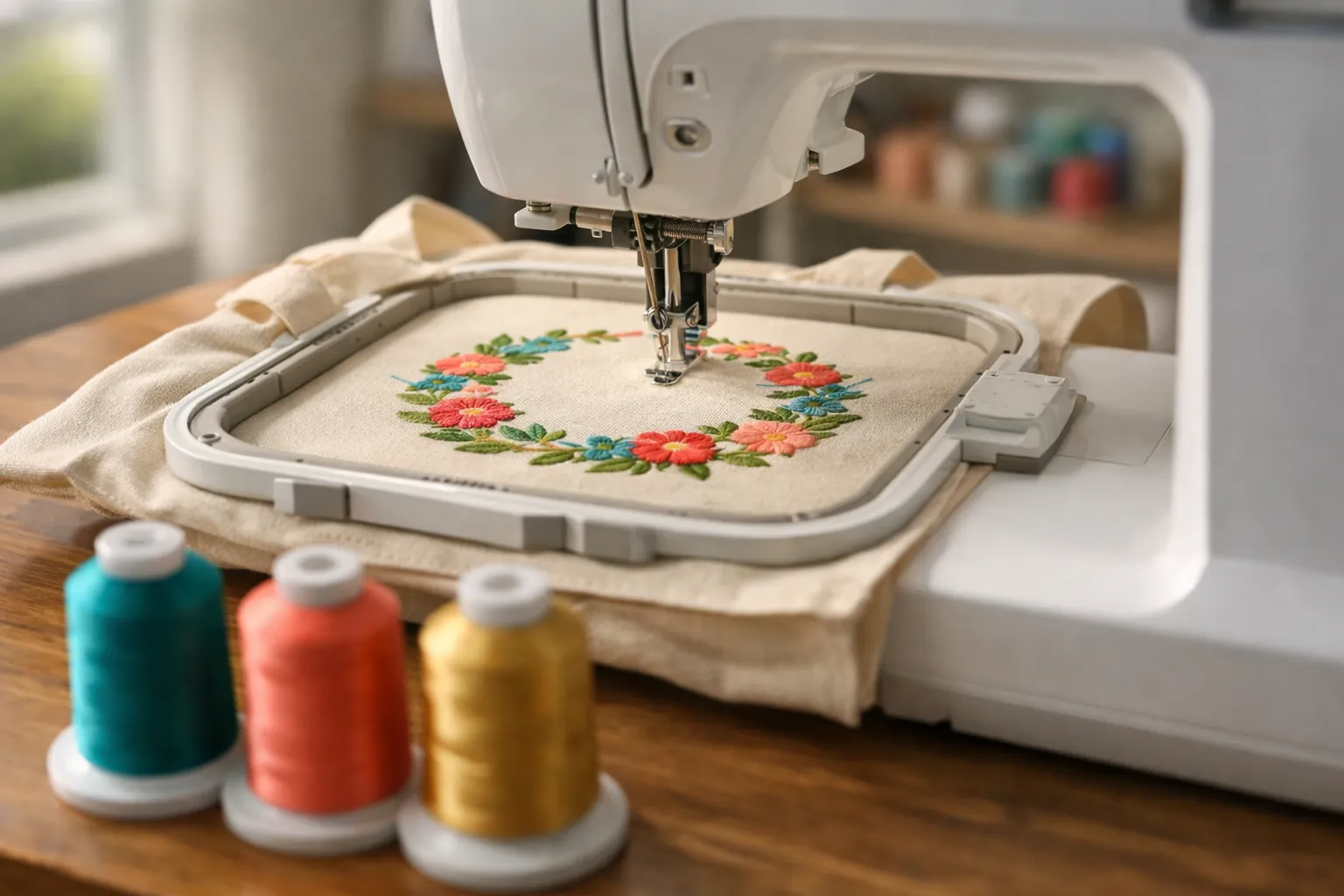
Choose by hoop size first. The PE535 and PE545 embroider up to 4x4 inches; the PE800 and PE900 go up to 5x7. In each pair the older model (PE535, PE800) is discontinued, and the newer one (PE545, PE900) adds Wi-Fi transfer, a bigger touchscreen and more built-in designs. That leaves one real decision for most buyers today: PE545 if 4x4 is enough, PE900 if you want 5x7. If you are weighing the PE545 against the SE700, the embroidery is identical, so the question is whether you need the machine to sew (see SE700 vs PE545).
Quick picks
| Best for most people | Brother PE900 | Amazon |
|---|---|---|
| Best 4x4 on a budget | Brother PE545 | Amazon |
How we compared them
This is a spec review. We compared official specs and didn't stitch on these machines. How we research.
The PE545 and PE900 figures come from Brother's own Amazon listings, checked October 3, 2026. That day the PE545 ranked #2 and the PE900 #3 in Amazon's Embroidery Machines category, behind only the SE700 combo. The PE535 and PE800 no longer appear new in Amazon search results, so their specs come from Brother USA's product pages, which list both as discontinued.
One thing all four share: they're embroidery-only. None of them sews regular seams.
All four side by side
| Spec | PE535 | PE545 | PE800 | PE900 |
|---|---|---|---|---|
| Max embroidery area | 4" x 4" | 4" x 4" | 5" x 7" | 5" x 7" |
| Built-in designs | 80 | 135 | 138 | 193 (+50 via Artspira) |
| Fonts | 9 | 10 | 11 | 13 |
| Touchscreen | Color LCD | 3.7" | 3.2" | 3.7" |
| Wi-Fi + Artspira app | No | Yes | No | Yes |
| USB port | Yes | Yes | Yes | Yes |
| Jump stitch trimming / color sort | Not listed | Not listed | Not listed (auto thread cutter listed) | Yes / Yes |
| Needle-to-arm space | Check listing | Check listing | Check listing | 7.4" |
| Status | Discontinued | Current | Discontinued | Current |
PE535 and PE800 figures from Brother USA (PE800: 138 designs, 11 fonts including 7 lettering alphabets, automatic thread cutter). PE545 and PE900 from Brother's Amazon listings. "Check listing" means the spec isn't stated in the source.
Hoop size: the decision that matters
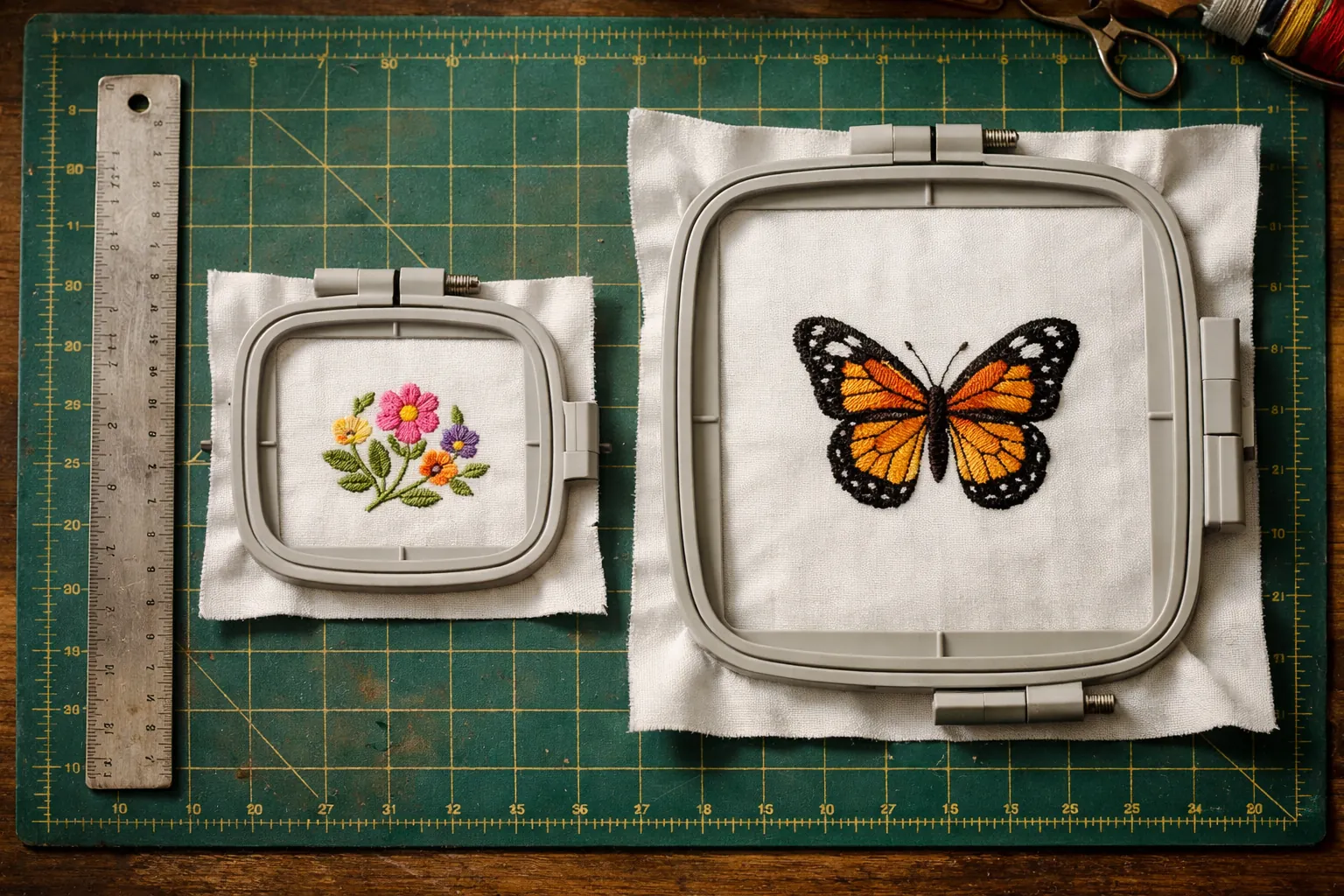
Every other difference on this page is a convenience. Hoop size changes what you can make. A 5x7 field has more than twice the stitching area of 4x4: 35 square inches versus 16.
| What you want to make | 4x4 (PE545) | 5x7 (PE900) |
|---|---|---|
| Monograms, initials, names in small fonts | Yes | Yes |
| Patches, small left-chest logos | Yes | Yes |
| Towel borders, baby bibs | Yes | Yes |
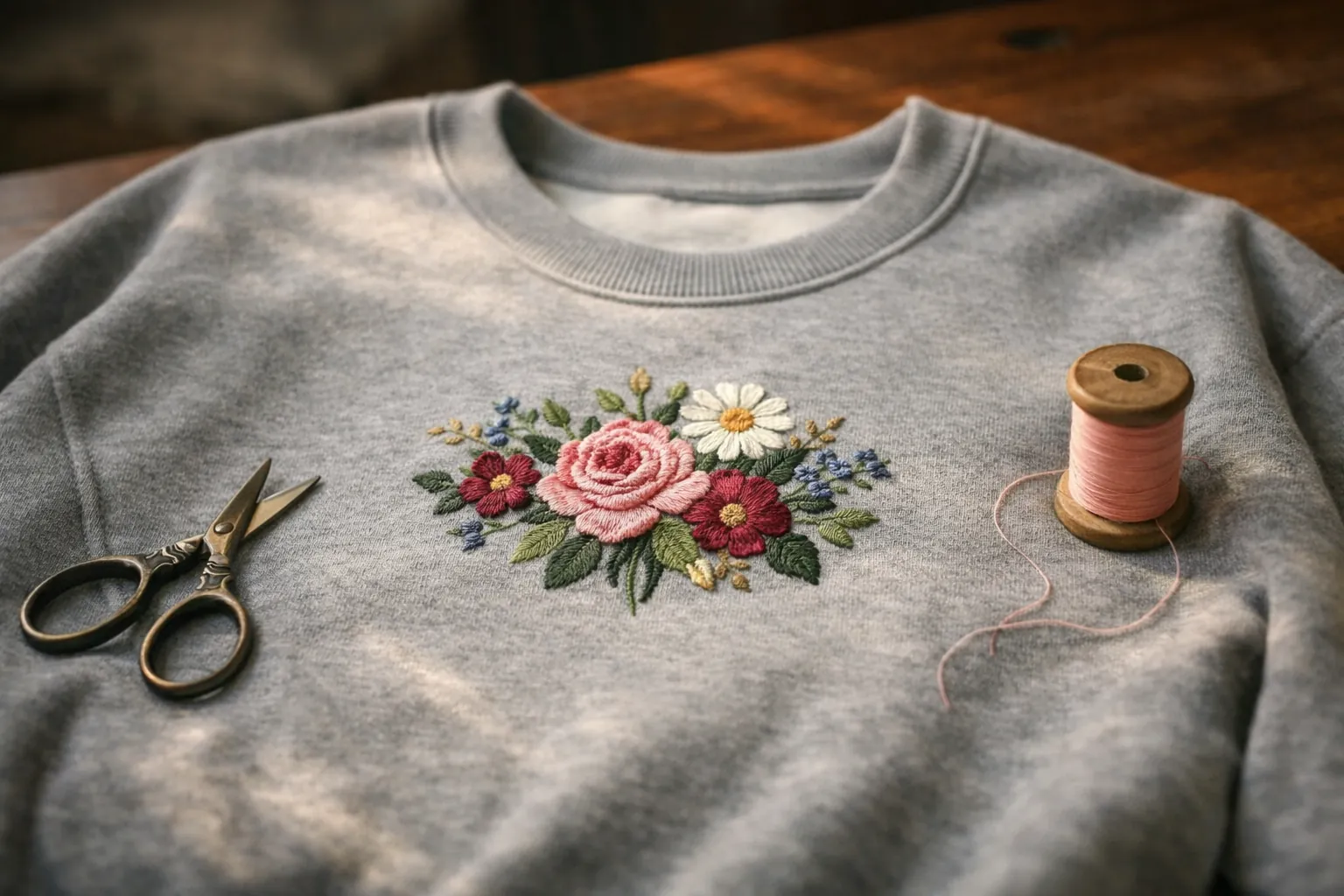
| Full-chest shirt and sweatshirt designs | Too small | Yes |
| Tote bag fronts, pillow covers | Re-hoop or too small | Yes |
| Quilt block designs | Small blocks only | Most standard blocks |
The two to buy new
Brother PE900
Brother's current 5x7 embroidery-only machine, and the one we'd point most people to. The bigger field covers sweatshirt fronts and tote bags, plus most quilt-block designs. Two features earn their keep on multi-color work. Advanced color sort reorders a design to cut thread changes. Jump stitch trimming cuts the loose threads that jump between parts of the same color, which you'd otherwise snip by hand.
It also has Wi-Fi transfer, the Artspira app (with 50 free designs) and the largest built-in library in this line-up. A hobbyist is unlikely to outgrow it.
- Embroidery area5" x 7"
- Built-in designs193 (+50 via Artspira)
- Fonts13
- Screen3.7" touchscreen
- TransferWi-Fi + USB
- Needle to arm7.4"
- Extrascolor sort, jump stitch trimming
Why it stands out
- 5x7 field for shirts and bags, and quilt blocks
- Jump stitch trimming and color sort save cleanup time
- Wi-Fi plus USB design transfer
Think twice if
- You also want to sew seams: it's embroidery-only (see the SE2000)
- You only plan to monogram small items
Brother PE545
When the PE545 replaced the PE535, the 4x4 field stayed and the newer conveniences arrived: Wi-Fi transfer and the Artspira app, a 3.7-inch touchscreen with built-in tutorial videos, and 135 built-in designs. An accessory pouch holds needles and prewound bobbins, along with scissors and a seam ripper.
Buy it if you know your projects are small: monogrammed towels, patches, baby gifts, little logos. It's also the cheaper way to add embroidery next to a sewing machine you already own, at noticeably less than the 5x7 PE900.
- Embroidery area4" x 4"
- Built-in designs135
- Fonts10
- Screen3.7" touchscreen
- TransferWi-Fi + USB
- Typeembroidery only
Why it stands out
- Lowest-cost current Brother embroidery-only model
- Same Wi-Fi and Artspira features as the PE900
- Plenty for monograms and patches
Think twice if
- You'll want shirt-front or tote-size designs, since 4x4 will frustrate you quickly
- You want a combo: the SE700 has the same 4x4 field and also sews
Should you buy a used PE535 or PE800?
Both still work fine. A used PE800 stitches the same 5x7 area as the PE900, and Brother lists an automatic thread cutter on it. Next to the PE900 you give up Wi-Fi, the larger screen, 55 built-in designs, plus color sort and jump stitch trimming. A PE535 covers the same 4x4 area as the PE545, with 80 designs and USB transfer only.
We'd only buy one if three things are true. It's clearly cheaper than the new model. It comes with its original hoop. And you've watched it stitch a test design. There's no new-machine warranty to fall back on.
Embroidery-only vs a combo machine
No sewing machine at home yet? Then consider a combo before any of the four PE models, since it can save money and table space. The Brother SE700 pairs a 4x4 field with a full sewing machine, and the Brother SE2000 does the same with a 5x7 field. The catch is that you can't sew and embroider at the same time. Our guide to embroidery machines vs sewing machines goes into it.
SE700 vs PE545: same embroidery, so do you need it to sew?
If you don't own a sewing machine, buy the SE700. If you already own one that works, buy the PE545. Brother lists the same embroidery side on both: a 4" x 4" field, 135 built-in designs, 10 fonts, wireless LAN and the Artspira app. What the SE700 adds is a sewing machine, and what the PE545 saves is money and the chance to sew and embroider at the same time. Specs below come from Brother's product pages for the SE700 and PE545 and the Amazon listings, checked October 3, 2026. Both are listed as current.
| Spec | Brother SE700 | Brother PE545 |
|---|---|---|
| Type | Sewing and embroidery combo | Embroidery only |
| Max embroidery area | 4" x 4" | 4" x 4" |
| Work area (needle to arm) | 6.4" x 4.0" | 6.4" x 4.0" |
| Built-in designs | 135 (75 motifs, 60 alphabet and frame designs) | 135 (75 motifs, 60 alphabet and frame designs) |
| Embroidery fonts | 10 | 10 (7 English, 3 Japanese, per the listing) |
| Wireless LAN / Artspira / USB | Yes / yes / yes | Yes / yes / yes |
| Screen | 3.7" color touch LCD per the listing (Brother's feature text says 3.2" x 1.8") | 3.7" color touch LCD |
| Sewing stitches | 103, with 10 one-step buttonholes | None |
| Presser feet included | 8, including the embroidery foot | 1 (embroidery foot Q) |
| Automatic thread cutter | Yes | Yes |
| Amazon ratings (Oct 3) | About 1,000 bought in the past month; 1,028 ratings | 100+ bought in the past month; 4.4 from 258 |
One combo, or two machines
The useful question is what happens if you buy the PE545 and keep (or buy) a separate sewing machine. Here is how that setup compares with one SE700:
| SE700 alone | PE545 + a basic sewing machine | |
|---|---|---|
| Embroidery | 4" x 4", 135 designs, Wi-Fi | Identical |
| Sew while a design stitches | No. The embroidery unit has to come off to sew. | Yes. Two machines, two jobs at once. |
| Switching between modes | Remove or attach the embroidery unit each time | No switching |
| Sewing features | 103 stitches, 10 buttonholes, thread cutter | Depends on the machine. A Brother XM2701 has 27 stitches and 1 one-step buttonhole; a CS5055 has 60 and 7. |
| Table space | One machine | Two machines |
| If one needs service | You lose both functions | You keep the other |
| Total cost | One price | Two prices. Add them up on the buttons, since both change often. |
If you already own a sewing machine, the PE545 column wins almost every row and costs less. If you don't, the math gets closer. A PE545 plus a Brother XM2701 (Amazon's top-selling machine in our data, about 5,000 bought in the past month) gives you two machines working at once. The SE700 gives you more sewing stitches, a thread cutter and one machine to store. Compare the two totals on the day you buy.
What switching modes means on the SE700
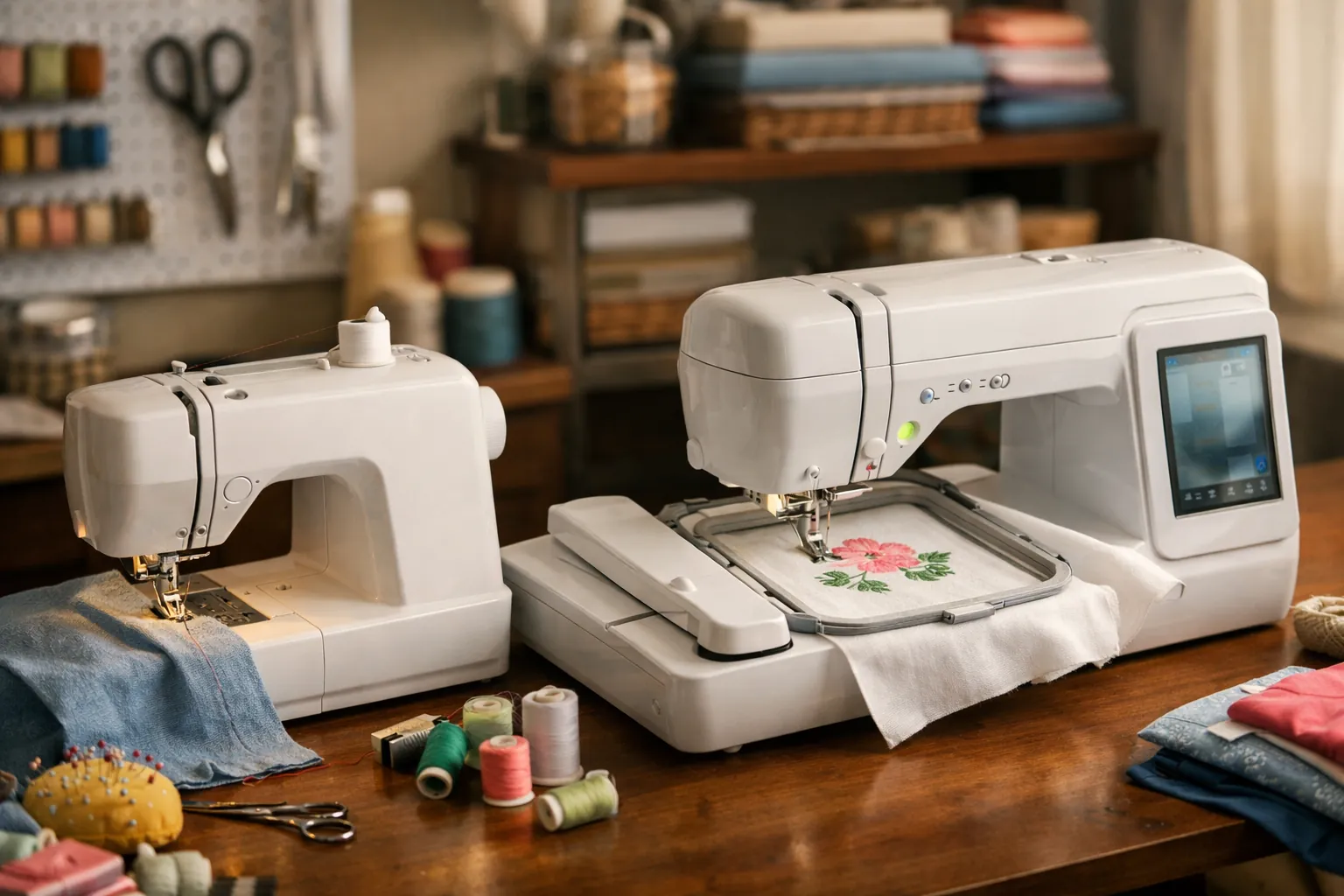
On a combo, the embroidery unit slides onto the free arm. To sew, you take it off. It's not hard, but it's a habit: finish the embroidery, remove the unit, change the foot, sew, and reverse the process for the next design. If you mostly do one or the other in long stretches, you'll barely notice. If you're making something that alternates (embroider a pocket, sew it on, embroider the next one) the switching gets old, and a second machine starts to look sensible.
Wi-Fi, the app and hoops work the same way on both
Over your home network, either machine can receive designs from a PC through Brother's free Design Database Transfer software and get software update notifications. On a phone or tablet, the Artspira app lets you draw a simple design or pick one from its collection and send it to the machine. The USB port is still there on both. Artspira has a free plan and a paid one; our Artspira app guide lists what each includes.
Because the field is the same, so is the hoop family. Third-party sets list the two together, for example this magnetic hoop set for the SE700, SE725 and PE545, so hoops come with you if you move from one machine to the other. Our Brother hoop sizes by model page lists the codes for each. Supplies are identical too, down to the 75/11 embroidery needles; our printable machine embroidery cheat sheet matches needle, stabilizer and topping to the fabric.
Who should pick which
- You're new to both sewing and embroidery and have room for one machine: SE700.
- You sew garments or quilts on a machine you're happy with: PE545. Your sewing machine is almost certainly better at sewing than the SE700's sewing side needs to be for you.
- You want to monogram towels and baby gifts to sell at a craft fair: PE545 next to any sewing machine, so one can stitch while you finish items on the other.
- You're buying for a teenager who wants to learn to sew and has seen embroidery videos: SE700, because the sewing will get used first.
- You suspect you'll want bigger designs within the year: neither. Look at the PE900 above, or the SE2000 if you also need to sew.
Choosing between the SE700 and the Walmart-only SE725? See SE700 vs SE725, which also covers what changed from the SE600.
What's different day to day
Getting designs onto the machine
The PE535 and PE800 take designs from a USB stick, and that's it. The PE545 and PE900 take USB too, but they can also receive designs over Wi-Fi from a computer (with Brother's free Design Database Transfer software) or from a phone through the Artspira app. If you buy designs online often, wireless transfer removes a small chore you'd otherwise repeat every week.
Cleaning up jump stitches
When a design moves from one part to another in the same color, the machine leaves a "jump" thread across the fabric. Most entry machines leave you to snip those by hand. The PE900's listing includes jump stitch trimming, which cuts them for you, and on a lettered name or a design with lots of separate elements that adds up to real time. Brother's spec page lists an automatic thread cutter for the PE800 as well. Jump stitch trimming isn't listed for the PE545, so check the listing if it matters to you.
Fewer thread changes
Combine a few designs on the PE900 and advanced color sort reorders the result so that, say, all the red parts stitch together. Fewer stops for thread means longer stretches where you can walk away from the machine.
The same learning curve
All four work the same way. You attach the hoop, position the design on the touchscreen and press start, then change thread when prompted. The skills that take practice are identical across the line: hooping fabric squarely, choosing a stabilizer, and picking designs that suit the fabric. Our beginner embroidery machine guide has a step-by-step picture of the workflow.
Quick decision guide
| Your situation | Buy |
|---|---|
| Small projects, lowest price, already own a sewing machine | PE545 |
| Shirts, sweatshirts, totes and quilt blocks | PE900 |
| No sewing machine yet, 4x4 is enough (SE700 vs PE545) | SE700 |
| No sewing machine yet, want 5x7 | SE2000 |
| Found a cheap used PE800 you can test | PE800 (used) |
Weighing a sewing combo against these embroidery-only machines? Read PE900 vs SE2000, or see every Brother embroidery model in the embroidery machine comparison chart.
Supplies you'll need on day one
- 40-color polyester embroidery thread kit. It was the most-bought embroidery thread kit in our Amazon searches (2,000+ in the past month).
- Tear-away stabilizer sheets for towels and woven cottons, and cut-away stabilizer sheets for T-shirts and knits. Our stabilizer guide explains which to use when.
- Prewound size A bobbins so you aren't winding white bobbin thread before every project.
- For the PE900, a 5x7 magnetic hoop listed for the PE900, SE2000 and PE800 makes hooping thick items much faster.
Pick the hoop, then the model
Lay a 4x4 square and a 5x7 rectangle of paper on the things you want to embroider. If the small square covers them, buy the Brother PE545, the cheapest current way in. If you keep reaching for the rectangle, buy the Brother PE900; it's the one we'd pick for most people anyway. Only consider a PE535 or PE800 if it's a cheap used one you've seen stitch. Our PE900 review covers the 5x7 model in more depth.
PE545 and PE900 specs come from Brother's Amazon listings; PE535 and PE800 specs from Brother USA's product pages, all checked October 3, 2026. Prices change often, so the buttons above show the current price on Amazon. How we research · Affiliate disclosure