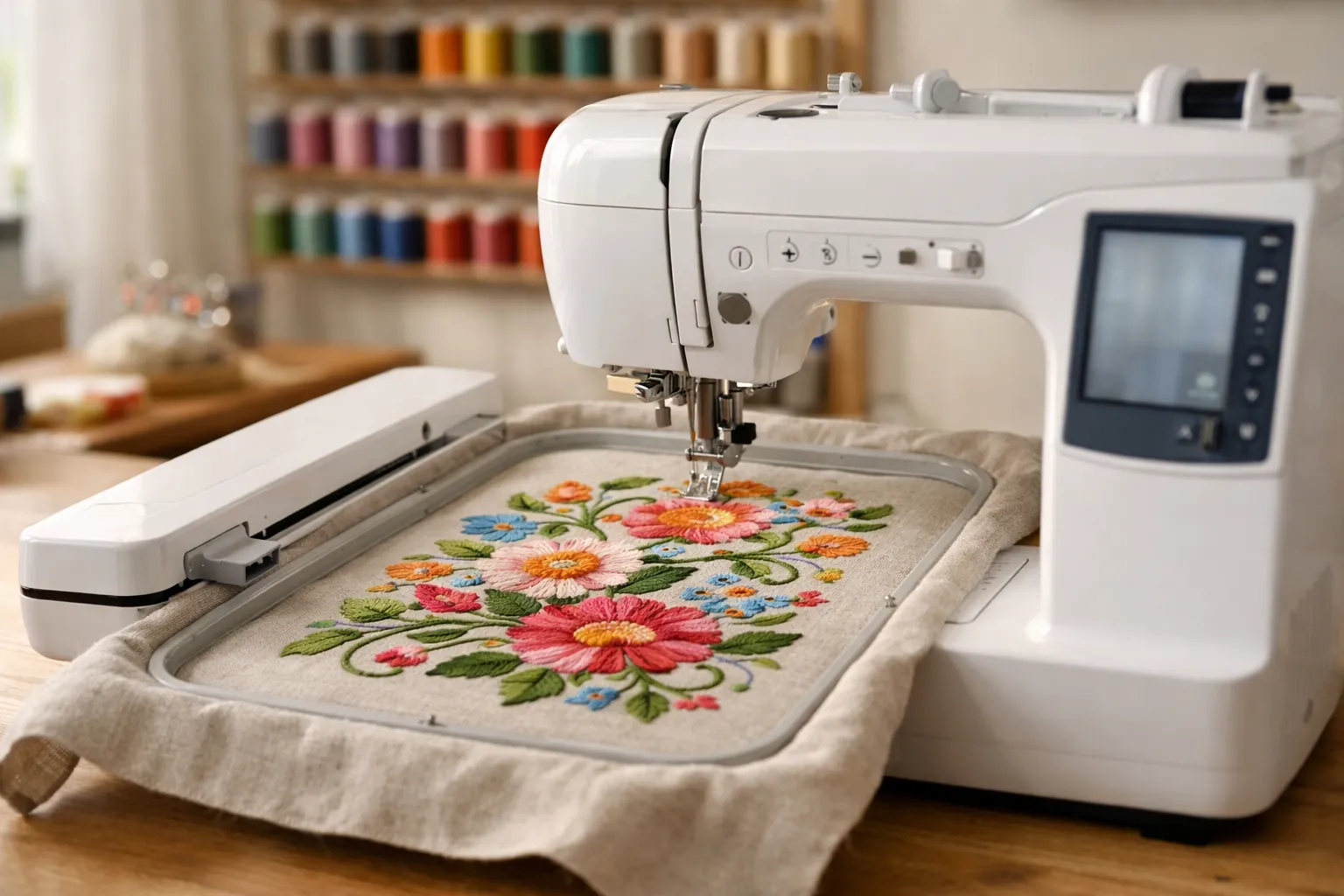
Buy the SE2000 if you're buying new. Brother lists the SE1900 as Discontinued on its own product page (we checked October 3, 2026), and the SE2000 is the current combo with the same 5" x 7" field. A used SE1900 is still a good machine for monograms and 5x7 designs, but only buy one if the price leaves real money on the table, because you give up Wi-Fi, 55 built-in designs and automatic thread trimming between color sections.
Is the Brother SE1900 discontinued?
Yes. Each brother-usa.com product page carries a lifecycle status, and the SE1900 page reads Discontinued. The SE2000 page reads New, which is Brother's label for a current model. The SE1800, the SE1900's sibling, is also listed as Discontinued.
Brother doesn't use the word "replacement" on either page, so we won't either. The SE2000 is the closest current model: it's the only Brother combo in the current SE lineup with a 5" x 7" field. For every other Brother embroidery model, see all Brother embroidery models compared.
This is a spec review built from Brother's product data and the verified Amazon listings, checked October 3, 2026. We didn't sew on either machine. How we research.
SE1900 vs SE2000 specs
| Spec | Brother SE1900 | Brother SE2000 |
|---|---|---|
| Brother status (Oct 3, 2026) | Discontinued | Current |
| Max embroidery area | 5" x 7" | 5" x 7" |
| Built-in embroidery designs | 138 (Brother's spec field says 136) | 193, plus 50 free downloads |
| Embroidery fonts | 11 per Brother's feature list and the listing | 13 per Brother's feature text |
| Built-in sewing stitches | 240 | 241 |
| Buttonhole styles | 10 | 10 |
| Max sewing speed | 850 stitches per minute | 850 stitches per minute |
| Screen | 3" x 1.6" color touch LCD (Brother); listing says 3.2" | 3.7" color touch LCD |
| Design transfer | USB | USB, wireless LAN, Artspira app |
| Color Sort / jump stitch trimming | Not listed | Yes / yes |
| My Custom Stitch | Yes | Yes |
| Needle threader | Advanced | Automatic |
| Amazon ratings (Oct 3) | 4.7 from 1,659 | 4.0 from 205 |
Sources: Brother product pages for the SE1900 and SE2000, and the Amazon listings linked below. Where Brother's page disagrees with itself (the SE1900's design count and screen size), we show both.
Read the sewing rows and there's almost nothing between them. Same speed, same buttonholes, one extra stitch. The changes are all on the embroidery side, and almost all of them are about getting designs onto the machine and stitching them with less handwork.
What the SE2000 adds
Wireless transfer
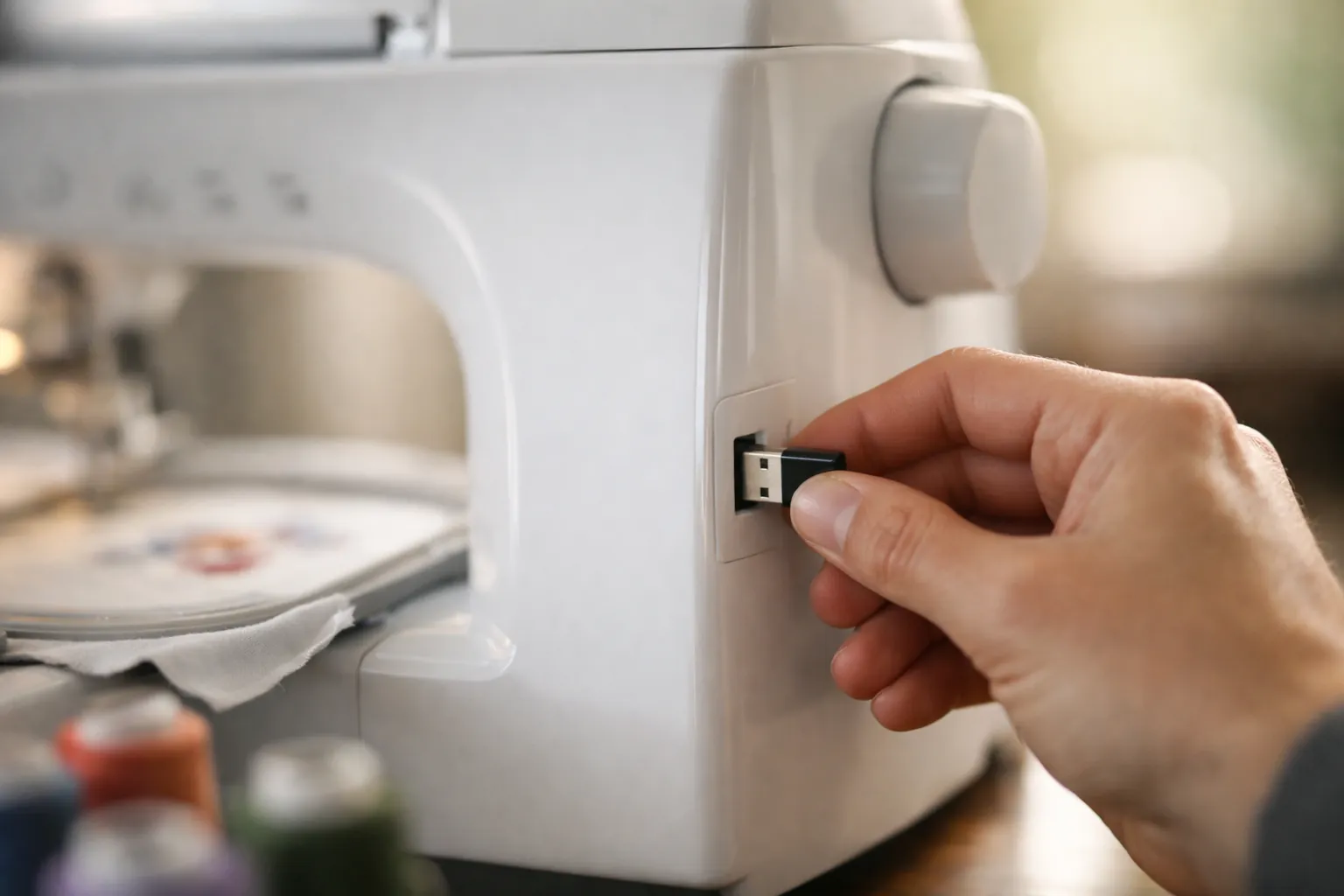
The SE1900 takes designs through its USB port, and that's it. The SE2000 adds wireless LAN: you can send a design from a PC with Brother's free Design Database Transfer software, or from a phone or tablet with the Artspira app. If you already buy designs and download them to a computer, a USB stick does the same job with one extra step. If you want to draw or edit on a phone, Wi-Fi is the reason to buy the newer machine. Our Artspira app guide covers what's free and what isn't.
Jump stitch trimming and Color Sort
This is the change that saves the most time. When a design jumps from one letter or motif to the next in the same color, the thread travels across the top. Brother's SE2000 page says the machine trims those jumps automatically. Without it, you snip them by hand at the end. On a name like "Charlotte" in script, that's a handful of snips; on a scattered floral, it's dozens. Color Sort reorders a multi-color design to cut down thread changes, which matters when you combine several designs in one hooping.
More designs and a bigger screen
The SE2000 has 193 built-in designs to the SE1900's 138, plus 50 free downloadable designs. Brother notes that redeeming those needs machine firmware 1.51 or later and the Artspira app. The screen grows to 3.7 inches, which helps when you're resizing or rotating a design on the machine. Neither change alone justifies the price difference, but they add up.
What stays the same: the 5x7 field and the hoops
Both machines top out at a 5" x 7" embroidery area. That's the number that decides which projects fit, and it didn't change. A tote-bag monogram, a quilt block or a full name across a pillowcase fits either machine in one hooping.
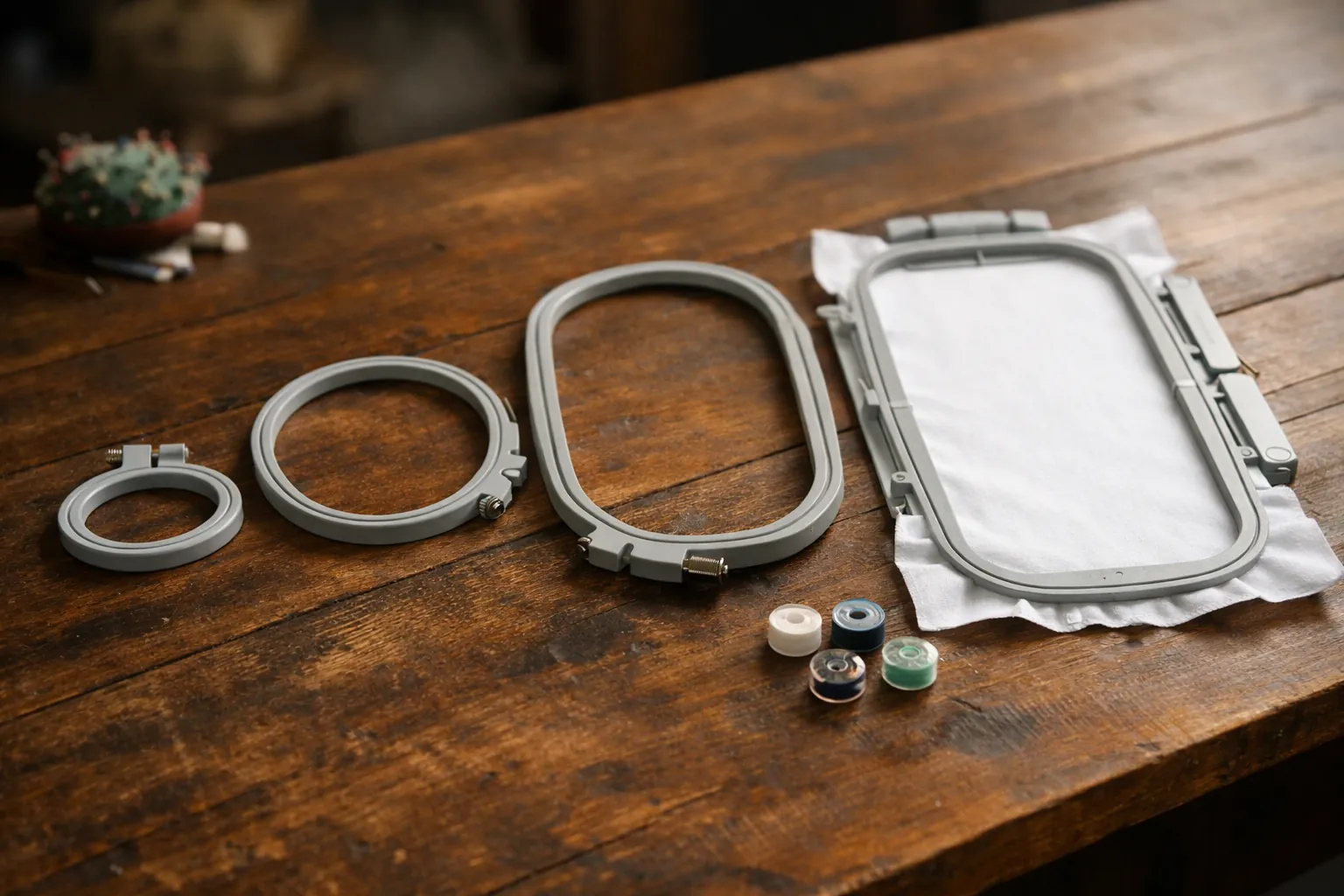
Hoops look like they carry over. Third-party hoop sets on Amazon name both machines, for example this set of 4 hoops for the PE770, PE800, PE900, SE2000 and SE1900, and the same goes for some magnetic sets. Brother's SE2000 page also lists compatibility with Brother's 4" x 7" magnetic hoop. We'd still check the listing's model list on every hoop, and our Brother hoop sizes by model page lists what fits each machine.
The same project on each machine
Say you bought a three-color floral design online and want to stitch it on a pillowcase with a name underneath. Here's where the two machines part ways, step by step, based on the features Brother lists for each.
- Getting the design in. On the SE1900 you download the file to a computer, copy it to a USB stick and plug the stick into the machine. On the SE2000 you can do the same, or send it over your home network with Design Database Transfer, or open it in Artspira on your phone and send it from there.
- Adding the name. Both machines have built-in fonts and on-screen lettering. The SE2000's 3.7-inch screen gives you more room to position the text against the flower.
- Stitching. Both stitch at the machine's embroidery speed and stop for each color change. If the combined design has the same color in two places, the SE2000's Color Sort can merge those into one stop.
- Finishing. On the SE1900, the thread that jumps between letters stays on top until you snip it. The SE2000 trims those jumps as it goes.
None of that changes how the finished embroidery looks. It changes how long you stand at the machine and how much you do by hand. If you embroider a few gifts a year, the SE1900's extra steps barely register. If you're stitching names on a dozen teacher gifts in December, they add up quickly.
Used SE1900 or new SE2000?
Here's how we'd decide, row by row. If you answer "yes" in the right column more than once, buy the SE2000.
| Question | If yes |
|---|---|
| Do you want to send designs from your phone? | SE2000. The SE1900 has no Wi-Fi or Artspira support. |
| Do you stitch lettering or scattered motifs often? | SE2000. Jump stitch trimming saves the snipping. |
| Do you need a warranty you can register as the first owner? | SE2000 new. Brother lists a 25-year limited warranty on both, but a used machine's coverage depends on the seller and Brother's terms. |
| Is the used SE1900 complete, with embroidery unit, hoop and foot controller? | Then it's worth considering. Without the embroidery unit, walk away. |
| Is it priced well below a new SE2000? | That's the only reason to choose it. A small discount isn't enough. |
Brother still hosts the SE1900's manual and downloads on its support page, so a used machine doesn't leave you without documentation. The SE2000's is on its own support page.
The two machines
Brother SE2000
The current 5x7 combo, and the safer buy. You get the same field and sewing side as the SE1900, plus wireless transfer, trimming between color sections and a larger screen. The listing has fewer ratings (205) and a lower average (4.0) than the SE1900's long-running listing, which is worth reading through before you buy. Our SE2000 review goes deeper.
- Statuscurrent
- Max field5" x 7"
- Designs193 + 50 free downloads
- Sewing stitches241
- Wi-Fiyes, with Artspira
- Jump stitch trimmingyes
Why it stands out
- Current model with Brother's full support
- Wi-Fi, USB and Artspira for designs
- Automatic jump stitch trimming
Think twice if
- You only need USB transfer and can find a complete SE1900 for much less
Some SE2000 bundles add hoops and supplies. The SE2000 Ultimate Embroidery Kit listing says it includes 5" x 12", 5" x 7", 4" x 4" and 1" x 2.5" hoops plus stabilizers and thread.
Brother SE1900
A capable 5x7 combo with 1,659 Amazon ratings averaging 4.7, which is a long, useful record of owner experience. It's discontinued, so what's for sale is old stock or used. That's fine if you mostly stitch single-color monograms, buy designs on a computer and don't mind snipping jump threads.
- Statusdiscontinued
- Max field5" x 7"
- Designs138
- Sewing stitches240
- Fonts11
- TransferUSB only
Why it stands out
- Same 5" x 7" field as the SE2000
- 240 stitches and the same 850 spm sewing speed
- Large owner base for help and tutorials
Think twice if
- You want Wi-Fi or the Artspira app
- The price isn't clearly below a new SE2000
- The embroidery unit or hoop is missing
If you don't need the sewing side
If you already own a sewing machine, neither of these is the value pick. The PE900 has the same 5" x 7" field, the same 193 designs as the SE2000 and jump stitch trimming, without the sewing half. We compare those two in PE900 vs SE2000. If 4" x 4" is enough, the best embroidery machine for beginners covers cheaper options.
Getting started: our printable machine embroidery cheat sheet lists needle, stabilizer and topping by fabric for either machine.
The short answer
New: the Brother SE2000, every time. Used: an SE1900 is fine if it's complete, stitches in front of you, and costs a lot less. If you're unsure whether the discount is big enough, it isn't.
Status and specs from brother-usa.com product pages, checked October 3, 2026. Ratings from the Amazon listings on the same date. Prices change often, so the buttons show the current price on Amazon. How we research · Affiliate disclosure