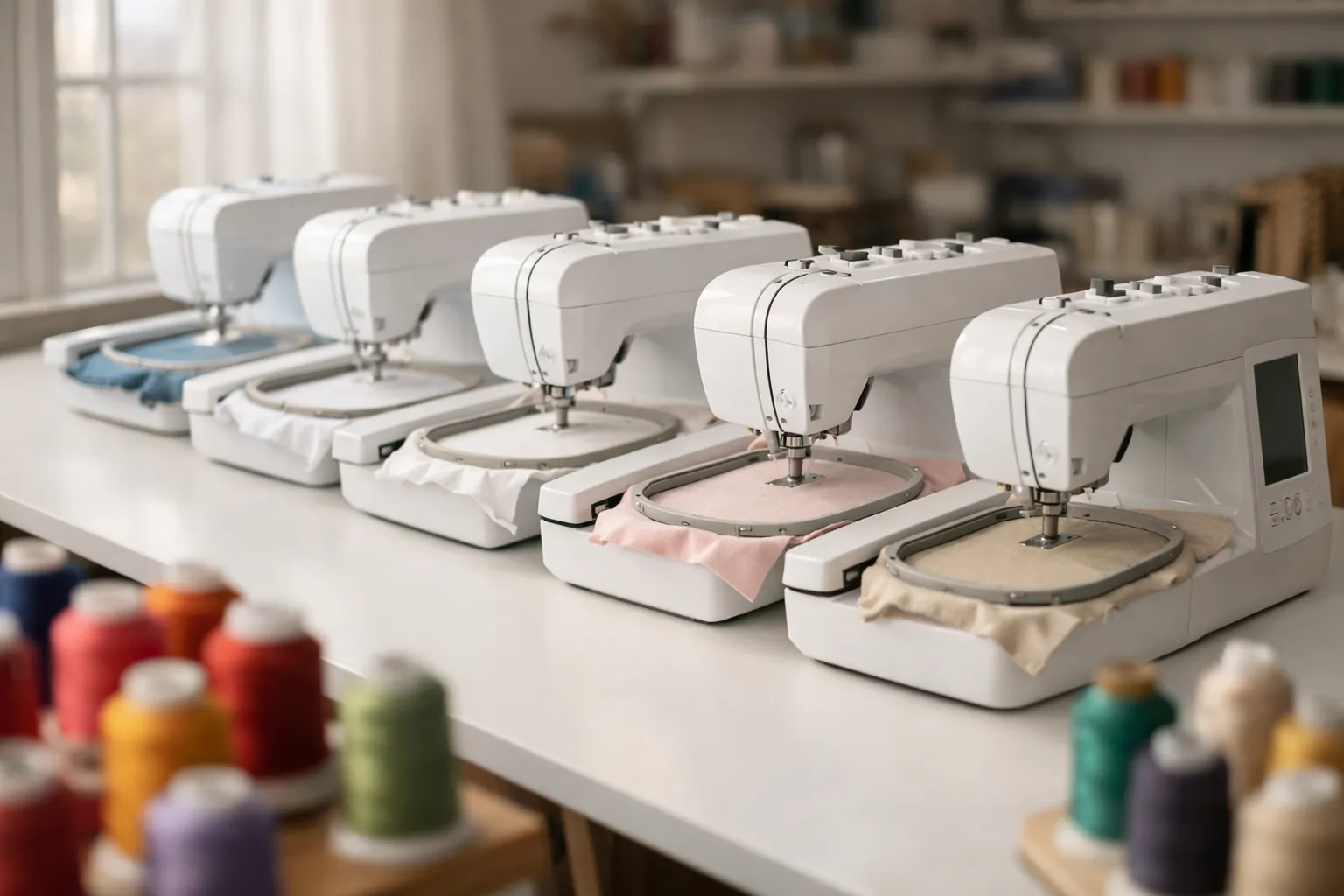
Brother currently lists six home embroidery models in its SE and PE lines: the SE630, SE700, SE725 and SE2000 combos, and the PE545 and PE900 embroidery-only machines. Nine others you'll still see on Amazon and in older reviews, including the SE600, SE1900 and PE800, are marked Discontinued on Brother's own product pages. We checked every one on October 3, 2026. The table below shows what each machine does and what to buy instead.
Quick picks
| Best first combo machine | Brother SE700 | Amazon |
|---|---|---|
| Best 5x7 embroidery-only | Brother PE900 | Amazon |
| Best 5x7 combo | Brother SE2000 | Amazon |
| Cheapest current way in | Brother PE545 | Amazon |
How we built this chart
Every status in the table comes from the product data on brother-usa.com. Each Brother product page carries a lifecycle field that reads either "New" (current) or "Discontinued". We pulled it for all fifteen models on October 3, 2026. Each model name links to its Brother page so you can check it yourself. We didn't use Amazon stock levels or dealer chatter, because a machine can be out of stock without being discontinued, and a dealer can still have a discontinued one in the back room.
Specs (field size, built-in designs, sewing stitches, Wi-Fi) come from the same Brother spec fields. Where Brother's own page disagrees with itself, we say so in the table instead of quietly picking one number. Amazon sales figures are from Amazon's "bought in past month" counts on the same day.
This is a spec review. We compared Brother's product data, manuals and verified Amazon listings. We didn't stitch on all fifteen machines. How we research.
The chart: every Brother home embroidery model
Tap a column heading to sort. "Combo" means the machine also sews; "Embroidery only" means it doesn't.
| Model | Type | Max field | Built-in designs | Sewing stitches | Wi-Fi | Brother status | Closest current model |
|---|---|---|---|---|---|---|---|
| SE600 | Combo | 4" x 4" | 80 | 103 | No | Discontinued | SE630 (same counts) or SE700 (adds Wi-Fi) |
| SE625 | Combo | 4" x 4" | 80* | 103 | Not listed | Discontinued | SE630 or SE700 |
| SE630 | Combo | 4" x 4" | 80* | 103 | No | Current | n/a |
| SE700 | Combo | 4" x 4" | 135 | 103 | Yes | Current | n/a |
| SE725 | Combo | 4" x 4" | 135 | 103 | Yes | Current (Walmart exclusive) | n/a |
| SE1800 | Combo | 5" x 7" | 136 | 184 | Not listed | Discontinued | SE2000 |
| SE1900 | Combo | 5" x 7" | 136 or 138* | 240 | No | Discontinued | SE2000 |
| SE2000 | Combo | 5" x 7" | 193 | 241 | Yes | Current | n/a |
| PE500 | Embroidery only | Not listed | Not listed | n/a | Not listed | Discontinued | PE545 |
| PE535 | Embroidery only | 4" x 4" | 80 | n/a | Not listed | Discontinued | PE545 |
| PE540D | Embroidery only | 4" x 4" | 70 or 105* | n/a | Not listed | Discontinued | PE545 |
| PE545 | Embroidery only | 4" x 4" | 135 | n/a | Yes | Current | n/a |
| PE770 | Embroidery only | Not listed | Not listed | n/a | Not listed | Discontinued | PE900 |
| PE800 | Embroidery only | 5" x 7" | 138 | n/a | Not listed | Discontinued | PE900 |
| PE900 | Embroidery only | 5" x 7" | 193 | n/a | Yes | Current | n/a |
Status and specs from each model's brother-usa.com product page, checked October 3, 2026. "Not listed" means Brother's page no longer shows that spec. *Where Brother's page disagrees with itself: the SE625 and SE630 spec fields say 80 designs while their headline bullets read "280" and "480" (the SE630's feature text also mentions 400 downloadable designs, which may explain it); the SE1900's spec field says 136 while its bullet, feature list and Amazon listing say 138; the PE540D's field says 70 while its bullet says 105. "Closest current model" is our pick based on field size and machine type. Brother doesn't name official replacements on these pages.
Discontinued Brother embroidery machines, and what's closest now
Nine of the fifteen models are gone from Brother's current lineup. That doesn't make them bad machines. It changes how you should buy one: used or old-stock only, with no expectation of new-unit pricing, and with a hard look at what's included.
| Discontinued model | Closest current Brother model | Why that one |
|---|---|---|
| SE600, SE625 | SE630 or SE700 | Same 4" x 4" field and 103 stitches. The SE630 matches the SE600's 80 designs and has no Wi-Fi; the SE700 adds Wi-Fi and 135 designs. |
| SE1800, SE1900 | SE2000 | The only current combo with a 5" x 7" field. Adds Wi-Fi, 193 designs and 241 stitches. |
| PE500, PE535, PE540D | PE545 | The current 4" x 4" embroidery-only model, with Wi-Fi and 135 designs. |
| PE770, PE800 | PE900 | The current 5" x 7" embroidery-only model, with Wi-Fi, 193 designs and jump stitch trimming. |
A few of these come up constantly. Is the SE1900 discontinued? Yes, per Brother. The PE800? Also yes, though a widely read review still says otherwise. The SE600 is discontinued too. We cover the SE1900 decision in detail in Brother SE1900 vs SE2000, and the older PE models in PE535 vs PE545 vs PE800 vs PE900.
One model we left out on purpose: the SE400. Brother's page for it currently reads "New", which doesn't fit a machine that old, so we're not stating its status either way.
How to pick from the current six
Two questions decide it, in this order.
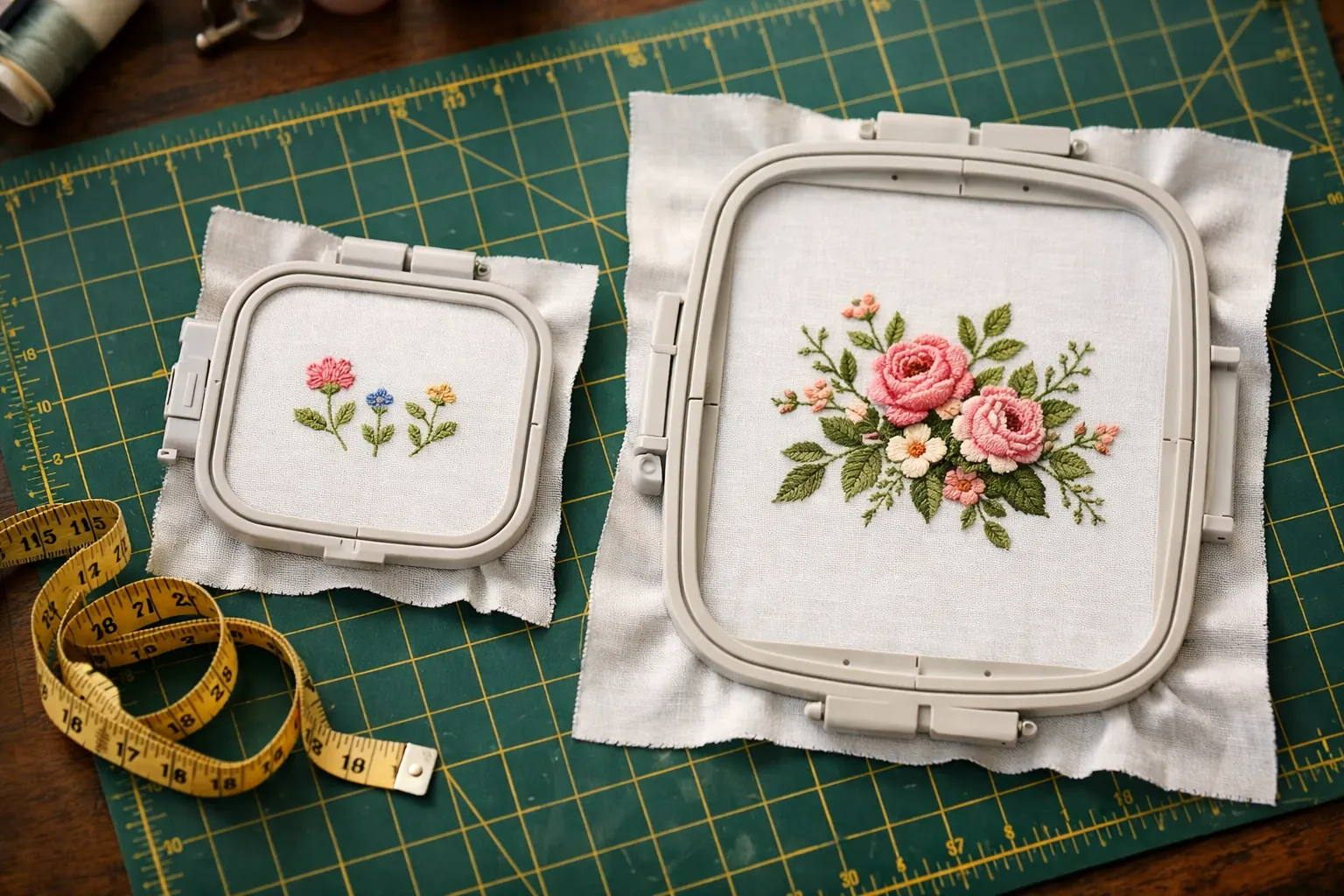
Field size comes first because you can't upgrade it later. A 4" x 4" field fits a left-chest logo, a name on a towel or a small patch. A 5" x 7" field fits a tote-bag motif, a quilt block or a large monogram, and it lets you stitch lettering in one hooping instead of splitting it. Our Brother hoop sizes by model page lists which hoops each machine takes.
Then decide whether you need it to sew. If you already own a sewing machine you like, an embroidery-only PE model saves money and table space. If you don't, an SE combo does both jobs, with the catch that you can't sew and embroider at the same time.
The current models worth buying
Brother SE700
The SE700 is Amazon's busiest Brother combo right now, with 1,000+ bought in the past month and more than a thousand ratings. Brother's page lists 135 built-in designs, 10 lettering fonts and 103 sewing stitches, and the wireless connection lets you send designs from a PC with Brother's free Design Database Transfer software or from a phone with the Artspira app. It's the machine we'd hand someone who wants to try embroidery and still needs to hem curtains.
- Max field4" x 4"
- Designs135 built-in
- Sewing stitches103
- Buttonholes10 one-step
- Wi-Fiyes, plus Artspira app
- Feet8
Why it stands out
- Sews and embroiders, so it's one machine on the table
- Wi-Fi and Artspira app for wireless design transfer
- Eight sewing feet in the box, per Brother's accessory list
Think twice if
- You know you want designs larger than 4" x 4"
- You already own a sewing machine and only want embroidery
Brother PE900
If you sew on another machine already, this is where the money goes furthest. Brother lists a 5" x 7" field, 193 built-in designs, 13 fonts and 7.4 inches from needle to arm. Two features save real time on multi-color designs: Color Sort reorders the colors to cut thread changes, and jump stitch trimming cuts the threads that travel between parts of a design, which you'd otherwise snip by hand. The full PE900 review covers it in depth.
- Max field5" x 7"
- Designs193 built-in + 50 free downloads
- Fonts13
- Needle to arm7.4"
- Wi-Fiyes
- Jump stitch trimmingyes
Why it stands out
- 5" x 7" field for larger designs and one-hooping lettering
- Jump stitch trimming and Color Sort cut down handwork
- Wi-Fi and Artspira app
Think twice if
- You need it to sew, because Brother says it doesn't work as a traditional sewing machine
Brother SE2000
The SE2000 is the only current Brother combo with a 5" x 7" field, so it's the pick when you want one machine and bigger designs. Brother's page lists 193 designs, 241 sewing stitches, its My Custom Stitch feature and compatibility with Brother's 4" x 7" magnetic hoop (sold separately). It's also the closest current model to the discontinued SE1900, which we compare in SE1900 vs SE2000.
- Max field5" x 7"
- Designs193 built-in
- Sewing stitches241
- Buttonholes10
- Wi-Fiyes
- Max sewing speed850 spm
Why it stands out
- Sewing and 5" x 7" embroidery in one machine
- Wi-Fi transfer plus USB
- Jump stitch trimming and Color Sort, per the listing
Think twice if
- You only embroider, since the PE900 has the same field for less
- You want lots of owner reviews: this listing has far fewer ratings than the SE700's
Brother PE545
This is the SE700's embroidery side without the sewing machine attached. Brother lists the same 135 designs and 10 fonts, and the same Wi-Fi and Artspira support. If your existing sewing machine works fine, this saves money and keeps the 4" x 4" field. We weigh it against the SE700 in SE700 vs PE545.
- Max field4" x 4"
- Designs135 built-in
- Fonts10
- Screen3.7" LCD
- Wi-Fiyes
- Sewingnone
Why it stands out
- Same embroidery features as the SE700 for less
- Wi-Fi and USB design transfer
Think twice if
- You don't own a sewing machine
- You'll outgrow 4" x 4" designs within a year
The SE630 and SE725 are both current too. The SE630 is the no-Wi-Fi 4x4 combo with 80 designs. The SE725 matches the SE700 on Brother's spec fields (135 designs, 103 stitches, Wi-Fi) and Brother describes it as a Walmart exclusive with 50 free downloadable designs; we found no Amazon listing for it. SE700 vs SE725 goes through the differences.
What Wi-Fi and the Artspira app add on newer models
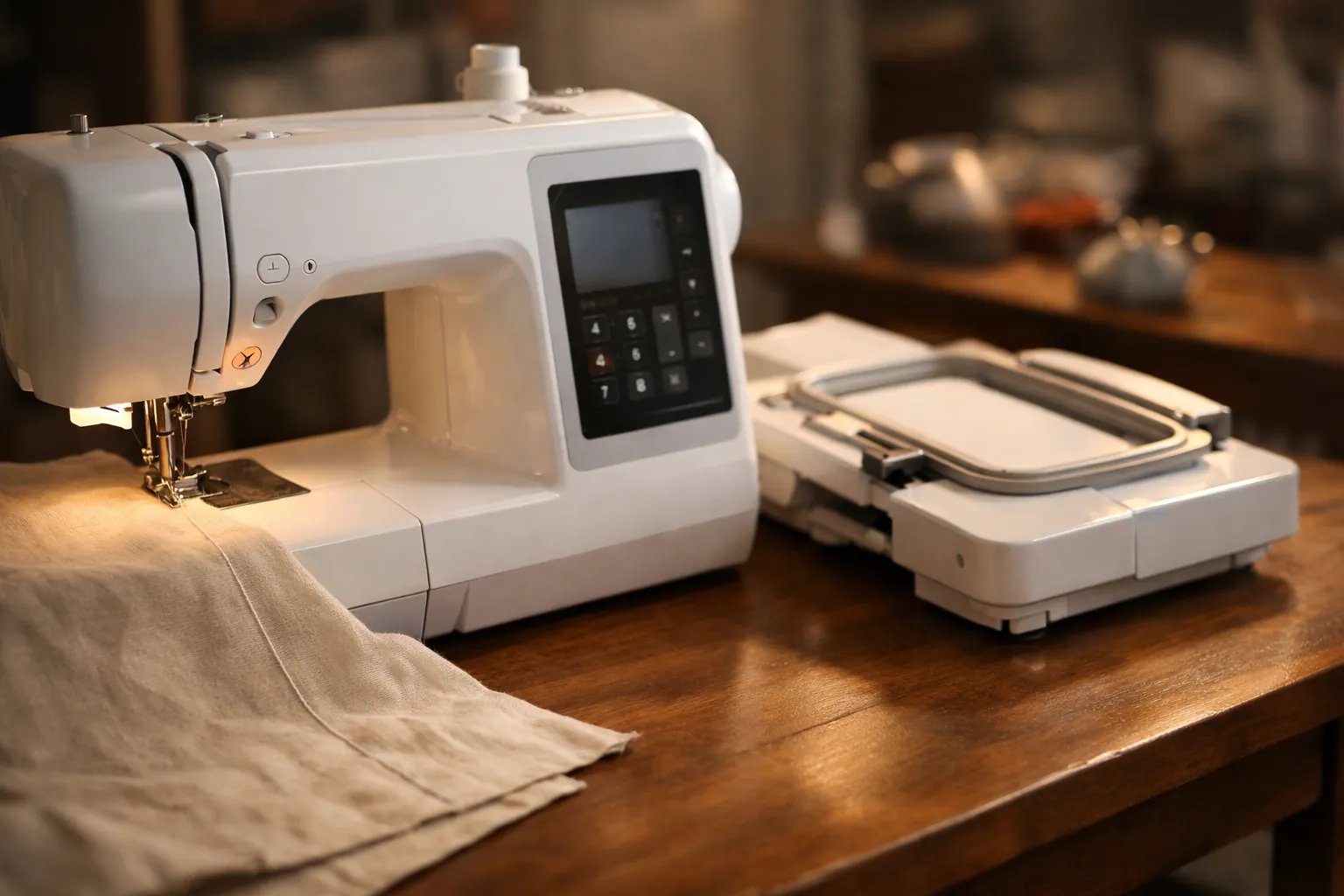
The biggest difference between the discontinued models and the current ones isn't the stitching. It's how designs get onto the machine. The SE600, SE1900, PE535 and PE800 take designs over USB. The SE700, SE725, SE2000, PE545 and PE900 also connect over wireless LAN, so you can send a design from a PC with Brother's free Design Database Transfer software or from a phone or tablet with the Artspira app. The SE630 has a USB port and no Wi-Fi.
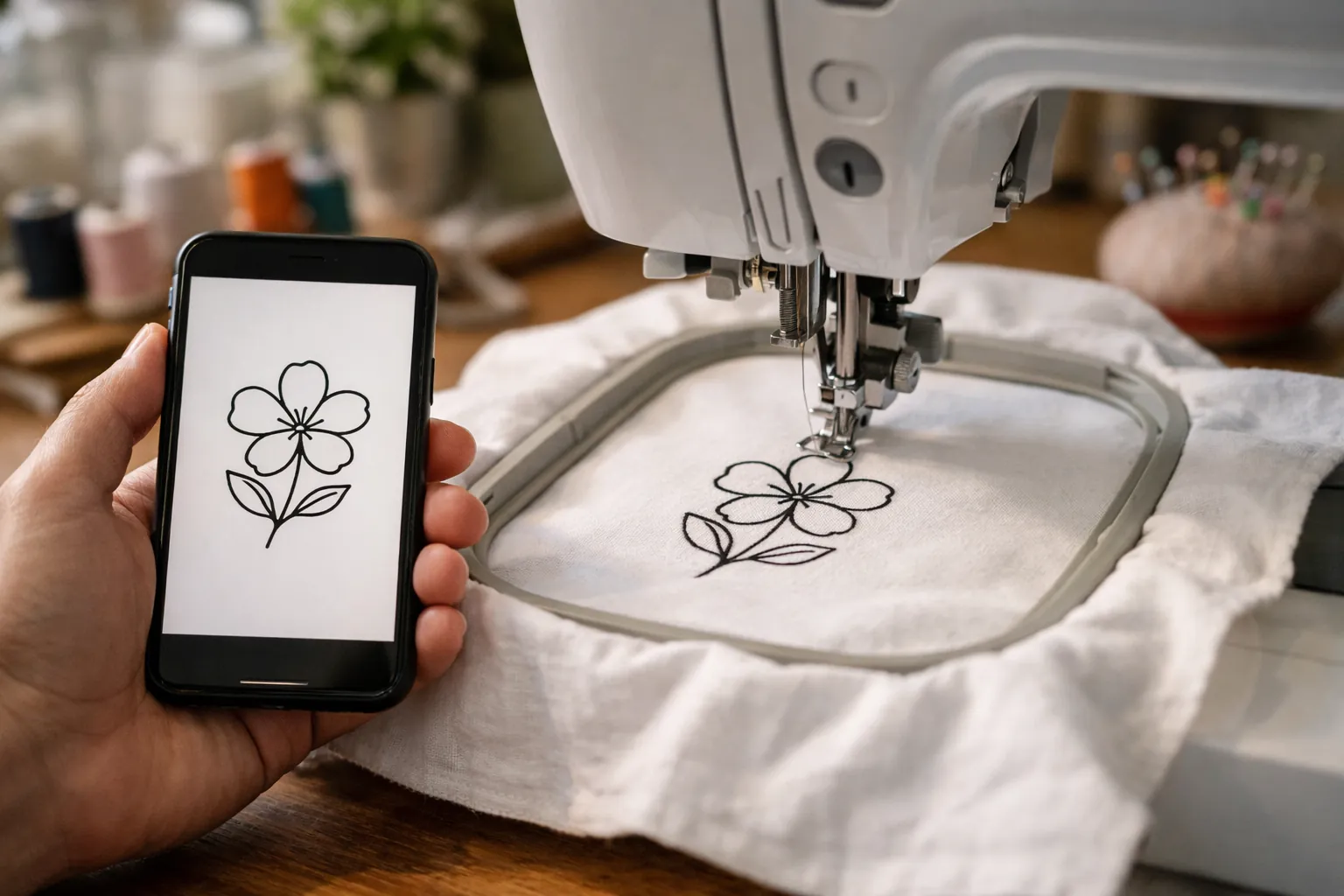
Is Wi-Fi worth paying for? If you buy designs online and download them to a computer, a USB stick works fine and always has. Wi-Fi matters more if you want to draw or edit on a phone. Our Artspira app guide covers what's free and what needs the paid plan.
Buying a discontinued model used
A used SE1900 or PE800 can still be a good buy. They have the 5" x 7" field, and third-party hoop listings name them alongside the SE2000 and PE900. Check four things before you pay:
- The embroidery unit and its hoop are both included. A combo without its embroidery arm is just a sewing machine.
- The seller can show it stitching a design, not only powering on.
- The foot controller and power cord are original or a listed compatible part.
- The price leaves room for a service visit. Compare it with the new price of the closest current model on the chart.
Brother still hosts manuals and downloads for discontinued models on its support site, for example the SE1900 support page and the PE800 support page. Download the manual there rather than from a third-party PDF site.
What every model needs on day one
Whichever model you pick, it needs embroidery thread on top, a fine bobbin thread underneath (Brother's PE900 accessory list includes 90-weight white embroidery bobbin thread) and stabilizer under every design. A starter thread kit and a pack of tear-away stabilizer cover the first few projects:
- 40-color polyester embroidery thread kit (40 wt, 500 m spools), about 2,000 bought in the past month.
- Tear-away stabilizer, 100 precut 8" x 8" sheets, about 3,000 bought in the past month.
- Brother SA156 bobbins (10-pack), Brother's own sewing and embroidery bobbin. Check the bobbin spec in your manual before you order spares.
Getting started: print our machine embroidery cheat sheet for needle, stabilizer and topping by fabric, and see the best embroidery machine for beginners for picks beyond Brother. If you're stuck between the two 4x4 combos, SE600 vs SE700 covers what changed.
Which one we'd buy
For most first-time buyers, the Brother SE700: it's current, it sews and it has the most owner reviews of any model here. If you already sew on another machine, skip the combo and buy the Brother PE900 for the bigger field. Buy a discontinued model only used, only with its embroidery unit, and only for clearly less than the current machine it sits next to on the chart.
Status and specs from brother-usa.com product pages (linked in the chart), checked October 3, 2026. Sales counts and ratings from Amazon on the same date. Prices change often, so the buttons show the current price on Amazon. How we research · Affiliate disclosure