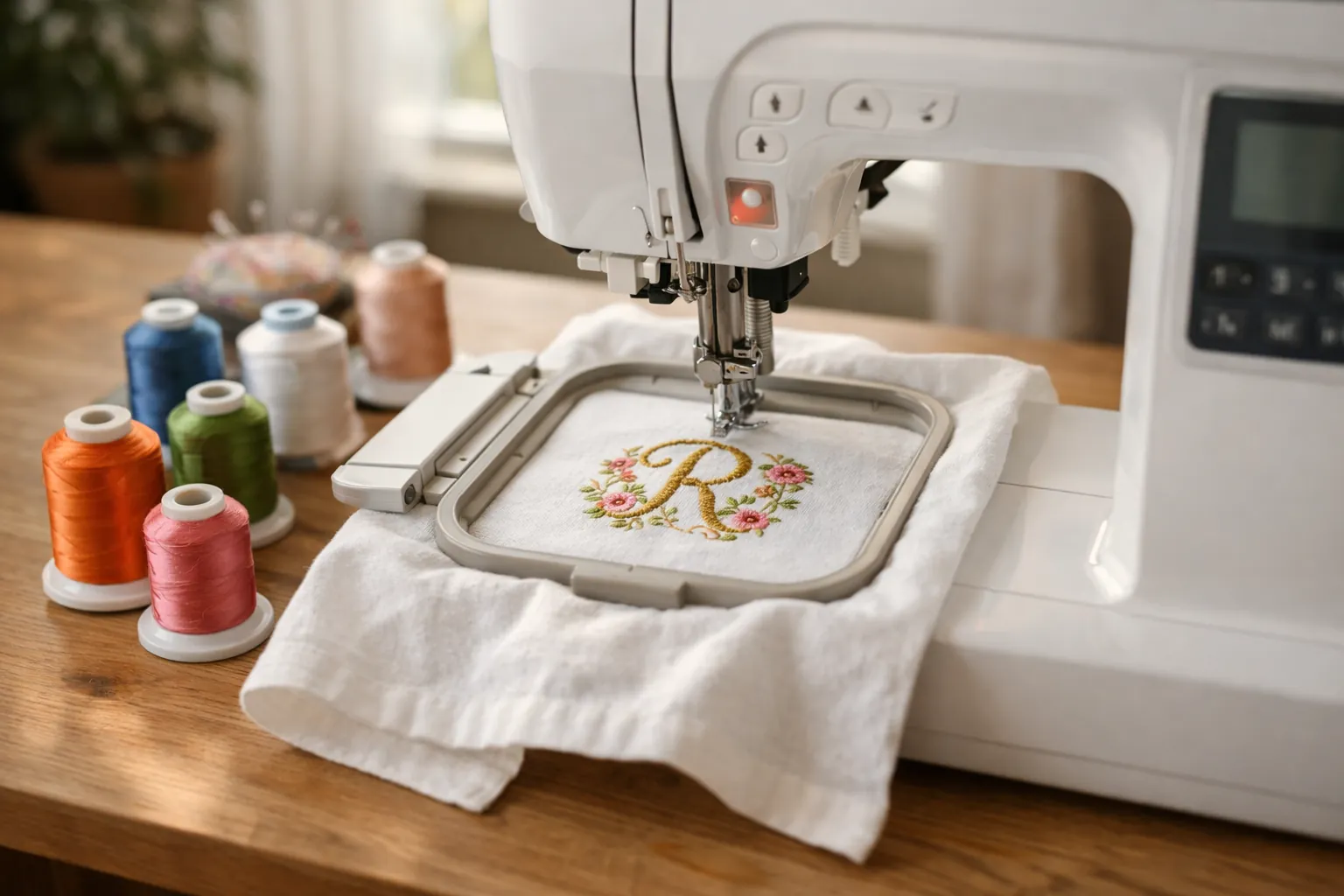
Buy the SE700. The Brother SE600 and SE700 share the same 4x4-inch embroidery area and the same 103 sewing stitches, so they make the same size projects. The SE700 adds wireless design transfer, a bigger 3.7-inch touchscreen and 135 built-in designs (versus 80). Brother has also discontinued the SE600, so the SE700 is the one you can actually buy new with a warranty.
How we compared them
This is a spec review: we compared the official listings side by side, and we didn't sew on either machine. We use that label so you always know where a recommendation comes from. How we research.
- SE700 facts come from Brother's own Amazon listing, checked October 3, 2026. That day the SE700 ranked #1 in Embroidery Machines on Amazon, showed 1,000+ purchases in the past month and had more than 1,000 ratings.
- SE600 facts come from Brother USA's product page, because new SE600s no longer appear in Amazon's search results. Brother lists the SE600 as discontinued and out of stock.
- Anything we couldn't confirm in either source is left out or marked "check listing".
SE600 vs SE700 specs, side by side
| Spec | Brother SE600 | Brother SE700 |
|---|---|---|
| Max embroidery area | 4" x 4" | 4" x 4" |
| Built-in embroidery designs | 80 | 135 |
| Lettering fonts | 9 (Brother's count) | 10 |
| Built-in sewing stitches | 103 | 103, including 10 one-step buttonholes |
| Touchscreen | 3.2" color LCD | 3.7" color LCD |
| Design transfer | USB port only | USB port + wireless LAN (Wi-Fi) |
| Artspira mobile app | No | Yes |
| Presser feet included | 8 | 8 |
| Needle threader / bobbin | Automatic / drop-in | Automatic / drop-in, jam resistant |
| Status | Discontinued | Current model |
The short version: nothing about what the machine can physically stitch changed. The upgrades are about getting designs onto the machine and editing them on screen.
What the SE700 actually changes
Wireless design transfer and the Artspira app
This is the headline upgrade. With the SE600 you save a design to a USB stick on your computer and plug it into the machine. The SE700 can receive designs over your home Wi-Fi, either from a PC with Brother's free Design Database Transfer software or from your phone through the Artspira app, where you can draw your own simple designs or pick from Artspira's collection. It still has a USB port if you prefer the old way.
A bigger screen
3.7 inches versus 3.2 inches doesn't sound like much, but you do all of your on-screen editing (positioning, resizing, combining letters) on that panel. A larger screen makes small adjustments less fiddly.
More designs and one more font
135 built-in designs versus 80. If you're starting out and don't want to buy design files yet, that's a meaningful library. Most people end up buying or downloading designs anyway, so treat it as a bonus rather than a reason to buy.
The thing that didn't change: the 4x4 hoop
The single most important spec on any embroidery machine is the maximum embroidery area, because it decides how big a design you can stitch in one go. On both machines it's 4 x 4 inches.
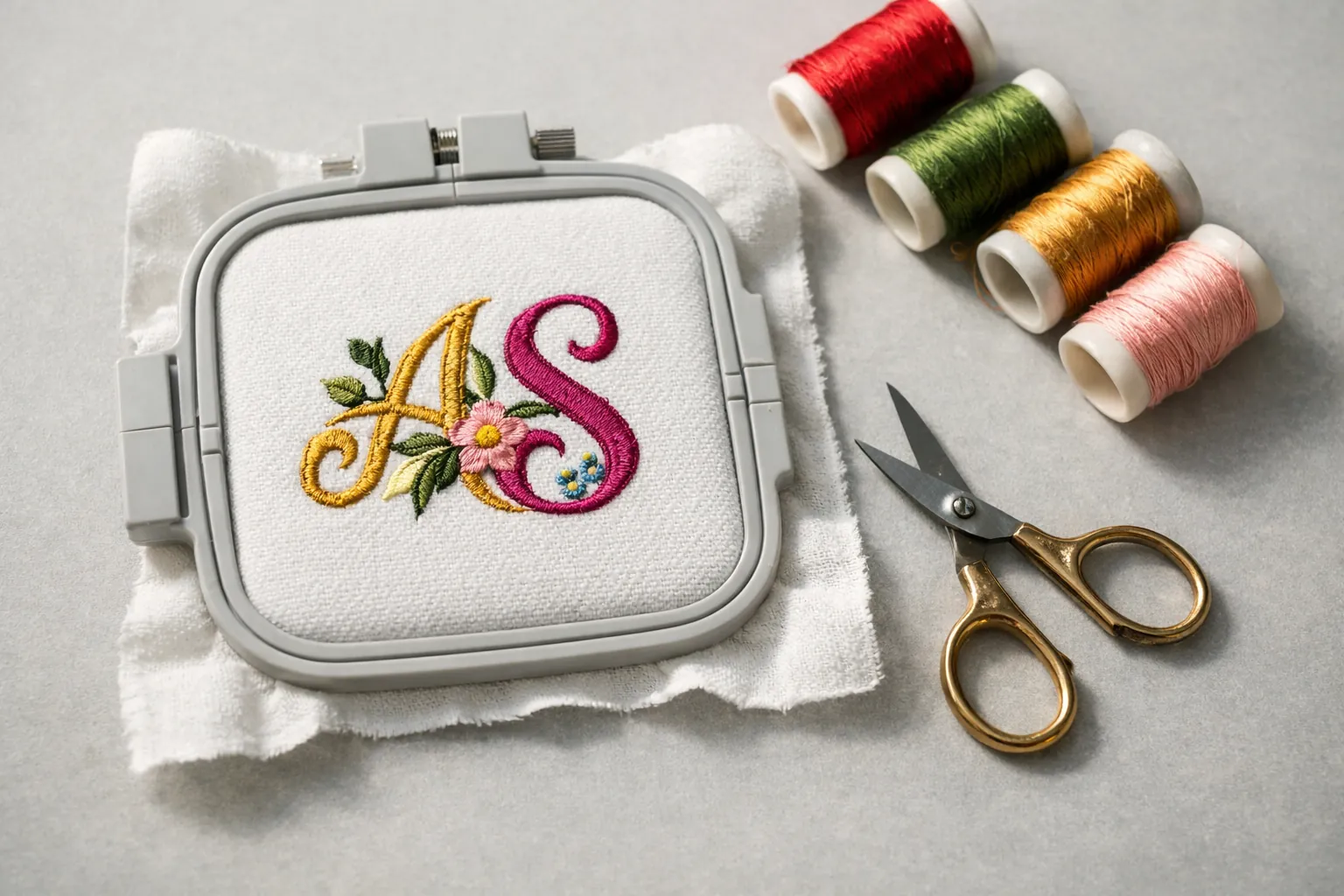
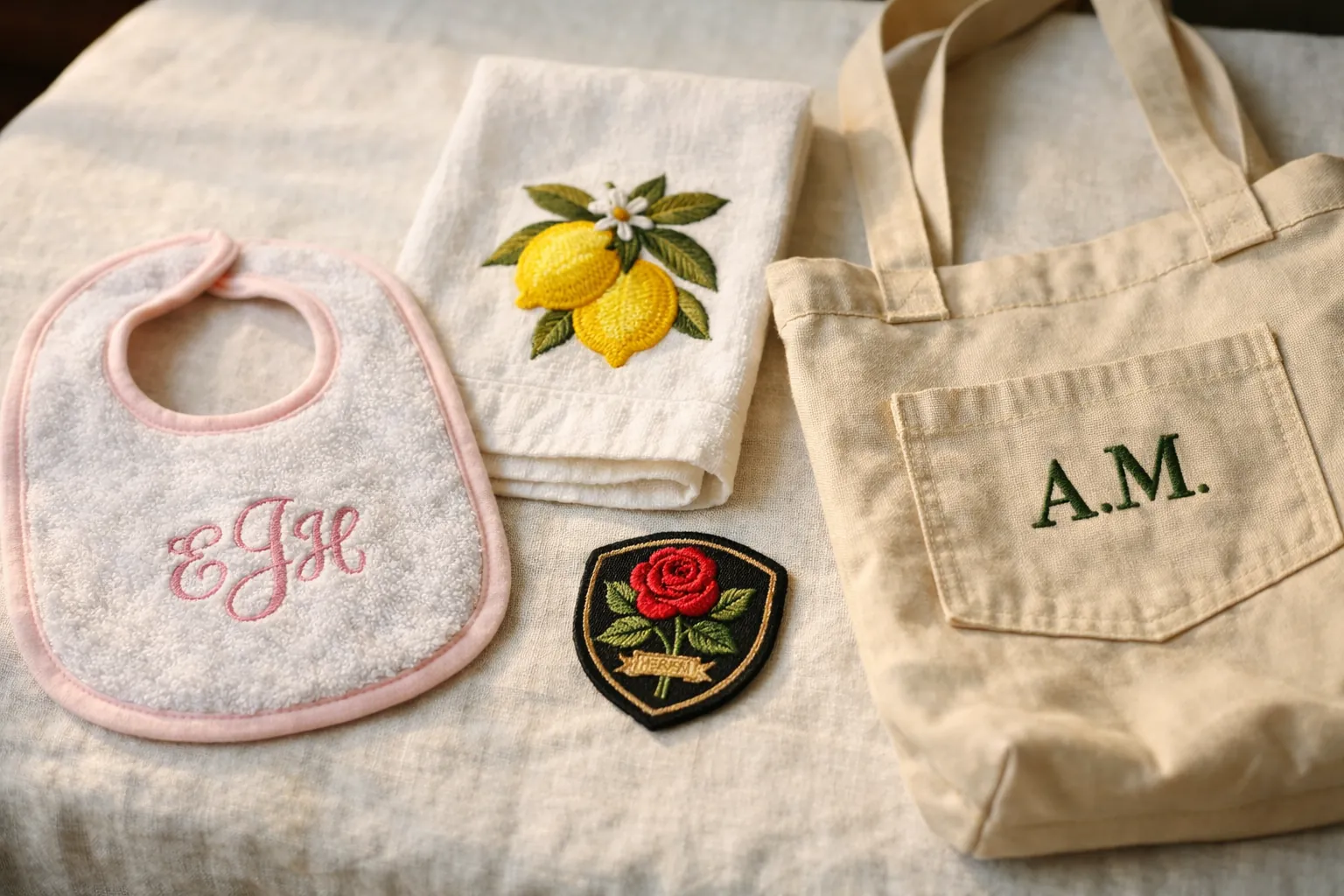
4x4 is plenty for monograms, baby items, patches and small left-chest logos. If you already know you want larger designs on shirts and bags, neither machine is the right choice: step up to a 5x7 machine like the Brother SE2000 (sews and embroiders) or the Brother PE900 (embroidery only). Our hoop sizes guide shows what fits in each size.
The sewing side is identical
People sometimes forget these are full sewing machines too. Take the embroidery arm off and both give you the same 103 built-in stitches: straight, zigzag, stretch and decorative stitches, plus one-step buttonholes that size themselves to the button. Both have an automatic needle threader and a drop-in top bobbin, the two features that make a computerized machine easier for a beginner than a basic mechanical one.
So if your plan is "mostly sewing, some monograms", neither machine sews better than the other. You're choosing on the embroidery conveniences and on whether you want a new machine with a warranty.
How hard are they to learn?
The workflow is the same on both: snap on the embroidery arm, hoop your fabric with a piece of stabilizer behind it, pick a design on the touchscreen, position it, and press start. The machine stops at each color change and tells you which thread to load next. Most beginners stitch their first monogram on day one.
The parts that take practice aren't about the machine at all. They're hooping (fabric tight and straight, not stretched), choosing the right stabilizer for the fabric, and picking designs digitized for the fabric you're using. Those skills carry over to every embroidery machine you'll ever own, so learning on a 4x4 combo isn't wasted if you upgrade later.
Both machines read Brother's PES embroidery format, which is the most common format sold by design shops, so you won't struggle to find designs for either.
Our pick
Brother SE700
The SE700 is the current version of Brother's best-known combo machine and, on October 3, 2026, Amazon's #1 seller in Embroidery Machines. You get a full computerized sewing machine (103 stitches, ten one-step buttonhole styles, automatic needle threader and drop-in bobbin) plus a detachable embroidery arm with a 4x4 field.
For a first embroidery machine it hits the sweet spot: enough built-in designs and fonts to personalize gifts on day one, wireless transfer so new designs are a tap away, and the ability to sew everyday projects when the embroidery unit is off.
- Embroidery area4" x 4"
- Built-in designs135
- Fonts10
- Sewing stitches103
- Screen3.7" touchscreen
- TransferWi-Fi + USB
- Feet included8
Why it stands out
- Sews and embroiders, so one machine covers both hobbies
- Wi-Fi transfer and the Artspira app
- Huge owner base for tutorials and help
Think twice if
- You want to stitch designs bigger than 4x4 in one hooping
- You only want embroidery: the embroidery-only PE545 has the same 4x4 field and Wi-Fi
Should you buy a used SE600?
Only if the price is clearly lower and you can see it working. Because both machines stitch the same size designs, a used SE600 in good order will make exactly the same projects. What you give up is the warranty that comes with a new machine, Wi-Fi transfer, the larger screen and 55 built-in designs. Before buying one used, check that the embroidery arm moves smoothly, that the original 4x4 hoop and feet are included, and ask the seller to stitch a test design.
Which one fits you
| If you... | Choose |
|---|---|
| Want a new combo machine for monograms, gifts and everyday sewing | Brother SE700 |
| Found a used SE600 at a low price and can test it | SE600 (used) |
| Only want embroidery, not sewing | Brother PE545 (4x4, Wi-Fi) |
| Want larger designs on shirts and bags | Brother SE2000 (5x7 combo) |
What to buy with an SE700
The SE700 includes one 4x4 hoop. These are the add-ons new owners buy most, all of which list SE-series compatibility or are universal:
- New brothread 40-color polyester embroidery thread kit: the best-selling machine embroidery thread kit in our searches, with 2,000+ bought in the past month.
- Tear-away stabilizer, 100 precut 8x8 sheets: for towels and stable woven fabrics. Knits need cut-away; see our stabilizer guide.
- Prewound bobbins (size A / SA156): save winding bobbins for every project.
- Magnetic hoop set listed for SE700, PE545 and SE600: magnetic hoops make thick items such as towels much easier to hoop. Check the listed compatibility first.
The bottom line
The SE600 and SE700 embroider the same 4x4 area and sew the same 103 stitches. The Brother SE700 adds Wi-Fi transfer, a bigger screen and more designs, and it's the model Brother still sells, so it's the one to buy new. If you already suspect 4x4 will feel small, skip both and look at the 5x7 Brother SE2000.
SE700 specs come from Brother's Amazon listing; SE600 specs come from Brother USA's product page, both checked October 3, 2026. Prices change often, so the buttons above show the current price on Amazon. How we research · Affiliate disclosure