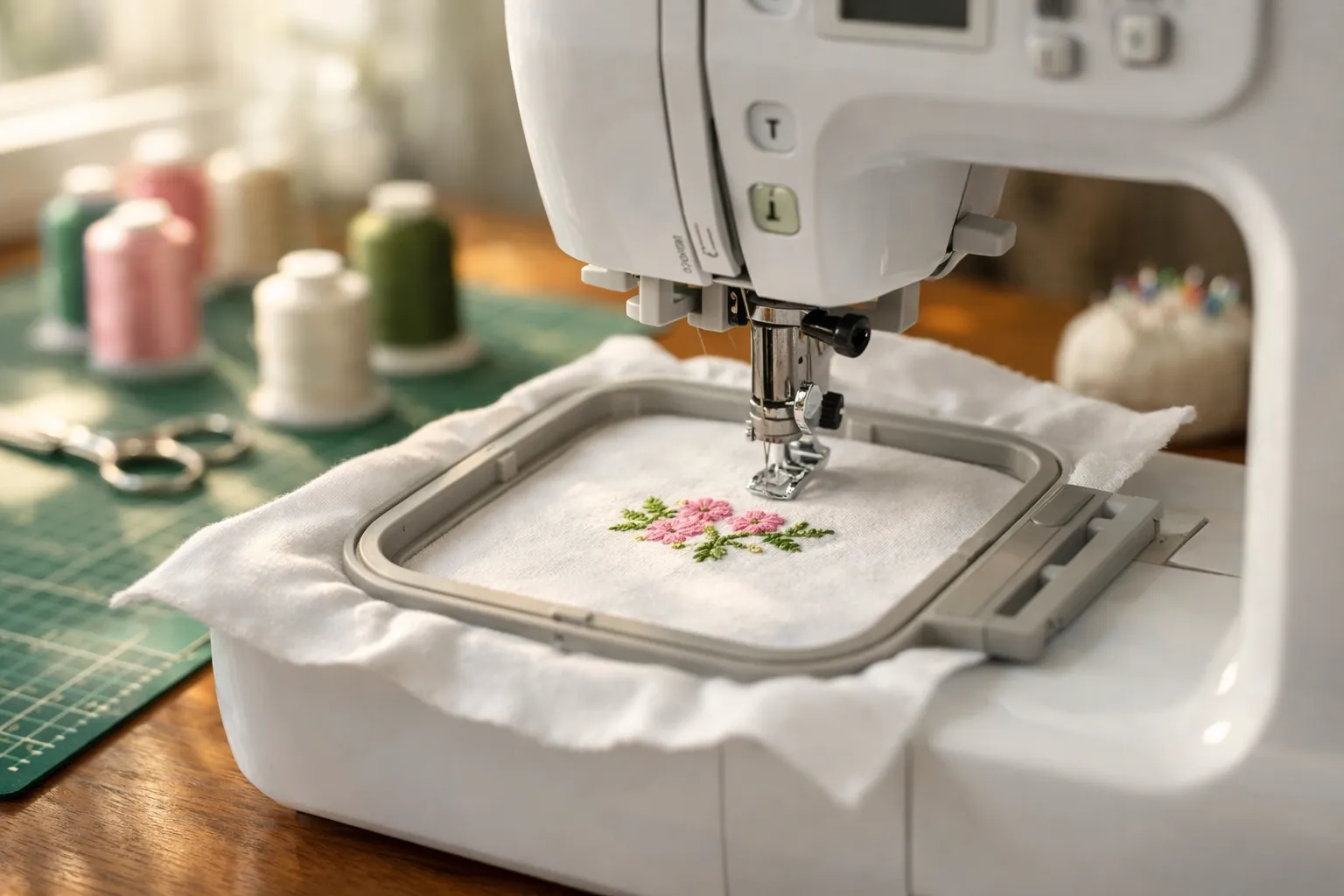
If you don't own a sewing machine, buy the SE700. If you already own one that works, buy the PE545. That's the whole decision, because Brother lists the same embroidery side on both: a 4" x 4" field, 135 built-in designs, 10 fonts, wireless LAN and the Artspira app. What the SE700 adds is a sewing machine, and what the PE545 saves is money and the chance to sew and embroider at the same time.
How we compared them
Specs come from Brother's product pages for the SE700 and PE545 and from the verified Amazon listings, all checked October 3, 2026. Both pages list the machines as current. Where Brother's two pages describe the same thing differently, we note it. Neither machine was sewn on for this page.
This is a spec review. How we research.
SE700 vs PE545 specs
| Spec | Brother SE700 | Brother PE545 |
|---|---|---|
| Type | Sewing and embroidery combo | Embroidery only |
| Brother status (Oct 3, 2026) | Current | Current |
| Max embroidery area | 4" x 4" | 4" x 4" |
| Work area (needle to arm) | 6.4" x 4.0" | 6.4" x 4.0" |
| Built-in designs | 135 | 135 |
| Embroidery fonts | 10 | 10 (7 English, 3 Japanese, per the listing) |
| Wireless LAN / Artspira | Yes / yes | Yes / yes |
| USB port | Yes | Yes |
| Screen | 3.7" color touch LCD per the listing (Brother's feature text says 3.2" x 1.8") | 3.7" color touch LCD |
| Sewing stitches | 103, with 10 one-step buttonholes | None |
| Presser feet included | 8, including the embroidery foot | 1 (embroidery foot Q) |
| Automatic thread cutter | Yes | Yes |
| Amazon ratings (Oct 3) | About 1,000 bought in the past month; 1,028 ratings | 100+ bought in the past month; 4.4 from 258 |
Brother even describes the 135 designs the same way on both pages: 75 motif designs plus 60 alphabet and frame designs. When the embroidery arm is on, these two machines are doing the same job.
The real comparison: one combo, or two machines
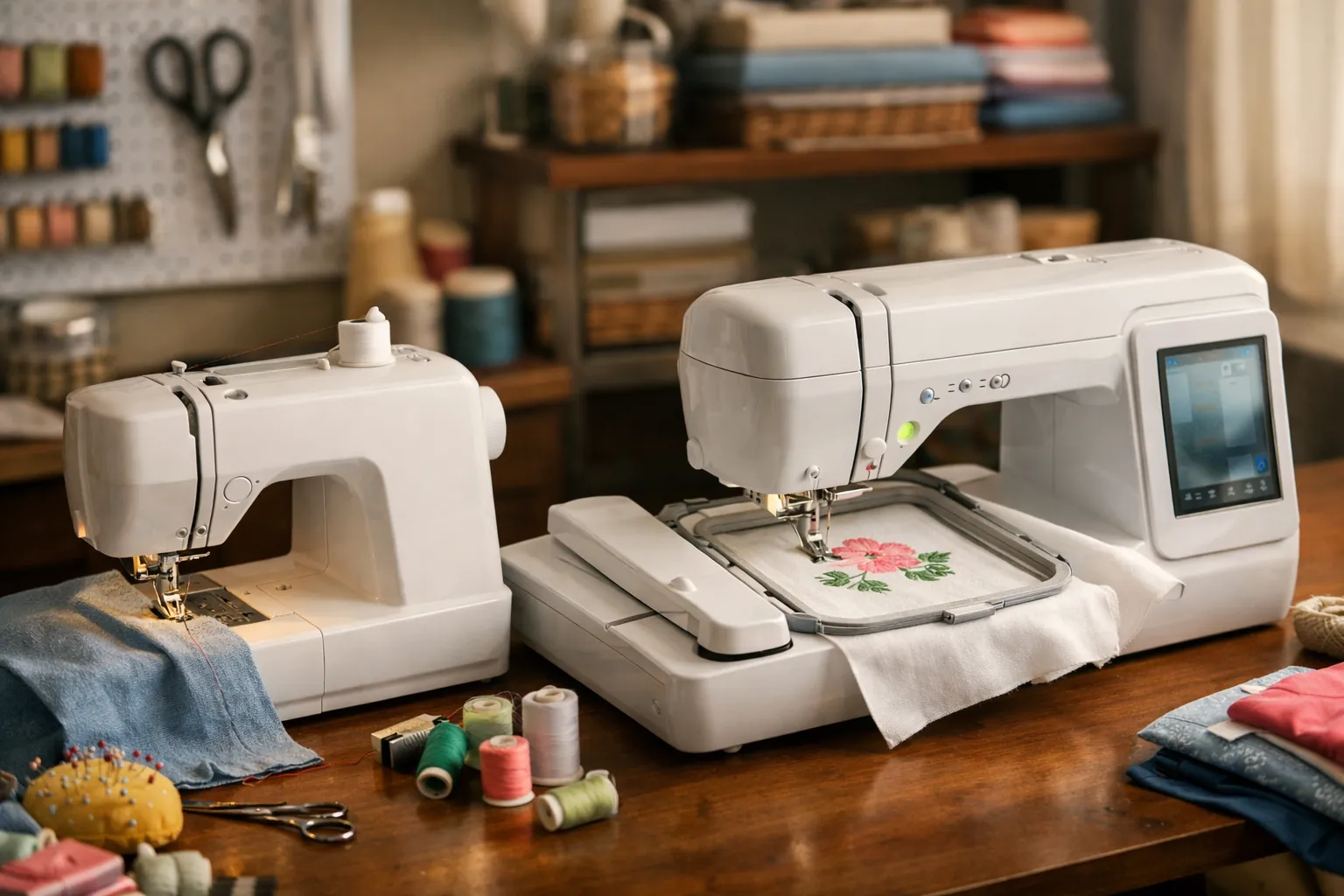
Nobody needs this page to tell them the SE700 sews and the PE545 doesn't. The useful question is what happens if you buy the PE545 and keep (or buy) a separate sewing machine. Here's how that setup compares with one SE700:
| SE700 alone | PE545 + a basic sewing machine | |
|---|---|---|
| Embroidery | 4" x 4", 135 designs, Wi-Fi | Identical |
| Sew while a design stitches | No. The embroidery unit has to come off to sew. | Yes. Two machines, two jobs at once. |
| Switching between modes | Remove or attach the embroidery unit each time | No switching |
| Sewing features | 103 stitches, 10 buttonholes, thread cutter | Depends on the machine. A Brother XM2701 has 27 stitches and 1 one-step buttonhole; a CS5055 has 60 and 7. |
| Table space | One machine | Two machines |
| If one needs service | You lose both functions | You keep the other |
| Total cost | One price | Two prices. Add them up on the buttons below, since both change often. |
If you already own a sewing machine, the PE545 column wins almost every row and costs less. If you don't, the math gets closer. A PE545 plus a Brother XM2701 (Amazon's top-selling machine in our data, about 5,000 bought in the past month) gives you two machines working at once. The SE700 gives you more sewing stitches, a thread cutter and one machine to store. Compare the two totals on the day you buy.
What switching modes means on the SE700
On a combo, the embroidery unit slides onto the free arm. To sew, you take it off. It's not hard, but it's a habit: finish the embroidery, remove the unit, change the foot, sew, and reverse the process for the next design. If you mostly do one or the other in long stretches, you'll barely notice. If you're making something that alternates (embroider a pocket, sew it on, embroider the next one) the switching gets old, and a second machine starts to look sensible.
Wi-Fi and the app work the same way on both
Both pages describe the wireless side in nearly the same words. Over your home network, the machine can receive designs from a PC through Brother's free Design Database Transfer software, so you don't need to carry a USB stick between rooms. It also gets software update notifications. On a phone or tablet, the Artspira app lets you draw a simple design or pick one from its collection and send it to the machine.
The USB port is still there on both, and it's still the simplest route if you buy designs from Etsy or a digitizer and download them to a computer. Artspira has a free plan and a paid one; our Artspira app guide lists what each includes. None of this differs between the SE700 and the PE545, so it shouldn't sway the choice.
Who should pick which
A few common situations, and where we'd land:
- You're new to both sewing and embroidery and have room for one machine: SE700.
- You sew garments or quilts on a machine you're happy with: PE545. Your sewing machine is almost certainly better at sewing than the SE700's sewing side needs to be for you.
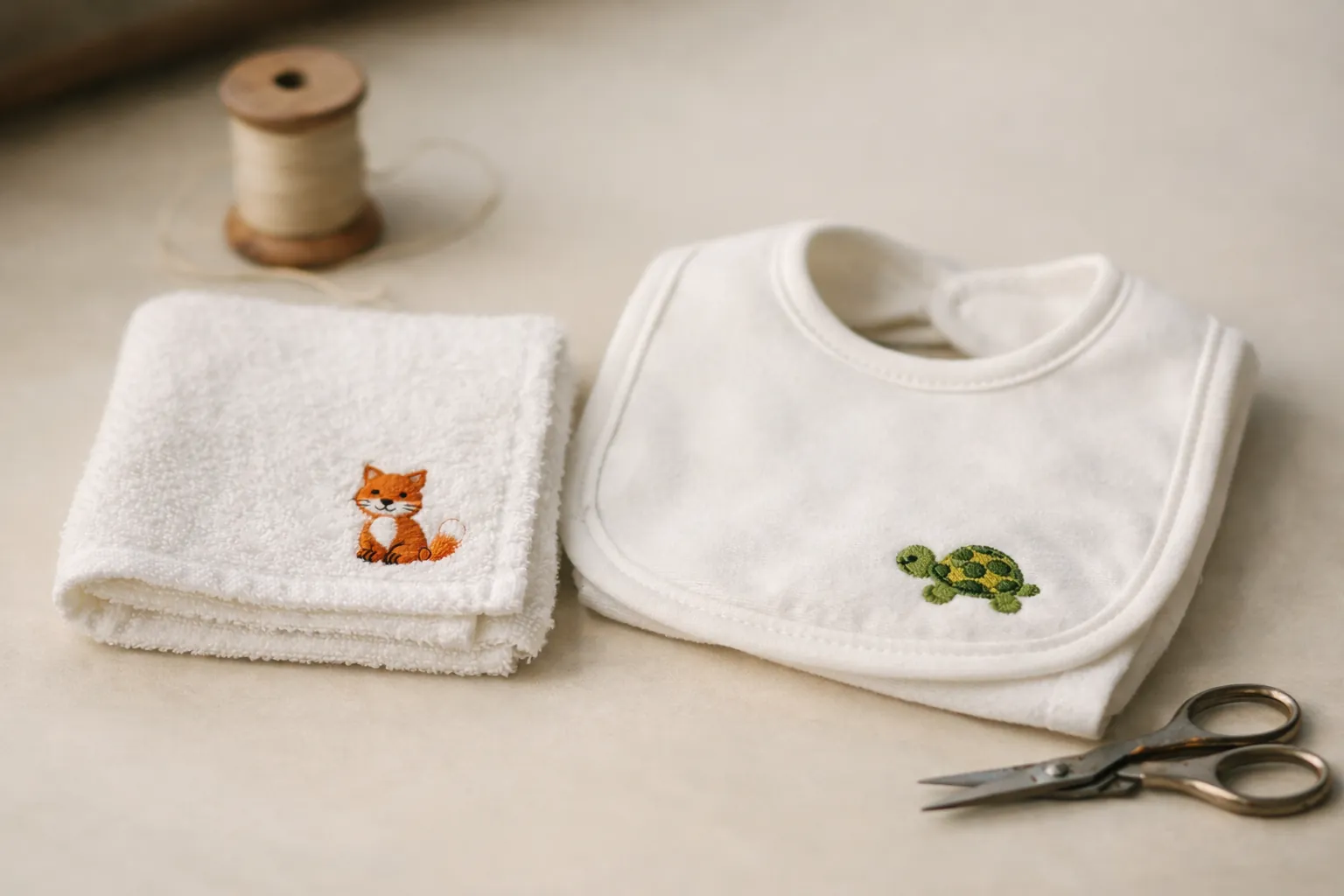
- You want to monogram towels and baby gifts to sell at a craft fair: PE545 next to any sewing machine, so one can stitch while you finish items on the other.
- You're buying for a teenager who wants to learn to sew and has seen embroidery videos: SE700, because the sewing will get used first.
- You suspect you'll want bigger designs within the year: neither. Look at the 5" x 7" PE900 or SE2000 in PE900 vs SE2000.
The two machines
Brother SE700
One machine that covers both jobs. Brother lists 103 sewing stitches, 10 buttonhole styles, an automatic thread cutter and eight feet, which covers hems and zippers on a first sewing machine. The embroidery side matches the PE545 exactly. With roughly 1,000 bought on Amazon in the past month, it's also the most common combo you'll find tutorials for.
- Max field4" x 4"
- Designs135
- Fonts10
- Sewing stitches103
- Buttonholes10 one-step
- Feet8
- Wi-Fiyes
Why it stands out
- Sews and embroiders
- Eight feet and 10 buttonhole styles included
- Wi-Fi and Artspira, same as the PE545
Think twice if
- You already have a sewing machine you like
- You want to sew while a design stitches
Brother PE545
Everything the SE700 does with the embroidery arm on, for less. And the arm never has to come off. Brother's page adds a drag-and-drop feature for positioning a design on the touchscreen and built-in tutorial videos. It ships with the embroidery foot only, because there's nothing else to attach. The listing is plain about it: "embroidery-only machine and does not function as a traditional sewing machine."
- Max field4" x 4"
- Designs135
- Fonts10
- Screen3.7" LCD
- Wi-Fiyes
- Tutorialsbuilt in
Why it stands out
- Same embroidery features as the SE700
- No switching between sewing and embroidery
- Built-in tutorial videos
Think twice if
- You don't own a sewing machine
- You think you'll want 5" x 7" designs soon (look at the PE900)
Hoops and accessories carry over
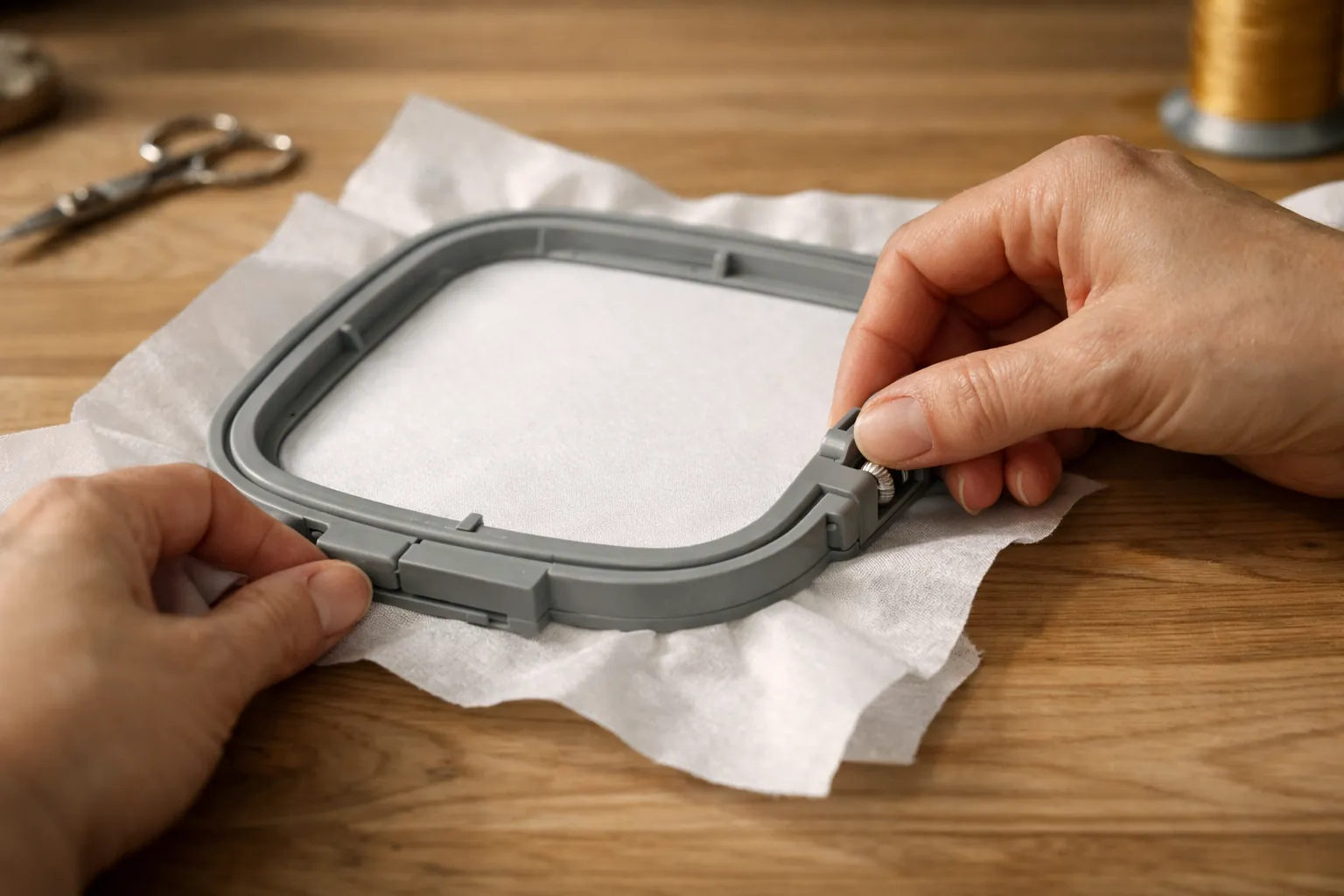
Because the field is the same, so is the hoop family. Third-party sets list the two together, for example this magnetic hoop set for the SE700, SE725 and PE545. If you move from one machine to the other later, your hoops come with you. Our Brother hoop sizes by model page lists the codes for each.
Supplies are identical too, down to the 75/11 embroidery needles. Getting started: our printable machine embroidery cheat sheet matches needle, stabilizer and topping to the fabric.
If neither fits
- Want bigger designs? The 5" x 7" models are compared in all Brother embroidery models compared.
- Choosing between the SE700 and the Walmart-only SE725? See SE700 vs SE725.
- Coming from an SE600? SE600 vs SE700 covers what changed.
- Still unsure whether you need embroidery at all? Read embroidery machine vs sewing machine, then the best embroidery machine for beginners.
Pick by what's already on your table
Empty table: the Brother SE700. A sewing machine already on it: the Brother PE545, and put the difference toward thread and stabilizer. The embroidery will look the same either way.
Specs from Brother's product pages and the Amazon listings, checked October 3, 2026. Prices change often, so the buttons show the current price on Amazon. How we research · Affiliate disclosure