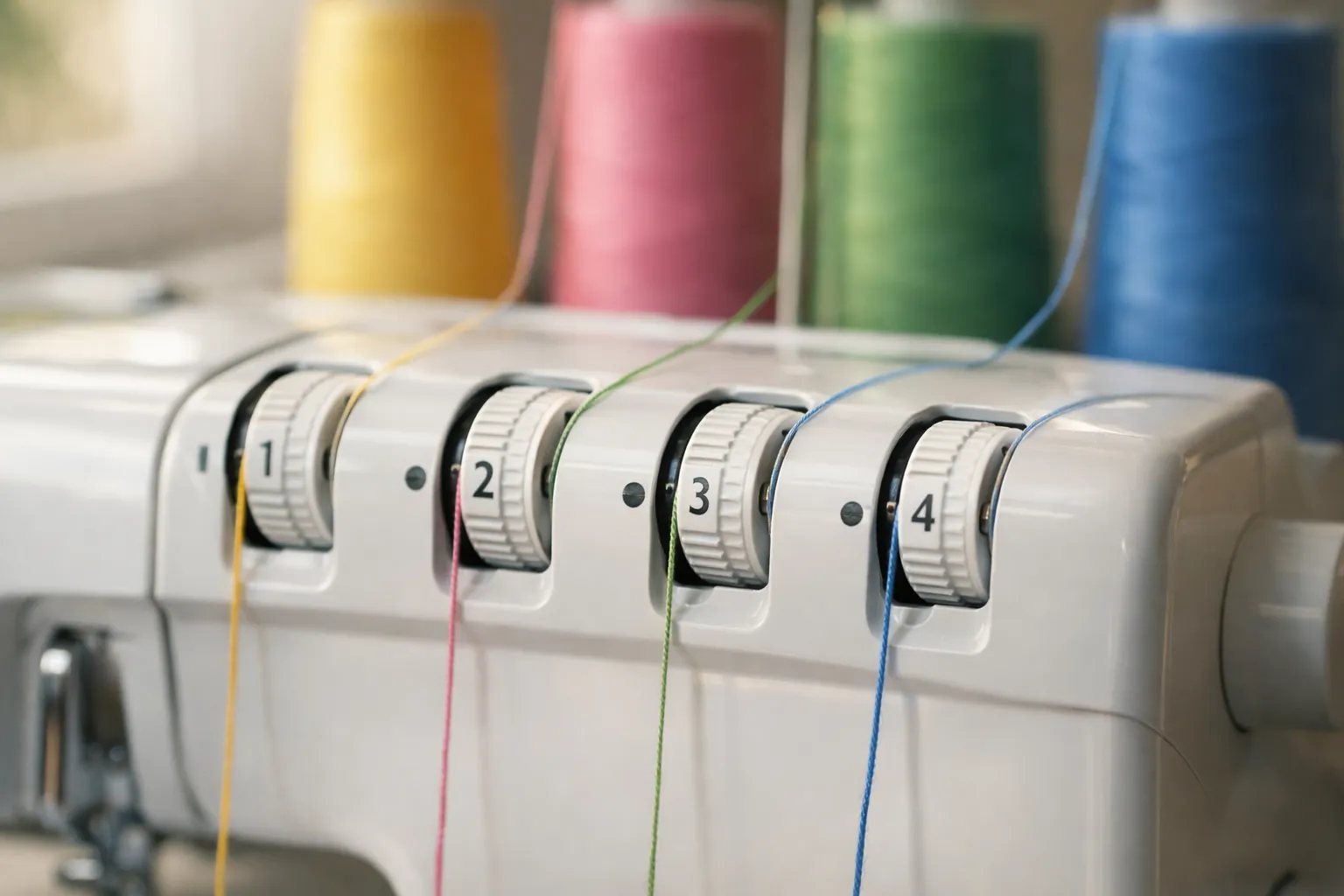
Set all four dials to 4 and test-sew a scrap. Brother's manuals for both the 1034D and 1034DX say 4 works in most situations. Only the rolled hem and narrow hem need different starting numbers, and those are in the chart below. If the seam still looks wrong, find the picture that matches in the diagnosis table and turn the dial it names, one number at a time.
Starting settings by stitch
Every number here is printed in one of Brother's two manuals. Ranges in brackets are Brother's own. The dial colors match the threads: yellow left needle, pink right needle, green upper looper, blue lower looper.
| Stitch | Left needle (yellow) | Right needle (pink) | Upper looper (green) | Lower looper (blue) | Length / width |
|---|---|---|---|---|---|
| 4-thread overlock (both models) | 4 | 4 | 4 | 4 | Length 2.5 to 3 mm (1034D) or 3 mm (DX); width 5 mm |
| 3-thread overlock, wide (left needle only) | 4 | removed | 4 | 4 | Width 5 mm |
| 3-thread overlock, narrow (right needle only) | removed | 4 | 4 | 4 | Seam about 2.8 mm |
| Rolled hem, 1034D handbook | removed | 4 (3 to 5) | 3 (1 to 4) | 6 (5 to 7) | Length R; width R.5; stitch finger out |
| Narrow overlock, 1034D handbook | removed | 4 (3 to 5) | 4 (3 to 5) | 4 (3 to 5) | Length R; width R.5; stitch finger out |
| Rolled hem, 1034DX, fine fabric | removed | 4 (3 to 5) | 5 (4 to 6) | 7 (6 to 8) | Length R (R to 2.0); width R; stitch finger out |
| Rolled hem, 1034DX, medium fabric | removed | 5 (4 to 6) | 5 (4 to 6) | 7 (6 to 8) | Same as above |
| Narrow overlock, 1034DX, fine fabric | removed | 4 (3 to 5) | 5 (4 to 6) | 5 (4 to 6) | Same as above |
| Narrow overlock, 1034DX, medium fabric | removed | 5 (4 to 6) | 6 (5 to 7) | 6 (5 to 7) | Same as above |
Sources: 1034D handbook (884-345), "Thread tension" on pages 27 and 28 and the narrow overlock/rolled edge chart on page 45; 1034DX manual (884-B02/B03), pages 10 and 25. The 3-thread rows use Brother's general "4 for most situations" guidance, since neither manual prints a separate 3-thread table. Brother's baseline assumes spun polyester thread (the manual's reference is "SPAN 60/3Z").
Notice the rolled hem rows don't match between the two machines. The DX manual starts the loopers tighter. If you're following a video, check which model it was filmed on. When in doubt, use the chart in the manual for the machine on your table; our 1034D vs 1034DX page explains how to tell them apart.
Reading the dials
Higher numbers mean more tension. Both manuals group the ranges the same way: 4 to 7 for heavy tension, 4 down to 2 for light, and 3 to 5 as the medium band. The 1034D handbook's drawing says dialing down increases tension and dialing up decreases it, which surprises people. Go by the number in the window, not by which way your thumb moved.
Two other dials change how a seam looks and get confused with tension:
- Differential feed, normal setting 1.0. Brother's DX manual says to turn it toward 2.0 for stretchy fabric that comes out wavy, and below 1.0 (down to 0.7) for thin fabric that puckers. It also warns not to use differential feed on thick, non-stretch fabric like denim.
- Presser foot pressure, normal setting "2" on the DX's pressure screw. Brother lists a too-light foot as a cause of skipped stitches and poor feeding.
Diagnose by what you see
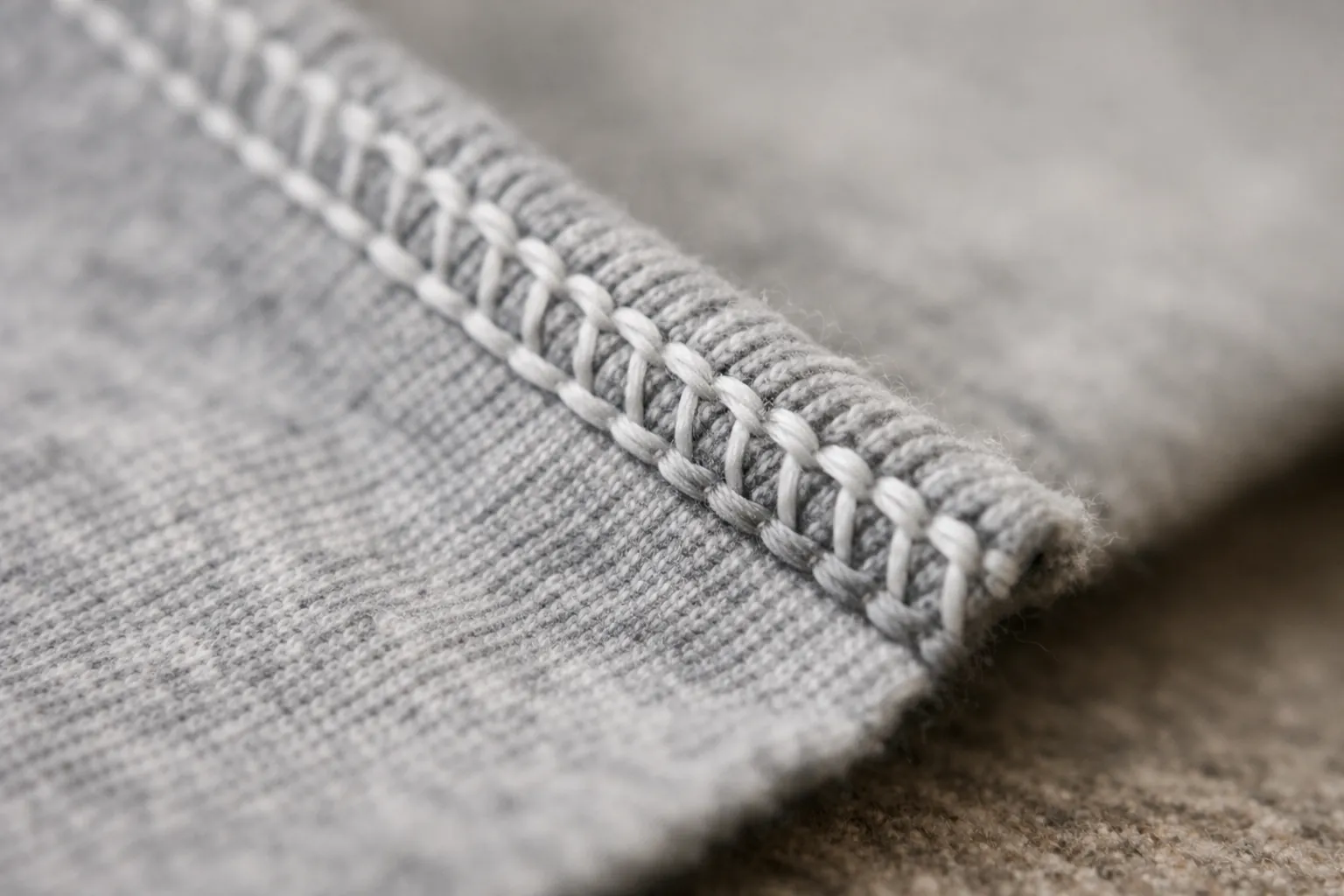
This table follows the tension charts in both manuals (1034D handbook pages 29 to 32, 1034DX manual pages 11 and 12). The drawing is ours; the logic is Brother's.
| What you see | What Brother's chart says it means | Turn this dial |
|---|---|---|
| Loops on the underside along the left needle line | Left needle thread too loose | Yellow up |
| Loops on the underside along the right needle line | Right needle thread too loose | Pink up |
| Seam puckers or draws up | Needle thread too tight | Yellow or pink down |
| Blue (lower looper) thread shows on the top side | Upper looper too tight, lower looper too loose | Green down, blue up |
| Green (upper looper) thread wraps to the underside | Upper looper too loose, lower looper too tight | Green up, blue down |
| Both looper threads hang loose off the edge | Both loopers too loose | Green up and blue up |
Brother's order for adjusting a 4-thread seam: left needle, then right needle, then upper looper, then lower looper. For 3-thread: needle, upper looper, lower looper. Fix the needles first, because a loose needle changes how the loopers look.
A practical habit: thread the four paths with four different colors for your first test seams. It turns "something's loose" into "the blue one is loose", and the table above does the rest.

Getting a rolled hem to roll
The rolled hem is where most owners give up on the chart, so here's the setup in the order the manuals give it:
- Turn the power off and remove the left needle. The rolled hem uses the right needle only.
- Thread for a 3-thread overlock with the right needle.
- Remove the stitch finger. Raise the presser foot, pull all threads toward the back, open the front cover, and turn the hand wheel until the upper looper is at its lowest point before sliding the finger out. The front cover has a spot to store it.
- Set the stitch length to R and the width to R (the 1034D handbook says R.5 on two-needle models).
- Set the tensions from the chart above for your model, then test on a scrap of the real fabric.
For threads, the 1034D handbook suggests woolly nylon or a decorative thread in the upper looper and #80 nylon or polyester in the needle and lower looper, on light fabrics like crepe de chine, georgette, lawn and organdie. A spool like ThreadArt woolly nylon serger thread fills in the edge better than all-purpose thread does. Put the stitch finger back before you return to a regular overlock; the DX manual flags that step.
When it isn't tension at all
If no setting fixes it, stop turning dials. Brother's troubleshooting table names improper threading as the first cause of breaking threads, ahead of tension, and lists bent needles, wrong needles and badly inserted needles before tension for skipped stitches. Work through these:
- Rethread in the order printed inside your front cover, loopers before needles. Our 1034D threading guide covers both versions of the order.
- Check that each thread is seated in its tension disc. On the 1034D, hold the tension release button to the right while you pull the thread in.
- Fit new needles. Both machines take household 130/705H needles, sizes 80 and 90; a card of Schmetz Universal 130/705H needles covers it.
- Use the same thread on all four cones. Mixed brands and weights pull differently, which no tension chart can predict. Our serger thread guide covers the sets worth buying, including the Maxi-Lock 4-pack.
Still shopping for a serger? The 1034D is our top pick in the best sergers for beginners. For a regular sewing machine (not a serger), see our tension troubleshooting guide.
Sources: Brother 1034D handbook (product code 884-345, version 07) and 1034DX operation manual (884-B02/B03, version 06), downloaded from Brother's support site: 1034D manuals, 1034DX manuals. Checked October 3, 2026. Numbers are Brother's; the wording and diagrams are ours. How we research · Affiliate disclosure