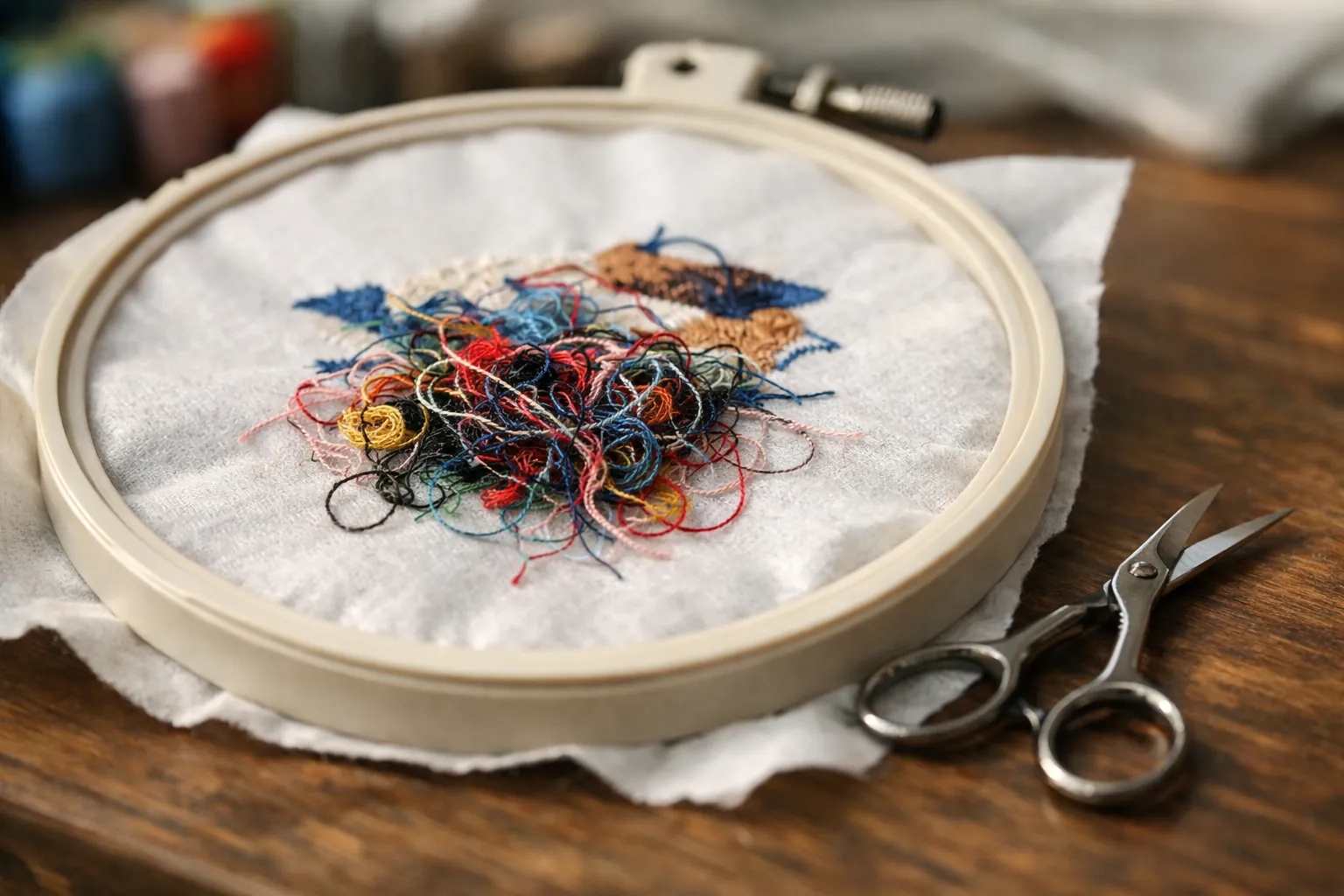
Rethread the top thread with the presser foot up. That one step fixes most embroidery bird nests, because a nest under the hoop is loose top thread that never reached the tension discs. If it comes back, work through the list below in order: bobbin, needle, lint, then the fabric and stabilizer. Each check takes a minute or two.
What a bird's nest actually is
Every stitch is a loop of top thread pulled down through the fabric, caught by the bobbin hook and pulled back up tight. The pulling back up is the tension's job. When the top thread has no tension, the loop goes down and doesn't come back. The hook keeps catching loose loops, and in a few seconds you have a wad of thread on the underside, often enough to jam the hoop.
That's why the mess appears on the bobbin side but usually starts on top. Bobbin problems look different: bobbin thread showing on the top of the design, or loops on the top surface.
Before you start: free the hoop safely
Stop the machine and turn it off. Don't yank the hoop: the nest is wrapped around the hook and can bend the needle. Raise the needle with the handwheel if you can, then snip the threads between the fabric and the needle plate with small scissors until the hoop lifts free. Pick the leftover thread out of the bobbin area before you try anything else.
The 8 fixes, in order
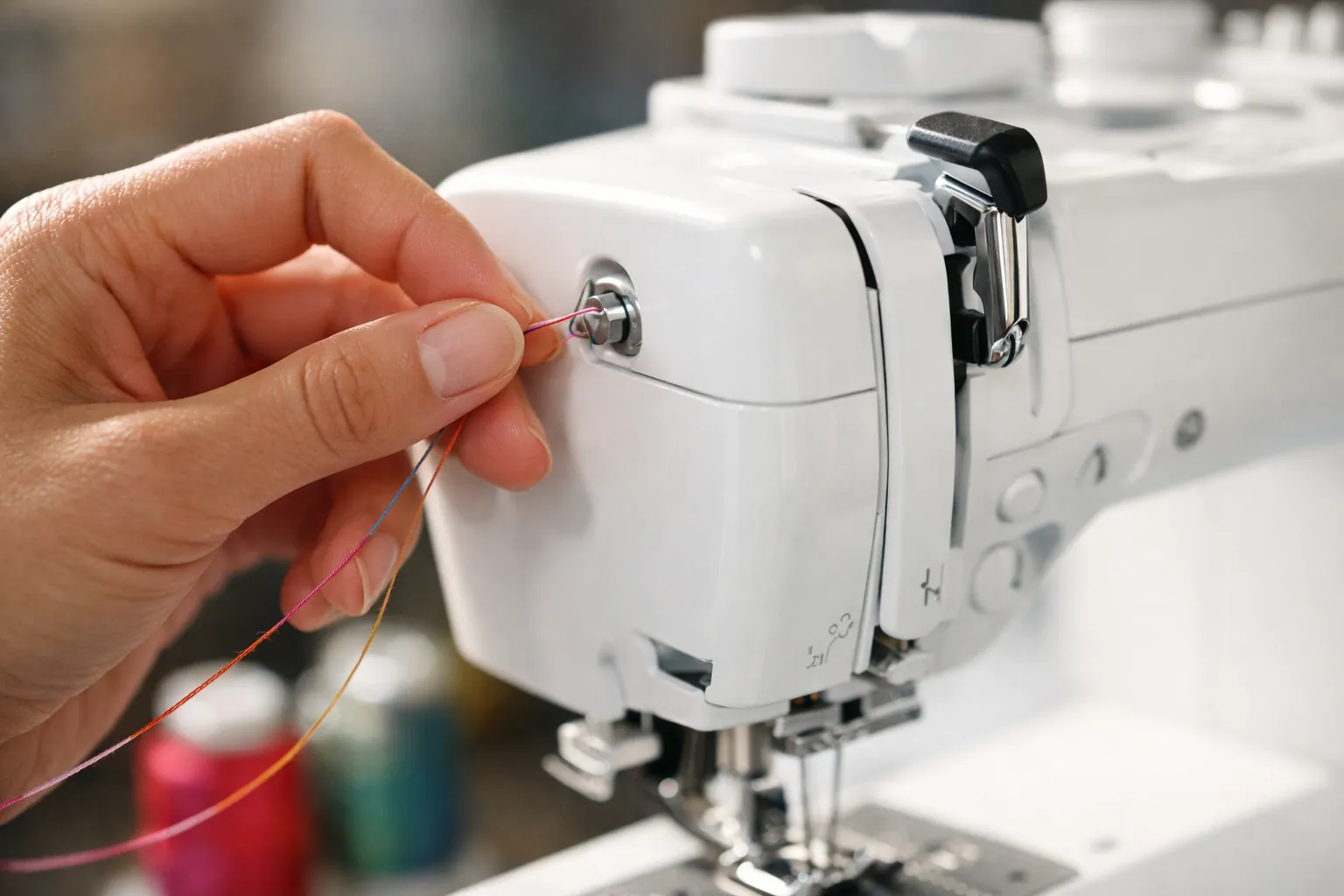
1. Rethread the top thread with the presser foot up
Raising the presser foot opens the tension discs so the thread can drop between them. Thread with the foot down and the thread rides over the discs with no tension at all, which is the classic cause of a nest. Pull the top thread out completely, raise the foot, and rethread along the path printed on your machine. Brother's SE and PE machines embroider with foot "Q" (it's in their accessory lists, already fitted on the PE545 and PE900), and the foot has to be down before you press start.
2. Check the spool end of the thread path
Thread can catch on the notch of a spool or wrap around the spool pin, which starves the needle and then lets go in a rush. Use the spool cap size that matches the spool (Brother includes three cap sizes with the SE700 and PE900), and turn the spool so the notch doesn't snag. Cheap, linty thread breaks and shreds more. Embroidery thread kits like the New brothread 40-color polyester kit list 40 wt spools, the standard weight.
3. Reseat the bobbin, the right way round
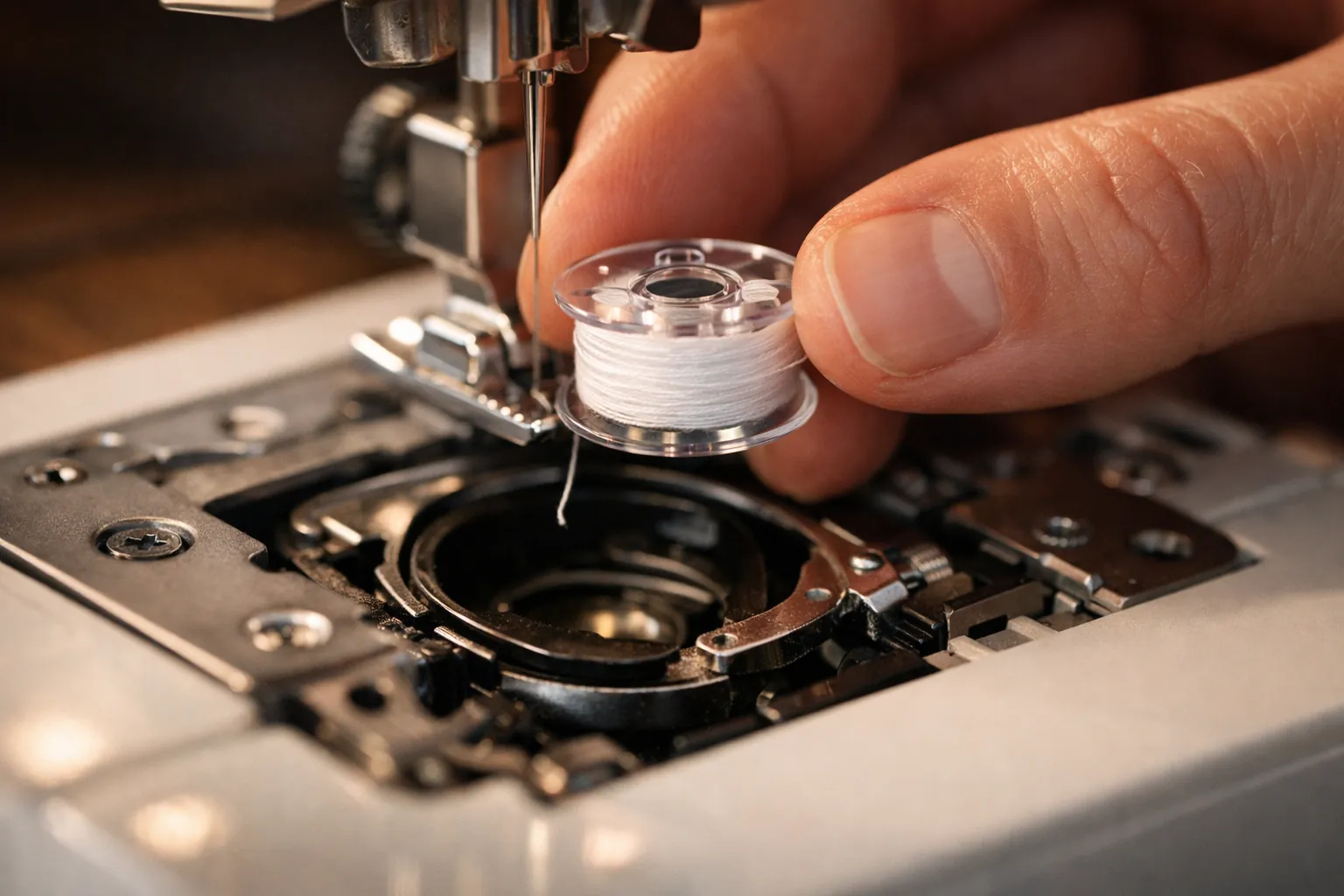
Take the bobbin out and drop it back in following the arrow on the bobbin cover. A bobbin spinning the wrong way, or one that skipped the tension slot, causes loops and nests. Use the bobbin your manual names. On many Brother home machines that's the SA156 size, which Brother sells in clear 10-packs, but confirm it for your model.
Fill it with embroidery bobbin thread, not regular sewing thread. Brother ships 60 weight bobbin thread with the SE700, SE725 and SE2000 and 90 weight with the PE545 and PE900. Prewound size A (SA156) bobbins skip the winding and wind evenly.
Some machines have two bobbin cases. Brother's SE2000 accessory list includes a standard bobbin case (green screw) and an alternate case (no color on the screw). If you swapped cases for a project, check which one is in before you blame anything else.
4. Put in a new embroidery needle
A bent or worn needle misses the hook and leaves loose loops. Madeira puts the life of a machine embroidery needle at about 8 hours of running time. Use a 75/11 embroidery needle: Schmetz makes its embroidery needle in 75/11 and 90/14 with a light ball point and a wider eye to protect the thread. Push it all the way up, flat side to the back, and tighten. Brother sells 75/11 embroidery needles in a 100-pack. Our needle sizes chart covers the other types.
5. Clean out the lint
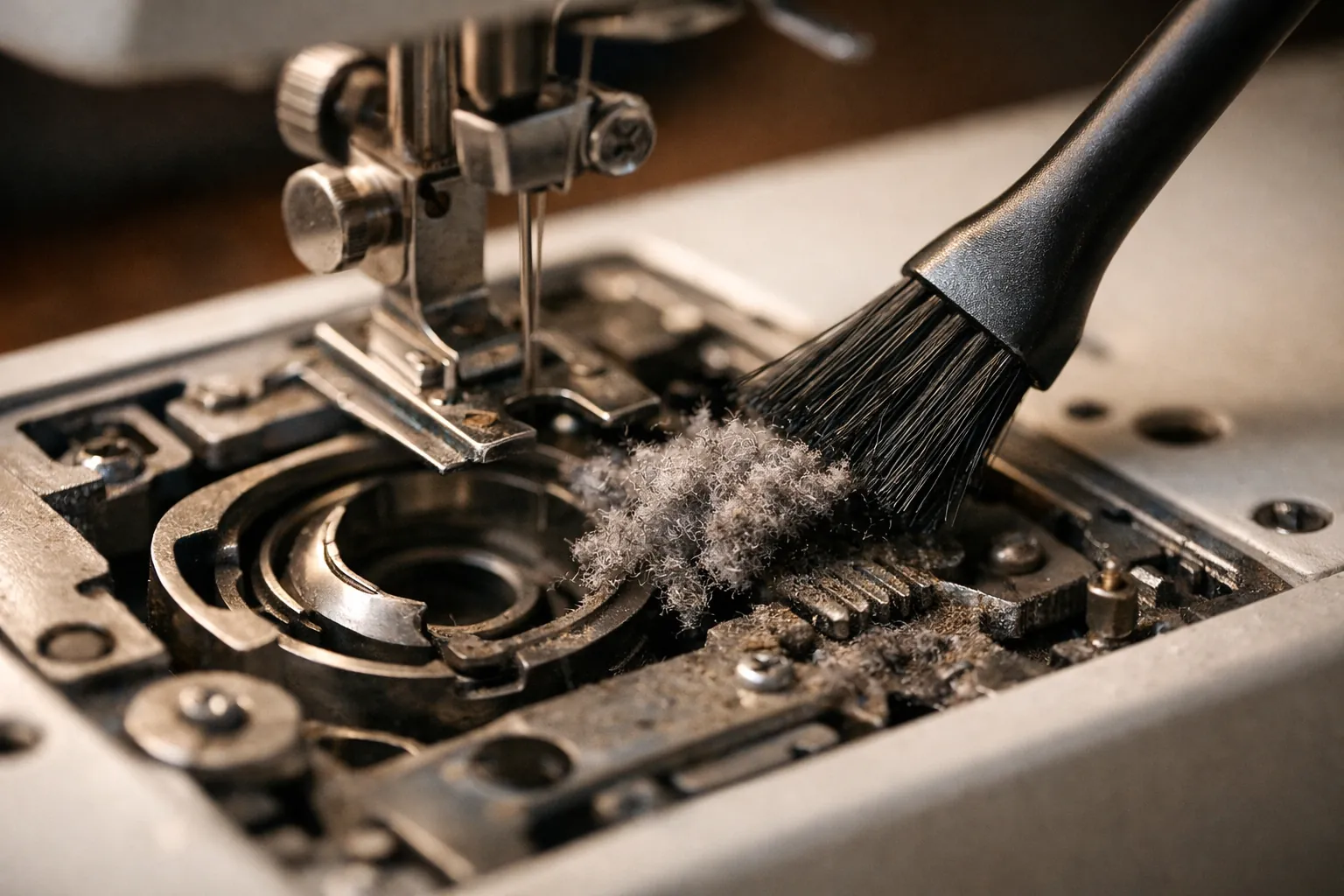
Lint packed around the hook and feed area stops the thread from moving freely and throws the timing of each loop. Turn the machine off, remove the needle plate as your manual shows, and brush out the bobbin area. Madeira lists cleaning the hook area and checking the thread path for lint as daily maintenance for embroidery machines. A small brush comes with Brother's machines.
6. Stop the fabric bouncing
If the fabric lifts with the needle (embroiderers call it flagging), the loop can't form and you get nests and skipped stitches. Hoop the fabric and stabilizer together, drum-tight but not stretched. Use the smallest hoop that fits the design, and the right backing: cut-away on knits, tear-away on stable wovens, per Madeira's backing guide and our stabilizer guide.
7. Match the needle and thread to the fabric
Thick thread in a small eye shreds, and shredded thread snags and nests. Madeira says to move up to 80/12 or 90/14 with thicker threads, and to use a ballpoint on knits and a sharp point on denim, twill and canvas. Cheap or old thread is a common cause too; our embroidery thread guide covers the kits with the most owner ratings. Our one-page machine embroidery cheat sheet lists the needle, backing and topping for 14 fabrics.
8. Look at the design itself
A design digitized too dense for the fabric, or one resized far beyond its original, piles stitches in one spot until the thread breaks and tangles. If one design nests and others don't, try it on a sturdier fabric or at its original size.
Symptom, likely cause, first fix
| What you see | Most likely cause | Try first |
|---|---|---|
| Wad of thread under the fabric | Top thread with no tension | Rethread with the presser foot up |
| Nest only at the start | Loose top thread tail | Hold or trim the tail; let the cutter catch it |
| Bobbin thread showing on top | Bobbin or top tension imbalance | Reseat the bobbin; use embroidery bobbin thread |
| Shredding top thread | Worn needle or eye too small | New 75/11, or 90/14 for thick thread |
| Nests plus skipped stitches | Flagging fabric or bent needle | Rehoop tighter with backing; new needle |
| Nests with knocking noise | Thread caught in the hook area | Stop and clear the thread; service if it persists |
The same logic applies to regular sewing. Our guide to bobbin thread bunching on a sewing machine covers it for garment sewing.
When it's a service job
If you've done all eight and it still nests, or the machine knocks, jams hard or stops with an error code, stop stitching. Look up the code on our Brother error codes page and in your manual (Brother keeps manuals on its support site). Hook timing and internal adjustments are for an authorized service center, not a screwdriver at the kitchen table.
Sources, checked October 3, 2026: Brother product and accessory lists for the SE700, PE545, PE900 and SE2000; Schmetz needle guide; Madeira, the basics of 75/11 needles, 5 common mistakes new embroiderers make and the E-Zee backing guide (PDF). Product details from Amazon listings the same day. How we research · Affiliate disclosure