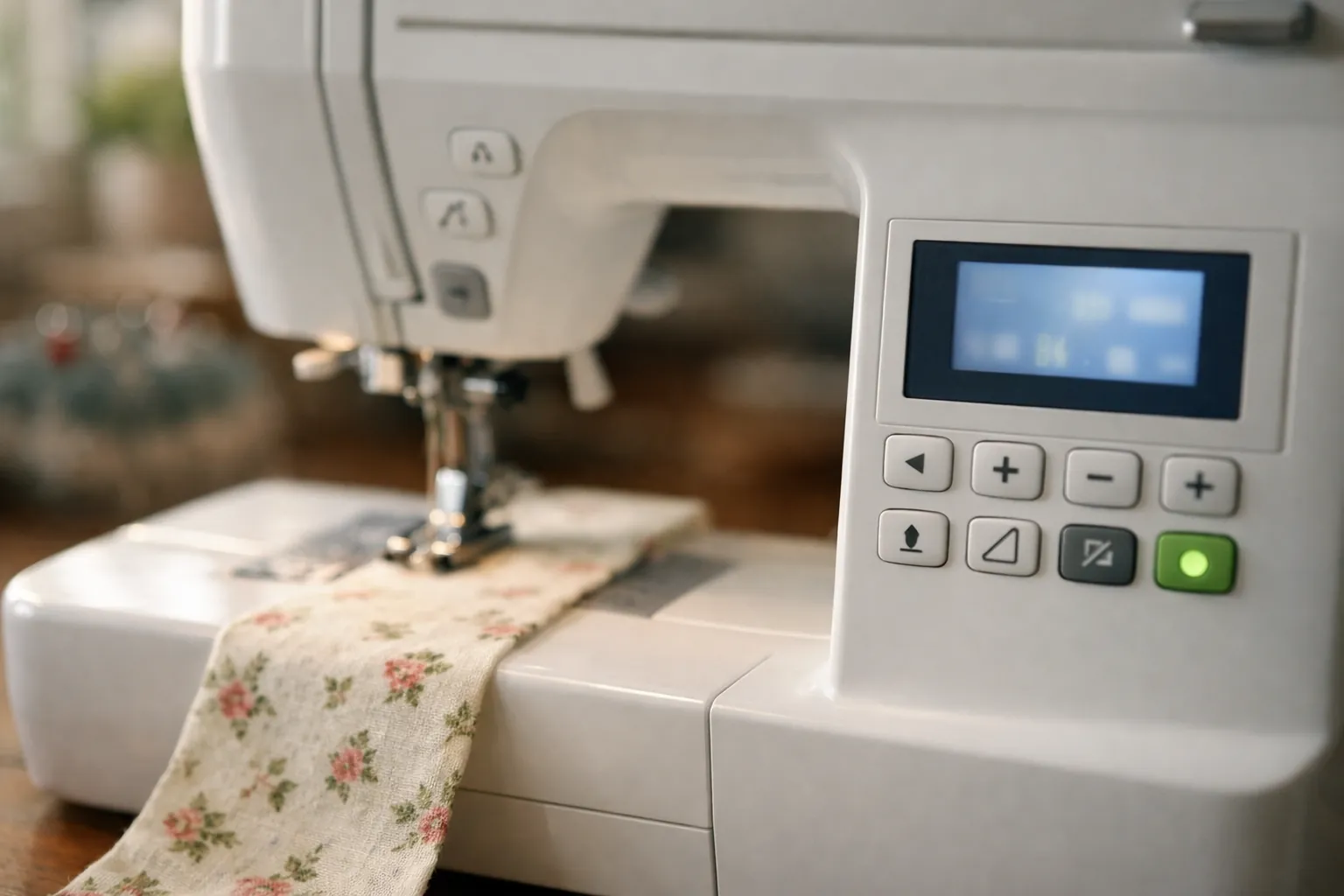
On Brother's computerized sewing machines, E1 to E5 (and E7 on the CS7000X family) mean you pressed a button in a state the machine won't sew in, like the presser foot up or the buttonhole lever in the wrong spot, and you clear them in a few seconds. E6 means the motor locked, almost always on tangled thread. F codes mean the machine may be malfunctioning, and Brother's answer for every one of them is to contact an authorized service center.
The catch is that Brother publishes these meanings model by model. Below they're in one table, with the exact model lists Brother attaches to each answer.
Where these meanings come from
Every meaning on this page is copied in substance from Brother's own support FAQs, which we read on October 3, 2026: the "Error Message on Machine's Display" lists for the CS7000X, the SQ9285, the XR9550, the CS6000i, the SE700 and the PE900. Each Brother answer ends with a "Related Models" list, and that list is how we know which machines share a meaning.
This is a spec review. We didn't trigger these codes on our own machines; we read Brother's answers and grouped them. Your operation manual has the final word for your model, and Brother keeps every manual on its support site (pick your model there). How we research.
E1 to E7: the full table
Brother's answers fall into two families. They agree on what E1 to E6 mean, and the wording differs a little. Family A is the CS7000X group (CS7000X, CP100X, CE1155, Innov-is NS80e; the E6 and F answers add the CS5055, CP60X, CP80X and CP2160 variants). Family B is the long-running group on the SQ9285 page, which includes the SQ9285, XR9550, HC1850, CS6000i, CS7000i, CS7205, CE1100PRW, CS5055PRW and ST150HDH among about 70 models.
| Code | What Brother says causes it | Brother's fix | Families |
|---|---|---|---|
| E1 | Start/Stop, the reverse/reinforcement button or the foot controller was pressed with the presser foot raised | Lower the presser foot lever | A and B |
| E2 | A stitch other than buttonhole or bar tack is selected and the buttonhole lever is lowered | Raise the buttonhole lever | A and B |
| E3 | A buttonhole or bar tack stitch is selected and the buttonhole lever is raised | Lower the buttonhole lever | A and B |
| E4 | Reverse/reinforcement or needle position was pressed while the bobbin winder shaft is pushed to the right | Move the bobbin winder shaft back to the left | A and B |
| E5 | Start/Stop was pressed while the foot controller is plugged in | Unplug the foot controller to use Start/Stop, or sew with the pedal | A and B |
| E6 | The motor locked up, for example on tangled thread | Remove the tangle, clean the bobbin case or race, reinsert the bobbin case, replace a bent or broken needle, rethread | A and B |
| E7 | Twin needle mode is on and a stitch that can't be sewn with a twin needle is selected | Pick a twin-needle stitch, or switch back to single needle mode (Brother: turn off, hold the Plus key while turning on) | A only (CS7000X, CP100X, CE1155) |
Five of the seven are the machine protecting you from yourself. E2 and E3 trip people most often, right after a buttonhole: the lever stays down and the next straight seam throws E2.
E6, step by step
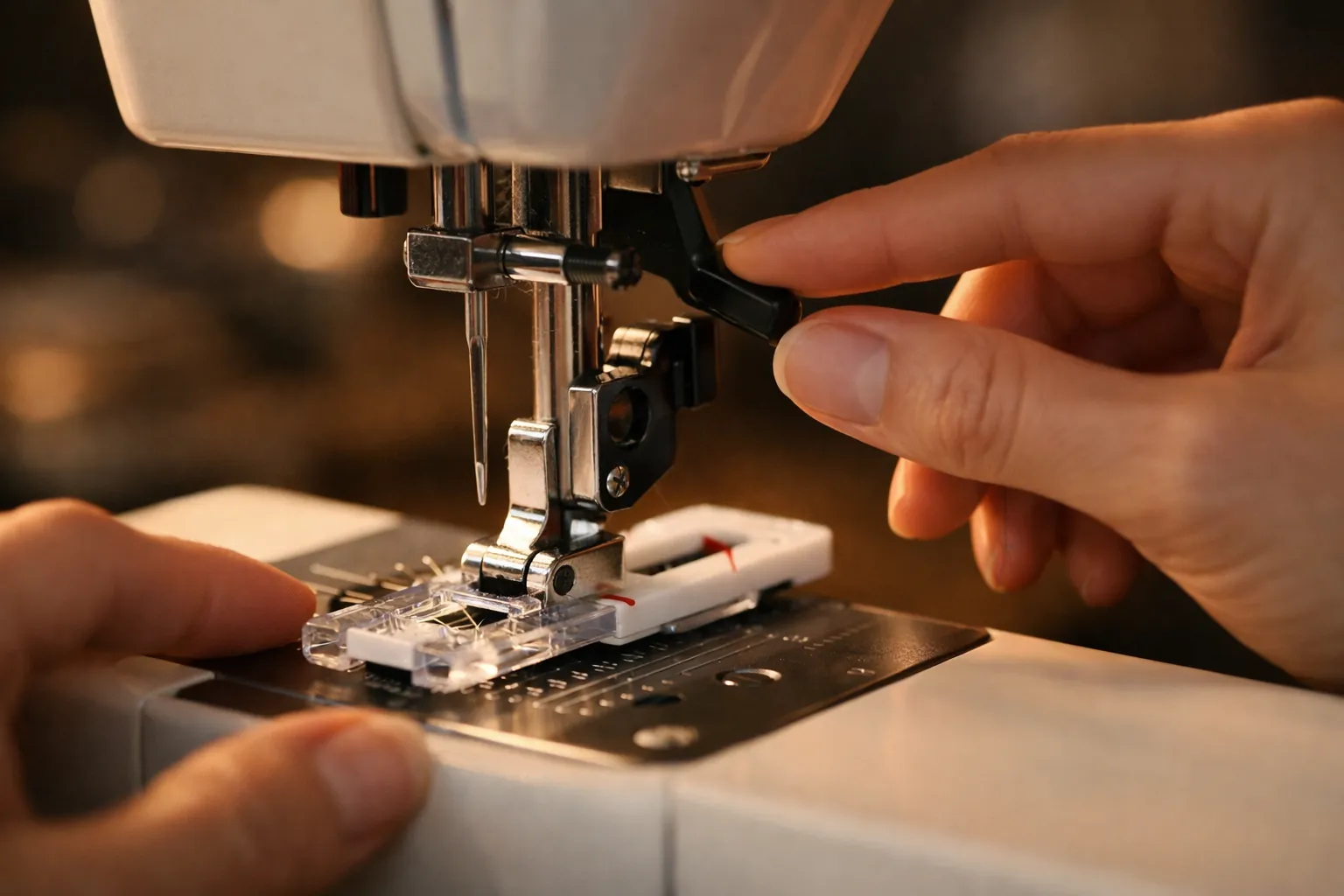
E6 is the one people search for, and it's the only E code that points at something physically wrong. Brother's wording on the CS7000X page: the message "is displayed when the motor locks up due to the problem such as a thread tangle or other reasons." The SQ9285 page says the same thing in fewer words.
Brother's CS7000X answer splits it into four symptoms, and they're worth reading as a checklist:
| What happened just before E6 | Cause Brother gives | What to do |
|---|---|---|
| The machine rattled, then stopped | Upper thread not threaded correctly, or it missed the take-up lever | Rethread the upper thread from the spool, presser foot up |
| Thread is wound up in the race, or fabric got pulled in | Thread tangled below the needle plate | Remove the fabric, clear the tangle, reset the bobbin and thread |
| The needle bent or broke | The needle doesn't suit the fabric and thread | Fit a new needle sized for the fabric (see our needle size chart) |
| The fabric stopped feeding | Stitch length so short the thread piles up, or feed dogs lowered | Lengthen the stitch; raise the feed dogs |
The order we'd follow, built from Brother's steps:
- Turn the machine off. Brother's tangled-thread answer starts with powering off, and so should you.
- Cut the fabric free if it's caught, and pull out the visible tangle.
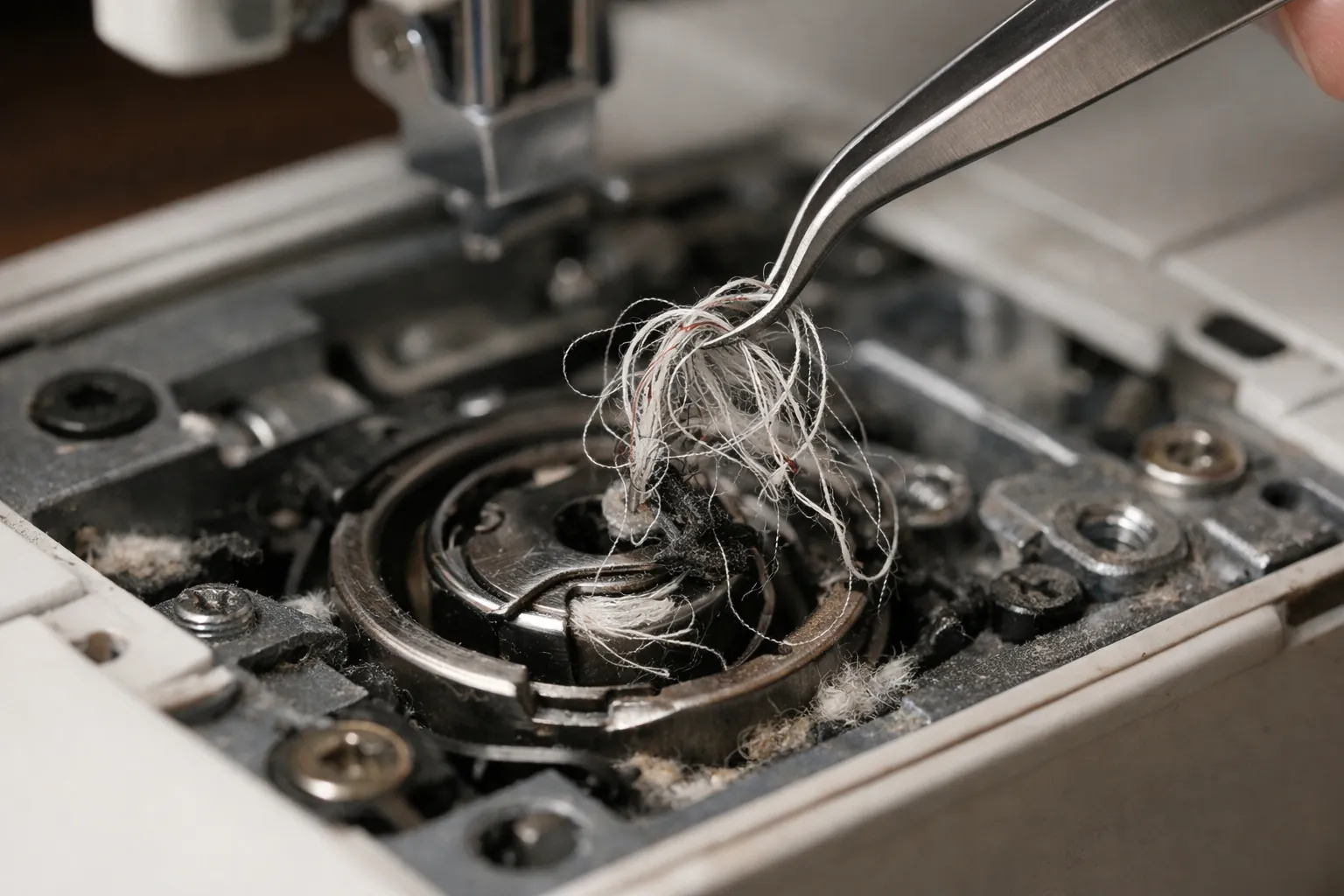
- Take out the bobbin, clean the lint and thread ends from the bobbin case area, and put the case back the way your manual shows.
- Look at the needle. If it's bent, blunt or burred, replace it.
- Rethread the upper thread completely, with the presser foot up so the thread seats in the tension discs.
- Reinsert the bobbin so the thread unwinds the way your manual shows. On drop-in machines like the SQ9285, Brother says the thread should unwind to the left.
- Sew a test seam on scrap at a normal stitch length.
The rethread and the bobbin-area clean-out answer Brother's first two symptoms, and they're the ones to do carefully. A loop of upper thread that never reached the take-up lever ends up wound around the hook, which is exactly what the machine reads as a locked motor. If loops on the underside of your seams came first and the E6 came after, our guide to bobbin thread bunching walks through that sequence.
If E6 comes back on a clean, correctly threaded machine with a new needle and the handwheel feels stiff, stop there. Brother doesn't give a home fix past these steps, and neither do we.
F codes: call service, don't troubleshoot
Brother's answer for F1 through F9 on the CS7000X list, for "F**" or "F*" on the SQ9285, XR9550 and CS6000i lists, and for F01 through F07 on the SE700, reads almost word for word the same: if the code appears while the machine is in use, "the machine may be malfunctioning. Contact your authorized Brother dealer or the nearest Brother authorized service center."
That's the whole answer. Brother doesn't publish what each F number points to, so there's nothing for an owner to work through. Write down the exact code before you call, along with what you were doing when it appeared.
SE and PE embroidery machines show messages, not E codes
Brother's embroidery and sewing-embroidery models (SE600, SE625, SE630, SE700, SE725, SE1900, SE2000, PE535, PE545, PE900 and others) spell out the problem in a sentence on the LCD. The ones that matter most:
| Message on the LCD | What Brother says | Models Brother lists |
|---|---|---|
| "The safety device has been activated. Is the thread tangled? Is the needle bent?" | The motor locked on tangled thread or a thread-delivery problem. Remove caught fabric and tangles, clean the race, check the needle, turn the handwheel toward you to feel that it moves smoothly, rethread. | SE600, SE625, SE630, SE700, SE725, SE1900, SE2000 and others |
| "Check and rethread the upper thread." | The upper thread broke or isn't threaded correctly | SE and PE models incl. PE800, PE900, SE2000 |
| "Preventive maintenance is recommended." | Time for a maintenance check at an authorized dealer or service center. Pressing OK dismisses it, but it keeps coming back until the service is done. | SE600 to SE725, SE2000, PE535 to PE900, plus others |
| F01 to F07 | Possible malfunction; contact an authorized dealer or service center | SE600, SE625, SE630, SE700, SE725, PE535, PE545 and others |
The safety-device message is the embroidery machines' version of E6, and the fix is the same idea. If yours shows up mid-design, our page on embroidery machine bird nesting covers the embroidery-specific causes (hooping, stabilizer, bobbin type).
Which list applies to your machine
Status is from Brother's own product pages, checked October 3, 2026. For every current Brother model side by side, see our Brother sewing machine comparison chart.
| Model | Brother status | Display codes |
|---|---|---|
| CS7000X | Current | Family A: E1 to E7, F1 to F9 |
| CS5055 | Current | E1 to E6 and F codes (the CS5055 appears on Family A's E6 and F lists; the CS5055PRW on Family B's) |
| XR9550 | Current | Family B: E1 to E6, F** |
| SQ9285 | Current | Family B: E1 to E6, F** |
| HC1850 | Current | Family B: E1 to E6, F** |
| CS6000i | Discontinued | Family B: E1 to E6, F** |
| CS7000i | Discontinued | Family B: E1 to E6, F** |
| XM2701 | Current | None listed: Brother's site shows 0 error-message FAQs for it |
| SE700, SE725, SE630, SE2000 | Current | Text messages plus F01-style codes |
| PE545, PE900 | Current | Text messages plus F codes |
| SE600, SE625, SE1900, PE535, PE800 | Discontinued | Text messages plus F codes |
Not on the list? Search your model on support.brother.com and open FAQs, then "Error Message on Machine's Display". Brother's lists do differ by model, so don't borrow a meaning from a different machine without checking.
What the beeps mean
Brother's SQ9285-family answers also explain the beeper. One beep is a correct operation. Two or four beeps mean an incorrect one, which usually arrives with an E1 to E5 message. Four seconds of continuous beeping means the machine locked, typically on tangled thread, and stopped on its own: treat that exactly like E6.
Keeping E6 away
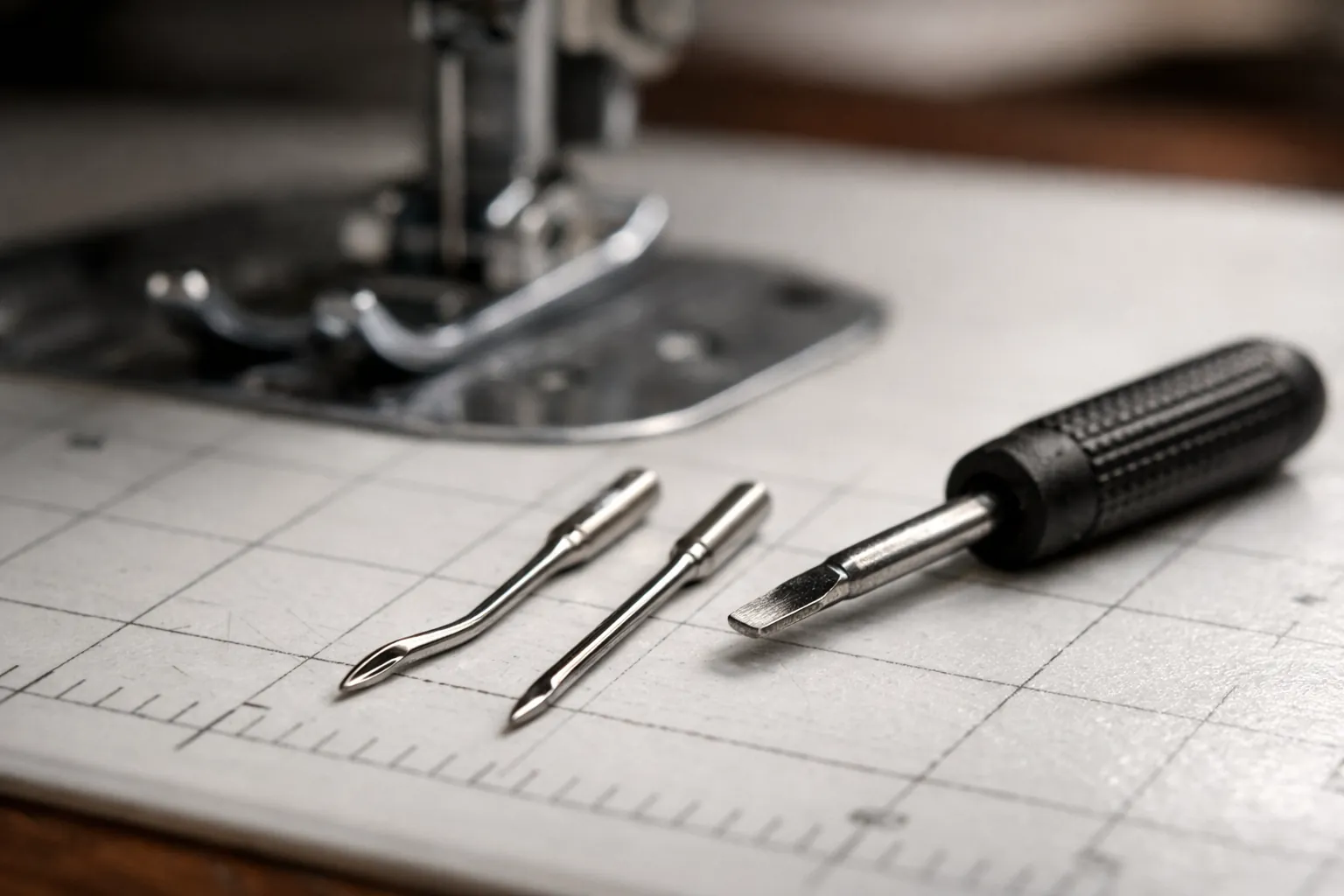
Most motor locks start with something cheap. A fresh needle sized for the fabric costs less than a service call, and a pack of SCHMETZ universal 80/12 needles covers everyday cottons. The bobbin matters too: Brother tells SQ9285 owners to use only the enclosed bobbin or the same type (SA156), and our bobbin lookup by model lists which machines take it.
Lint is the other one. Brushing out the bobbin area every few projects keeps thread from catching, and a small sewing machine cleaning kit with curved tweezers makes pulling a nest out easier. Turn the machine off and unplug it before you clean.
When it's a service call
Call an authorized Brother service center (Brother's phrase, and the right one) when you see any F code, when E6 returns on a clean, freshly threaded machine with a new needle, or when the handwheel won't turn smoothly by hand. Don't adjust timing, take off the covers or force the handwheel.
Code meanings and fixes summarized from Brother's support FAQs (support.brother.com) and model status from brother-usa.com product pages, both checked October 3, 2026. Brother's model lists are copied as published, including variant suffixes. How we research · Affiliate disclosure