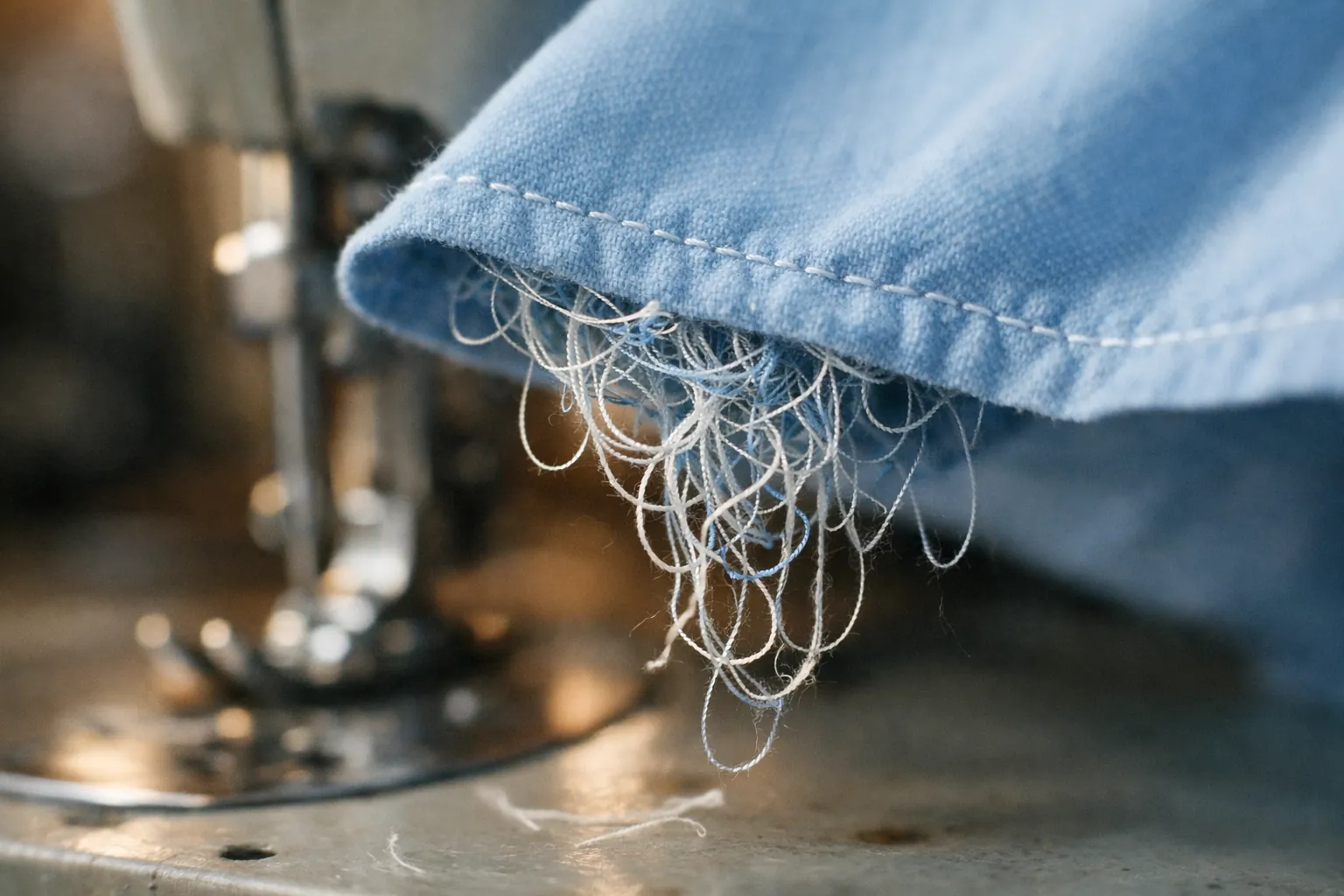
If thread is bunching up under your fabric, rethread the top thread with the presser foot raised. That's the fix both Brother and Singer point to. It sounds backward, because the mess is right on top of the bobbin, but Singer's manual says it outright: looping or bird-nesting on the underside "is an indication that the upper machine tension is not threaded correctly." Brother's support FAQ gives the same cause for tangles on the wrong side of the fabric.
Here's why that happens, then a one-minute check order and a few brand notes.
Why the loops show up underneath
Every lockstitch is a tug of war. The upper thread comes down through the fabric, wraps around the bobbin thread, and the upper tension pulls it back up so the two threads lock inside the fabric. When the upper thread misses the tension discs, nothing pulls it back up. The machine keeps feeding it down, and it piles up as loops on the side it ended up on, which is the bottom.
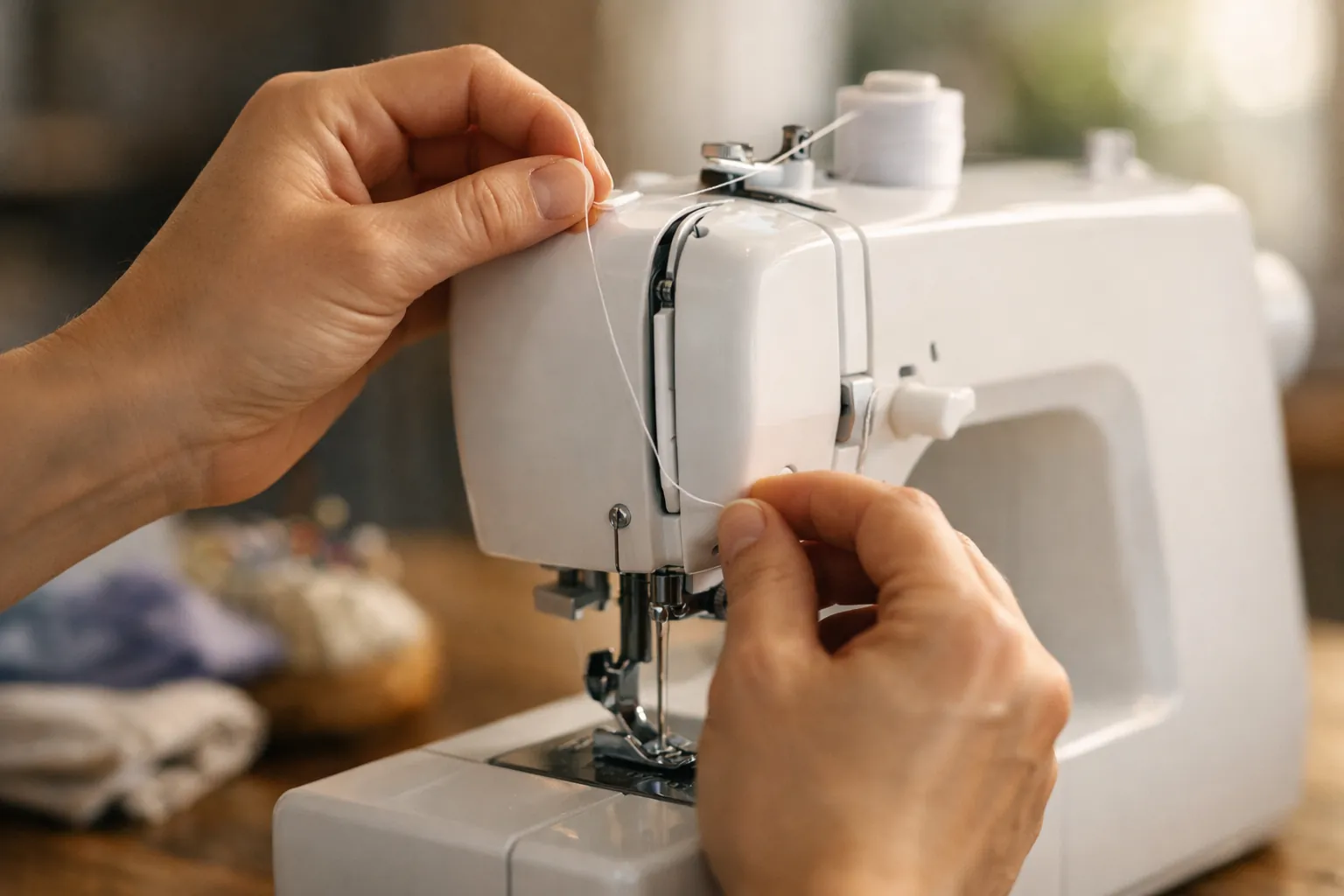
The most common way to miss the discs is threading with the presser foot down. Lowering the foot closes the tension discs, so the thread slides over them instead of between them. Singer's threading steps say to raise the presser foot "to release the tension discs" before you thread, and Brother's rethreading steps start with the presser foot raised too.
The reverse is a useful check. Singer's manual says loops on the top of the fabric indicate the bobbin thread hasn't been threaded correctly. So: loops below, look up. Loops above, look down.
The 60-second check order
Do these in order and test on a scrap after each one. Step 2 is the one that usually matters.
- Stop and turn the machine off. If there's a nest, cut the fabric free from underneath rather than yanking it, and pull out the loose thread.
- Raise the presser foot, raise the needle to its highest point, and rethread the upper thread from the spool. Hold the thread lightly between the spool and the first guide as you pull it down so it seats between the discs. Make sure it goes through the take-up lever.
- Take the bobbin out and put it back the way your manual shows. On Singer's Heavy Duty machines the thread runs counterclockwise; on Brother's drop-in machines like the SQ9285, Brother says the thread unwinds to the left. Pull it through the slit so it catches the bobbin case's tension spring.
- Check the spool cap. Brother's jamming FAQ lists the wrong spool cap size as a cause of upper thread tangling; use the cap that matches your spool.
- Set the upper tension dial back to its standard setting (4 on the Singer Heavy Duty and on Brother's SQ9285-family machines) and test.
- Start with both thread tails pulled about 6 inches to the back under the foot. That keeps the first stitch from dragging the top thread down into the hook.
Still bunching? The next four suspects
| Suspect | How to tell | Fix |
|---|---|---|
| The bobbin itself | Wrong type, scratched rim, or wound unevenly | Use the bobbin your maker names; Brother's quick-set pages warn that a badly wound bobbin can loosen the tension and break the needle. Our bobbin lookup lists it by model. |
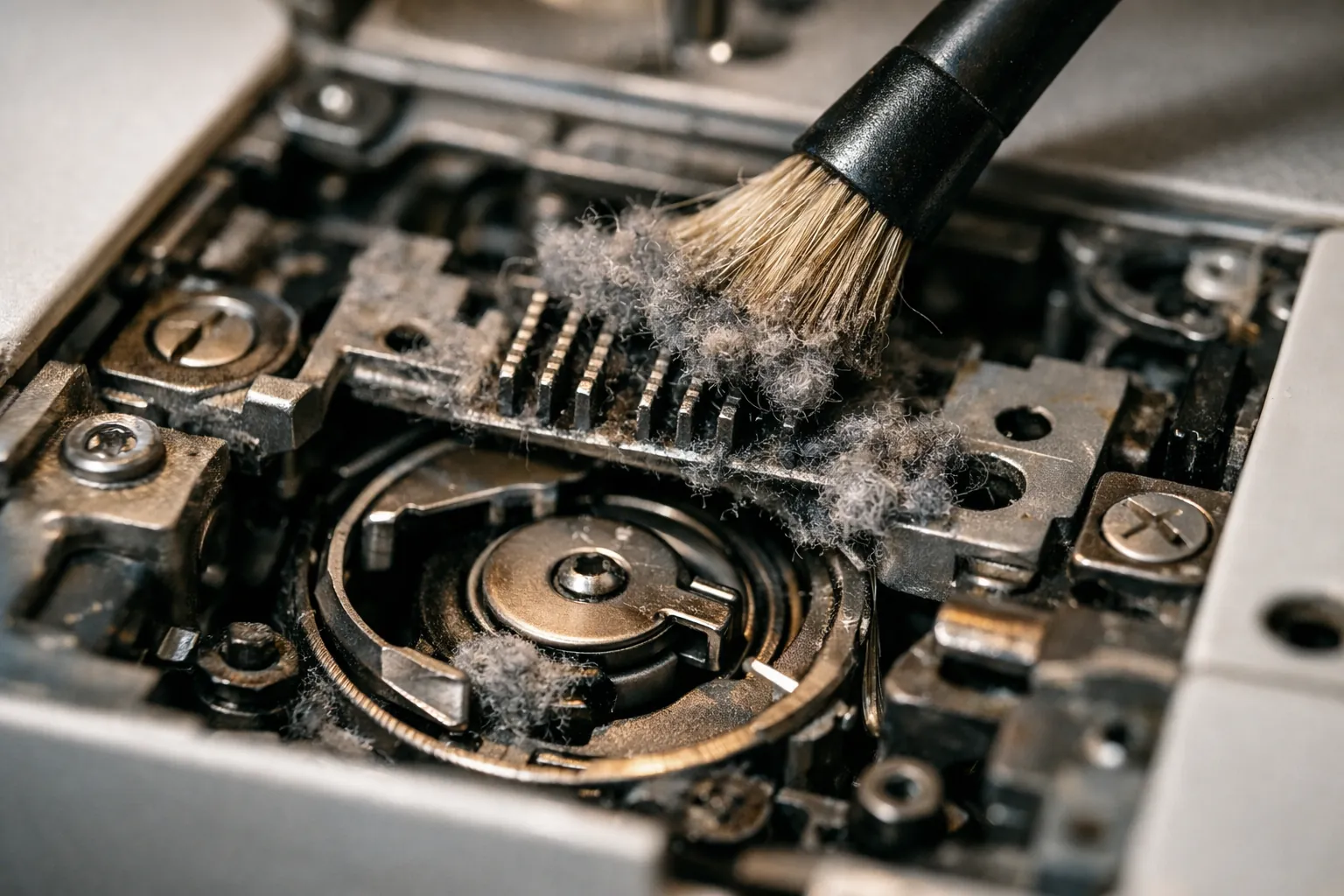
| Lint in the bobbin area | Gray fluff around the feed dogs and bobbin case | Unplug the machine, remove the needle plate as your manual shows, brush it out |
| The needle | Bent, blunt, or too fine for the fabric and thread | New needle sized for the fabric; Brother's jamming FAQ uses a size 16 needle with heavy-duty thread for denim as its example |
| Thread quality or mismatch | Fuzzy thread, or a heavy top thread with a fine bobbin thread | Use a good all-purpose thread; Singer's chart says to use the same thread top and bottom for general sewing |
If the needle is the problem, a fresh pack of SCHMETZ universal 80/12 needles covers everyday woven cotton, and our needle size chart covers everything heavier. For the bobbin, Brother owners can't go wrong with genuine Brother SA156 bobbins.
Brand notes
Brother
Brother's FAQ "Tangled thread on wrong side of fabric" (for the SQ9285, XR9550, HC1850, CS7205 and others) explains it this way: an incorrectly threaded upper thread "cannot be firmly pulled up," so it tangles in the bobbin case and makes a rattling noise. On a Brother, rethread with the presser foot up; how to thread a Brother sewing machine shows each guide in order. If the tangle gets bad enough to lock the motor, computerized models show E6. Our Brother error codes page has Brother's E6 steps. For tension, Brother says to return the dial to 4, turn it to a lower number if the bobbin thread shows on top, and a higher number if the upper thread shows underneath.
Singer
The Heavy Duty manuals carry the clearest version of the rule (loops below, upper threading; loops above, bobbin threading). They also say 90% of sewing happens between tension 3 and 5, and that the bobbin tension is factory set and doesn't need adjusting. More in our Singer Heavy Duty problems fix table.
Embroidery machines
Nests on an embroidery machine have extra causes: hoop tension, stabilizer and the bobbin thread itself. That's a different checklist, in our guide to embroidery machine bird nesting.
If stitches are missing rather than looping, see sewing machine skipping stitches. If they look wrong but aren't nesting, start with sewing machine tension problems.
Test before your real project
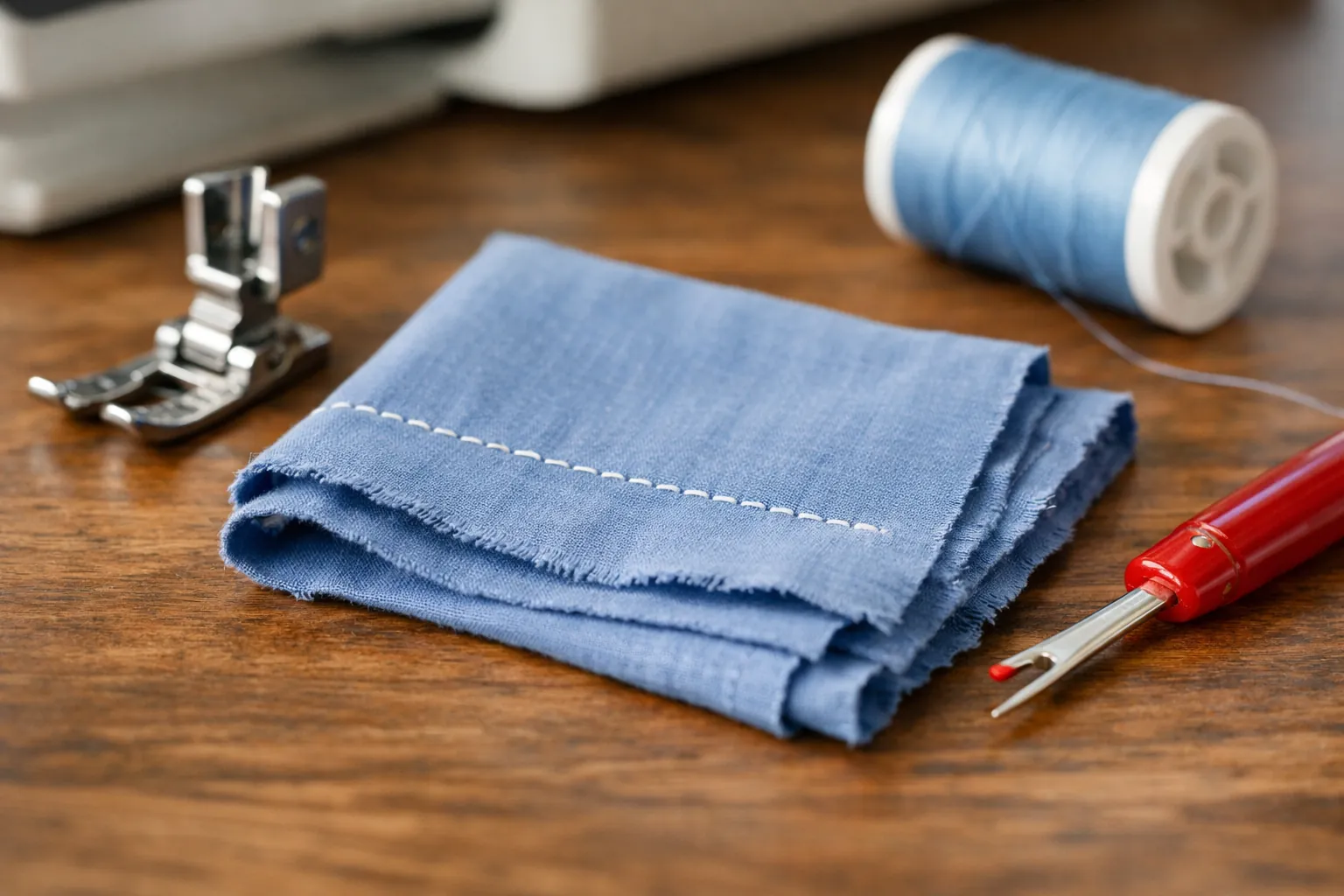
Sew a short seam on a folded scrap of the fabric you're about to use, then look at both sides. Clean, even stitches on both sides mean you're done. A little of the top thread showing underneath is normal on decorative stitches, and Singer says so. Loops on either side mean go back one step in the check order.
If you've done all of it and the machine still nests, makes a rattling or knocking sound, or the needle hits the plate, stop sewing. That's a service call, not a threading problem.
Causes and fixes summarized from Brother's support FAQs for the SQ9285 family and Singer's Heavy Duty 4443/4452 and 4432 manuals, checked October 3, 2026. How we research · Affiliate disclosure