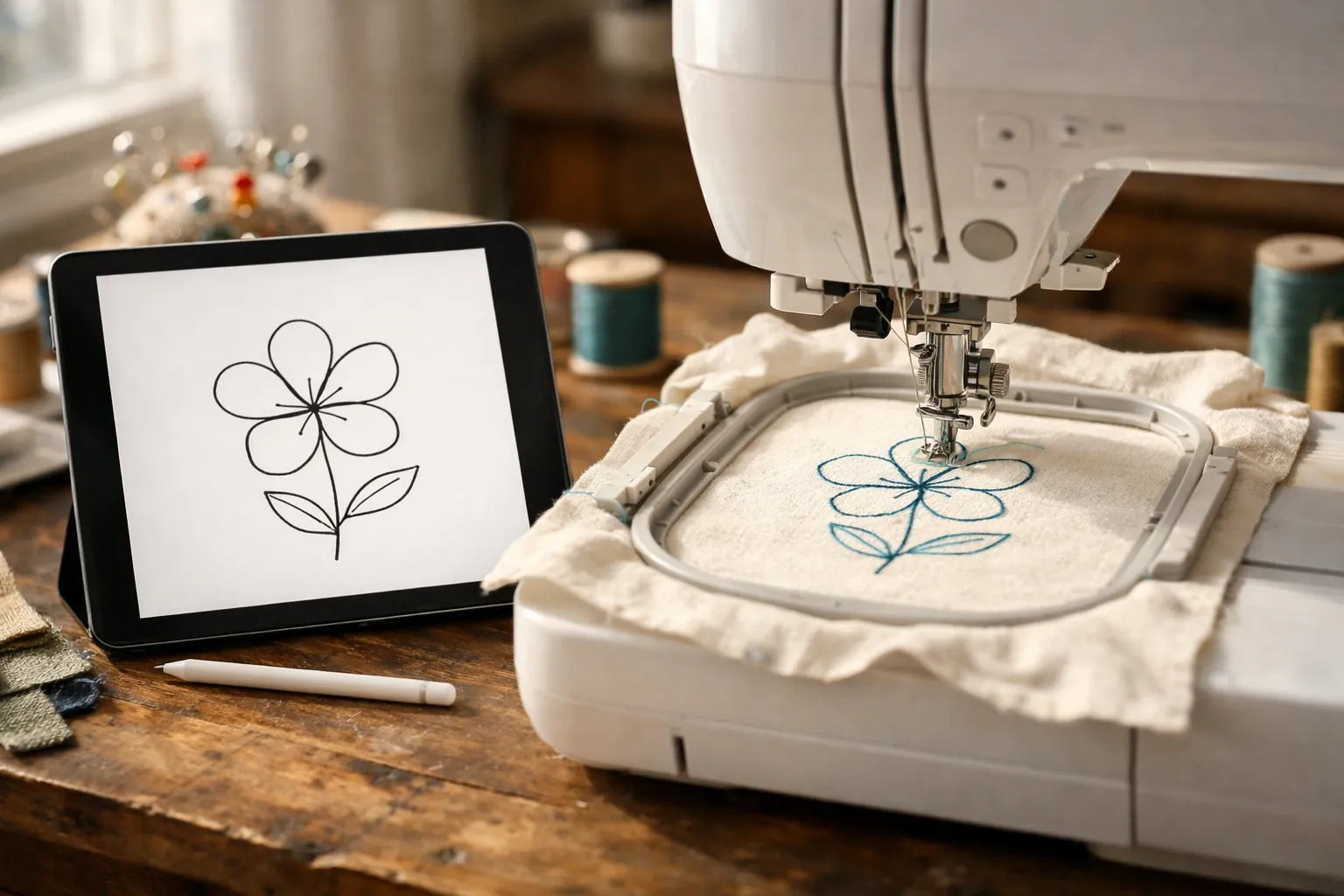
Artspira is Brother's free phone and tablet app for finding and drawing designs and sending them over Wi-Fi to its wireless machines. On the embroidery side that means the SE700, SE725, PE545, PE900 and SE2000. The free plan is enough to draw a design with a name under it and send it to the machine. The paid plan, Artspira+, adds a bigger design library, AI tools and photo-to-stitch conversion for $12.99 a month or $119.99 a year (Brother's prices, checked October 3, 2026). There's no PC or Mac version of the app.
What Artspira does
Brother describes Artspira as a cloud-based design platform for its embroidery, sewing, cutting and printing machines. For an embroidery machine owner, the useful parts are these:
- A design library. Free users get a smaller set; Artspira+ opens up the rest.
- A design editor for text layouts and thread colors.
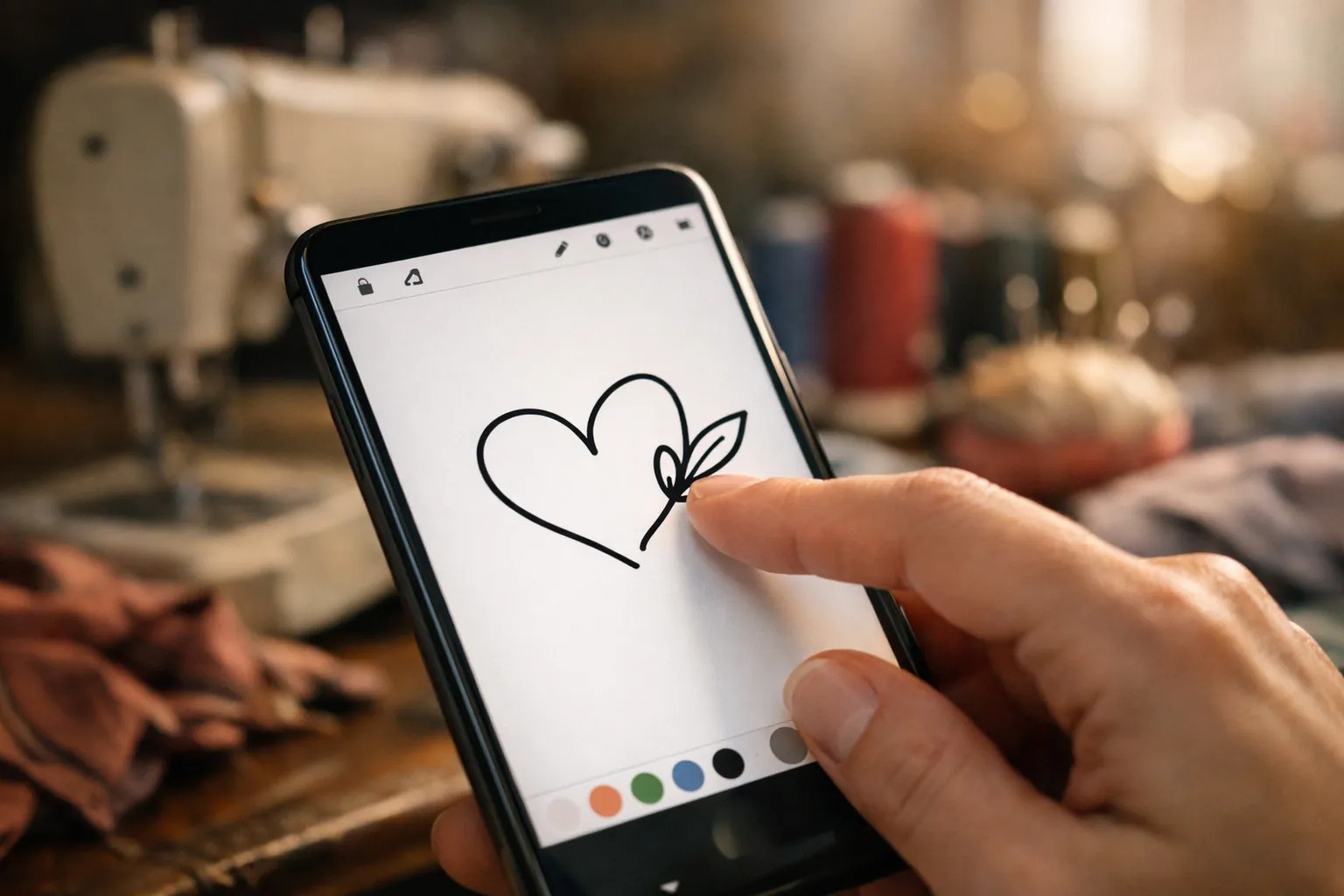
- Drawing tools. You draw line art on the screen and the app turns it into stitches. Brother's SE725 page lists a pen (single or zigzag line), shapes and an eraser, and says line-art designs can be up to 4" x 4" on that machine.
- My Creations, where you save your own designs or import files from other programs.
- Wireless transfer to your machine, with up to four machines connected to one account.
It's not a full digitizing program. If you want to convert complex artwork into professional stitch files, that's still desktop software territory. Artspira is for quick personal designs and for getting files onto the machine without a USB stick.
This is a spec review built from Brother's Artspira page, Brother's plan comparison sheet and its machine product pages, all checked October 3, 2026. We describe the features Brother lists; we didn't test every one. How we research.
Which Brother embroidery machines work with it
Artspira needs a machine with wireless LAN. Of Brother's home embroidery models, these are the ones whose product pages mention Artspira:
| Machine | Type | Max field | Artspira |
|---|---|---|---|
| SE700 | Combo | 4" x 4" | Yes |
| SE725 | Combo (Walmart exclusive) | 4" x 4" | Yes |
| PE545 | Embroidery only | 4" x 4" | Yes |
| PE900 | Embroidery only | 5" x 7" | Yes |
| SE2000 | Combo | 5" x 7" | Yes |
| SE630, SE600, SE1900, PE535, PE800 | Various | 4" x 4" or 5" x 7" | No wireless, so no |
Wi-Fi and Artspira are the headline difference between several old and new pairs: SE600 to SE700, SE1900 to SE2000, PE800 to PE900. If that's the decision you're making, see SE600 vs SE700 and SE1900 vs SE2000, or the whole lineup in our Brother embroidery machine comparison chart.
Free vs Artspira+: what you get
Brother publishes two descriptions of the plans, and they don't quite agree on library sizes. Its Artspira web page says you start with 700+ designs free and get 11,500+ with Artspira+. Its downloadable plan comparison sheet breaks the numbers down by craft and gives larger free counts. Here's the plan sheet, which is the more detailed of the two:
| Free (Standard) | Artspira+ (Premium) | |
|---|---|---|
| Price | Free | $12.99/month; $119.99/year per Brother's Artspira page |
| Embroidery designs | 1,200+ | 8,000+ |
| Disney designs | 1,900+ embroidery listed for both plans | Same, plus a 30% discount on Disney designs |
| Saved designs (My Creations) | Up to 20 | Up to 100 |
| Weekly inspiration issues | One free issue a month, limited archive | All issues and full archive |
| Monthly projects | Limited transfers | Unlimited transfers |
| Drawing, monogramming, text layout, import external files | Yes | Yes, plus premium templates and fonts |
| Font decorator | No | Yes |
| Artspira AI | No | Yes, 7 AI styles |
| Image to embroidery | No (line art tracing only, per the web page) | Yes |
| Free trial | n/a | 30 days for new US subscribers |
Sources: Brother's Artspira page and the "Compare Artspira Plans" sheet linked from it, both checked October 3, 2026. Brother says pricing can change. The Disney row is how the sheet presents it; we read it as designs you can buy rather than designs included free.
Is Artspira+ worth it? For most new owners, not at first. The free plan does what people buy a Wi-Fi machine for: send designs without a USB stick, add a name, draw something simple. Start the 30-day trial when you have a project that needs the bigger library or turning a photo into stitches, and cancel if you don't use it. Brother's terms say there's no refund or proration when you cancel, so set a reminder before the trial ends.
For designs from outside the app, see where to find embroidery machine designs, free and paid.
Artspira on a PC or Mac
There isn't a desktop version. Brother's FAQ lists iOS and Android phones and tablets. If you design on a computer, you have two routes to the machine:
- Design Database Transfer, Brother's free downloadable software, which every wireless machine's product page names for sending files from a PC over your network. Brother's pages describe it as PC software; we couldn't confirm a Mac version.
- The USB port, which all of these machines still have. Copy a PES file to a stick and plug it in. It's slower than wireless but always works.
Brother hosts both the software and the machine manuals on its support site, for example the PE900 support page and the SE700 support page.
Your first wireless transfer, step by step
Menu names differ a little between machines and app versions, so keep your operation manual's wireless section open alongside this. The order of jobs is the same on all of them:
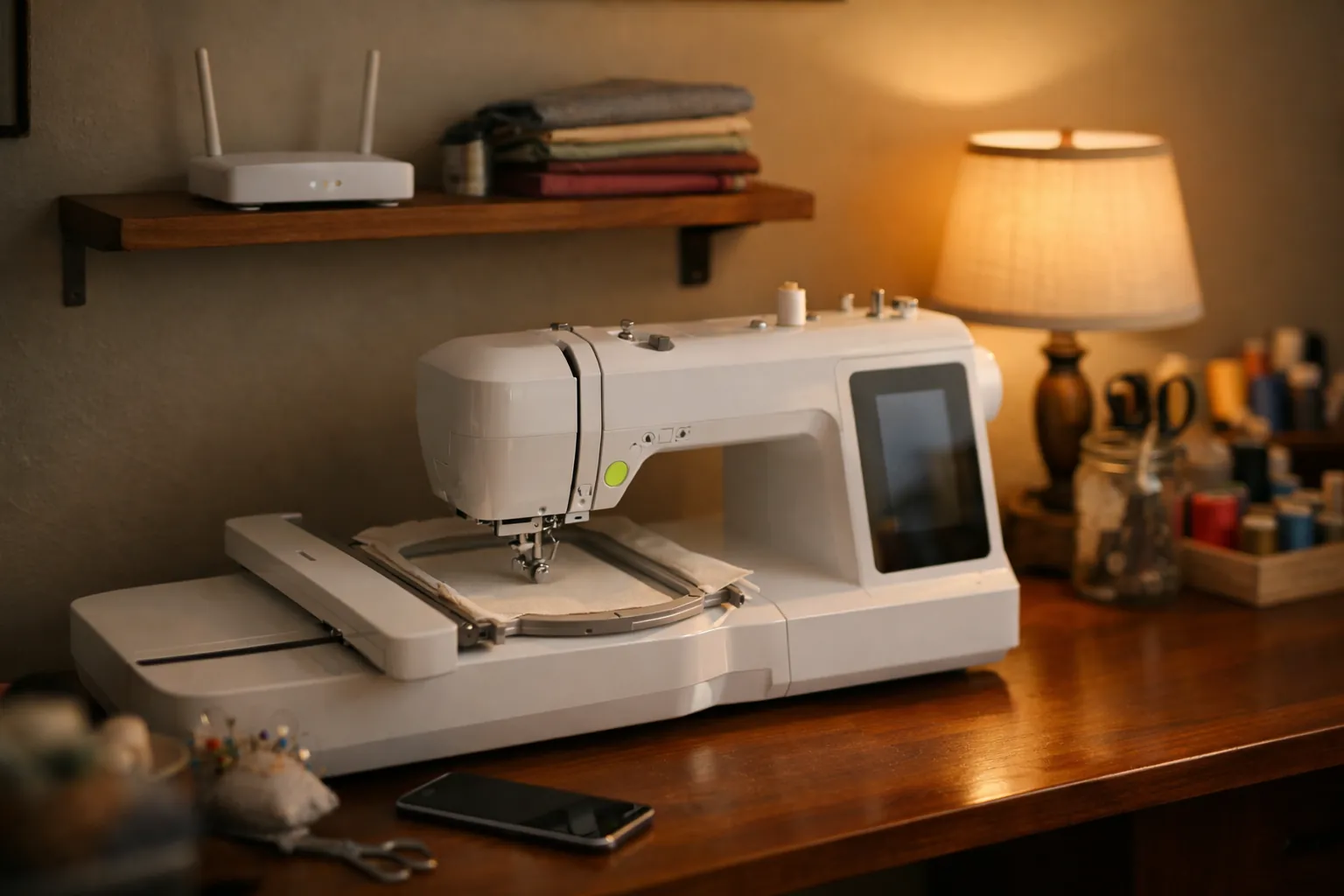
- Connect the machine to your home wireless network from its settings screen. The manual walks through the screens for your model.
- Update the machine's firmware if Brother has a newer version. The wireless models notify you of updates, and the firmware files are on Brother's support site. Brother notes that the 50 free bonus designs on the PE900, SE2000 and SE725 need firmware 1.51 or later and the Artspira app to redeem.
- Install Artspira from the App Store or Google Play and log in.
- Add your machine in the app. You can connect up to four.
- Pick a design, or draw one, and edit it. Keep it within your machine's field: 4" x 4" on the SE700, SE725 and PE545, 5" x 7" on the PE900 and SE2000.
- Send it to the machine, then open it on the machine's screen, hoop your fabric and stitch.
For the first stitch-out, use a scrap of stable woven cotton with tear-away stabilizer. Our printable machine embroidery cheat sheet lists the needle and stabilizer for other fabrics.
When it won't connect
"Artspira not working on iPhone" shows up in Google's suggestions whenever you type the app's name. Brother says compatibility can vary by device and operating system, and the app needs a wireless connection. Work through these before calling:
- Update the app and your phone's operating system.
- Check that the machine shows as connected to your wireless network on its own screen.
- Update the machine's firmware from Brother's support site.
- Remove the machine from the app and add it again.
If none of that works, Brother runs Artspira support at 1-877-BROTHER (1-877-276-8437) and through an online form. Since it's Brother's own app, that's a better route than a forum.
Is Wi-Fi and Artspira worth paying for in a machine?
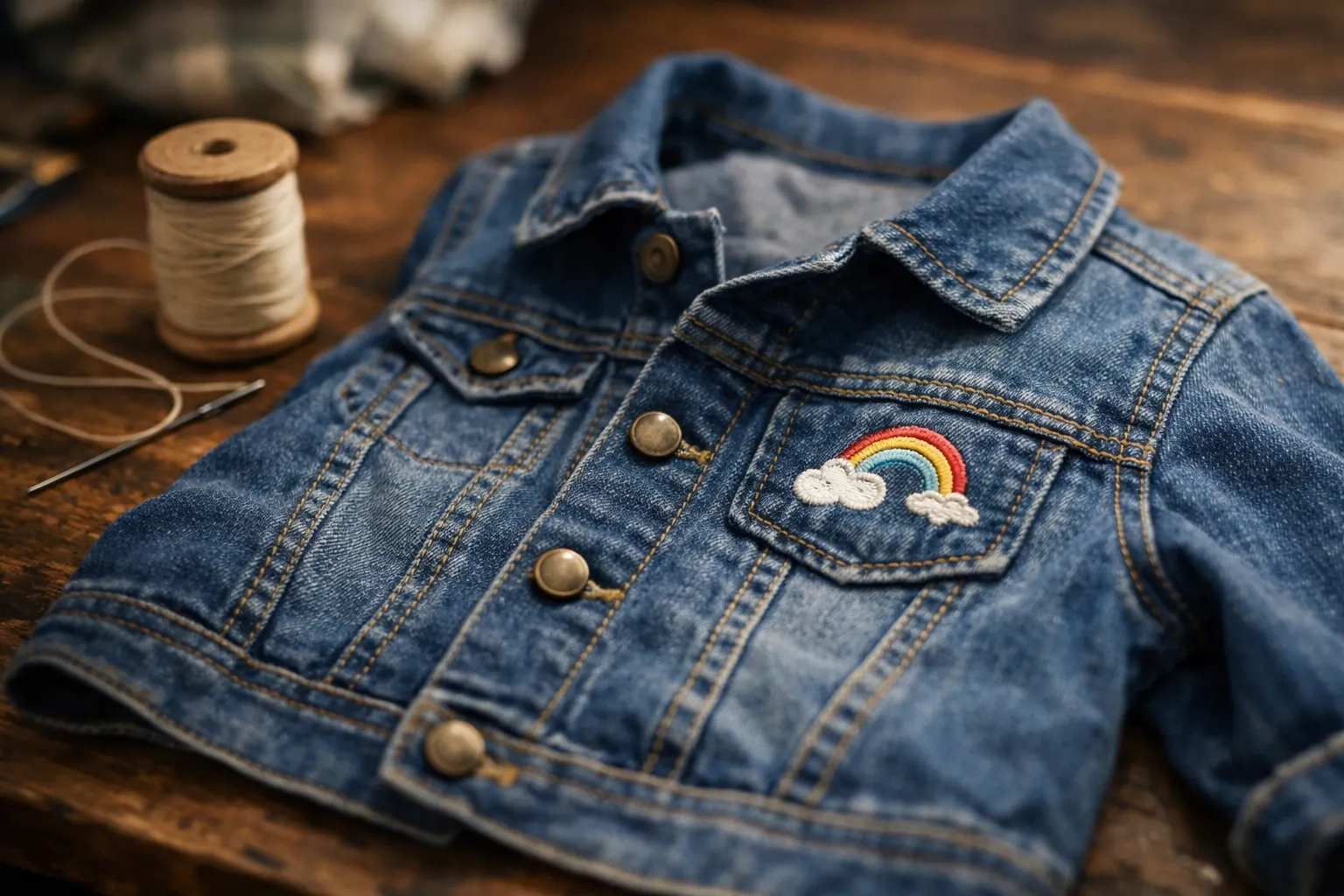
It depends on where your designs come from, and here's the concrete version. If you buy designs from shops and download them to a computer, a USB stick does the job on any machine, and an older, cheaper model works fine. If you want to put a child's drawing on a jacket, add names from your phone, or send designs from the couch, Artspira is the reason to buy a current wireless model instead of a discontinued one.
If you're still choosing a machine, the PE900 review covers the 5x7 embroidery-only option, and all Brother embroidery models compared shows which ones have Wi-Fi.
Plan details and prices from Brother's Artspira page and plan comparison sheet; machine compatibility from Brother's product pages. All checked October 3, 2026. Brother says features and pricing can change without notice. How we research · Affiliate disclosure