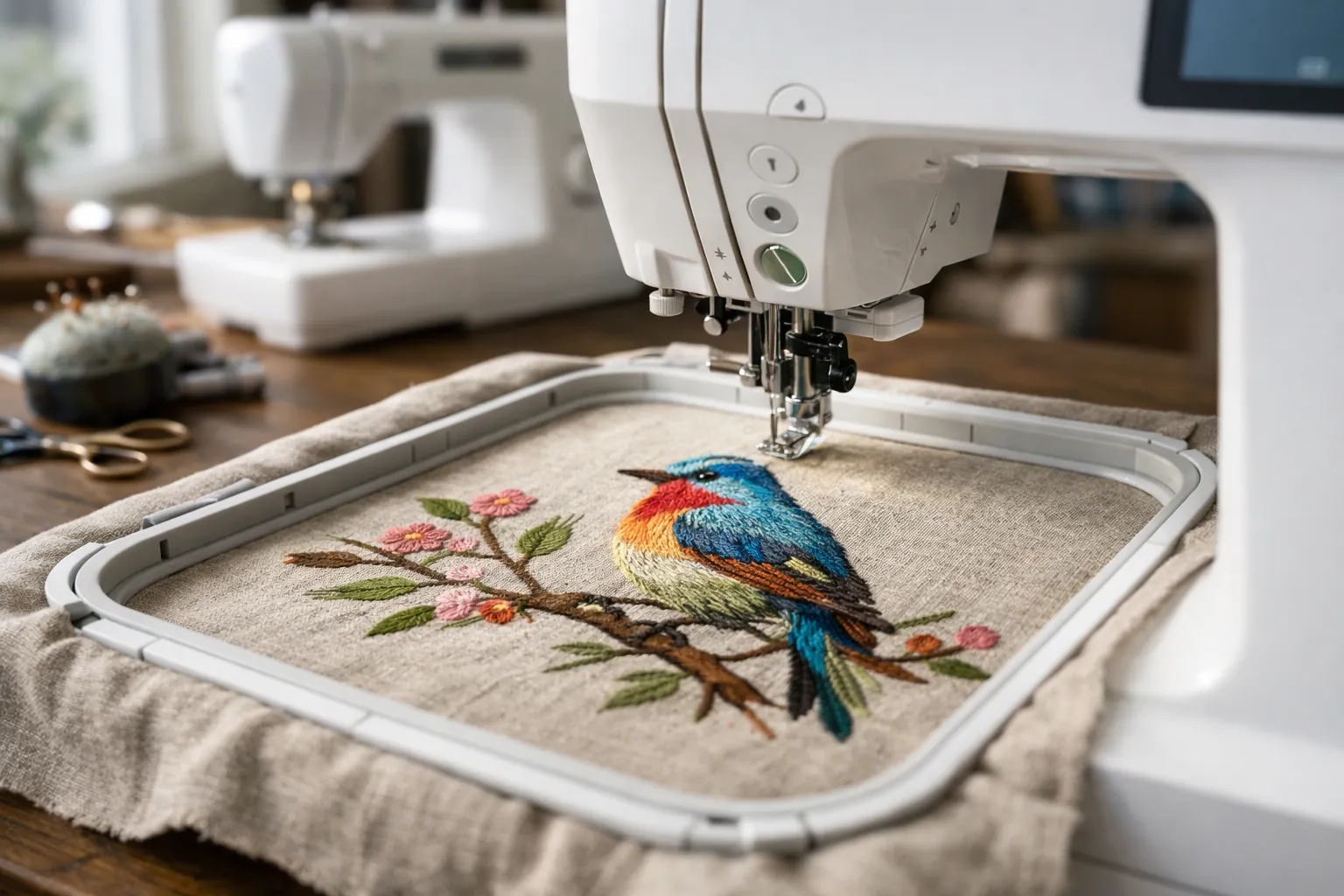
If you already own a sewing machine, buy the PE900. If you don't, buy the SE2000. Brother's product pages list the same embroidery features on both (5" x 7" field, 193 designs, 13 fonts, Wi-Fi, Color Sort and jump stitch trimming), so the stitch-outs come out the same. The SE2000's extra money pays for its sewing half: 241 stitches, 10 buttonhole styles and a set of feet.
How we compared them
Specs come from Brother's product pages for the PE900 and SE2000 and from the verified Amazon listings, all checked October 3, 2026. Both are current on Brother's site. We've reviewed each one on its own (PE900 review, SE2000 review); this page puts them side by side.
This is a spec review. We didn't sew on either machine. How we research.
PE900 vs SE2000 specs
| Spec | Brother PE900 | Brother SE2000 |
|---|---|---|
| Type | Embroidery only | Sewing and embroidery combo |
| Brother status (Oct 3, 2026) | Current | Current |
| Max embroidery area | 5" x 7" | 5" x 7" |
| Built-in designs | 193, plus 50 free downloads | 193, plus 50 free downloads |
| Embroidery fonts | 13 (9 English, 3 Japanese, 1 Cyrillic) | 13 |
| Screen | 3.7" color touch LCD | 3.7" color touch LCD |
| Color Sort / jump stitch trimming | Yes / yes | Yes / yes |
| Wireless LAN / Artspira / USB | Yes / yes / yes | Yes / yes / yes |
| Needle to arm | 7.4" | Not listed |
| Sewing stitches | None | 241, with 10 one-step buttonholes and My Custom Stitch |
| Max sewing speed | n/a | 850 spm |
| Feet included | Embroidery foot Q | 8, including J, N, G, I, R, M, A and Q |
| Optional hoop Brother names | Not named on the page | 4" x 7" Brother magnetic hoop |
| Unit dimensions | 9.49" x 17.48" x 11.81" | 9.49" x 17.56" x 11.81" |
| Amazon ratings (Oct 3) | 4.5 from 297 | 4.0 from 205 |
Sources: Brother product pages and the Amazon listings linked below, checked October 3, 2026. Brother's SE2000 spec field lists 5 lettering fonts while its feature text and the Amazon listing say 13 embroidery fonts; we use 13.
The footprint is nearly identical, too: same width and height, and less than a tenth of an inch apart in depth. The SE2000 doesn't take more table space than the PE900. A PE900 plus a separate sewing machine does.
Two setups compared
The PE900 only makes sense next to a sewing machine, so the honest comparison is SE2000 alone vs PE900 plus a sewing machine.
| SE2000 alone | PE900 + a sewing machine | |
|---|---|---|
| Embroidery | Identical on Brother's spec list | |
| Sew while a design stitches | No. The embroidery unit comes off to sew. | Yes |
| Machines on the table | One | Two |
| Sewing features | 241 stitches, 10 buttonholes, 850 spm | Whatever your sewing machine has |
| Already own a sewing machine? | You'd be paying for a second one | Nothing more to buy |
| Don't own one? | One purchase | Two purchases. A Brother CS5055 (60 stitches, 7 buttonholes) or XM2701 (27 stitches) are the usual budget pairings. |
| If one needs service | No sewing or embroidery while it's away | You keep the other machine |
We don't print prices here because they move weekly; the Amazon buttons show today's. Add up the PE900 and the sewing machine you'd pair with it, and compare that to the SE2000 alone. If you already own a decent sewing machine, the PE900 is clearly cheaper and the comparison ends there.
What a 5x7 field gets you (on either one)
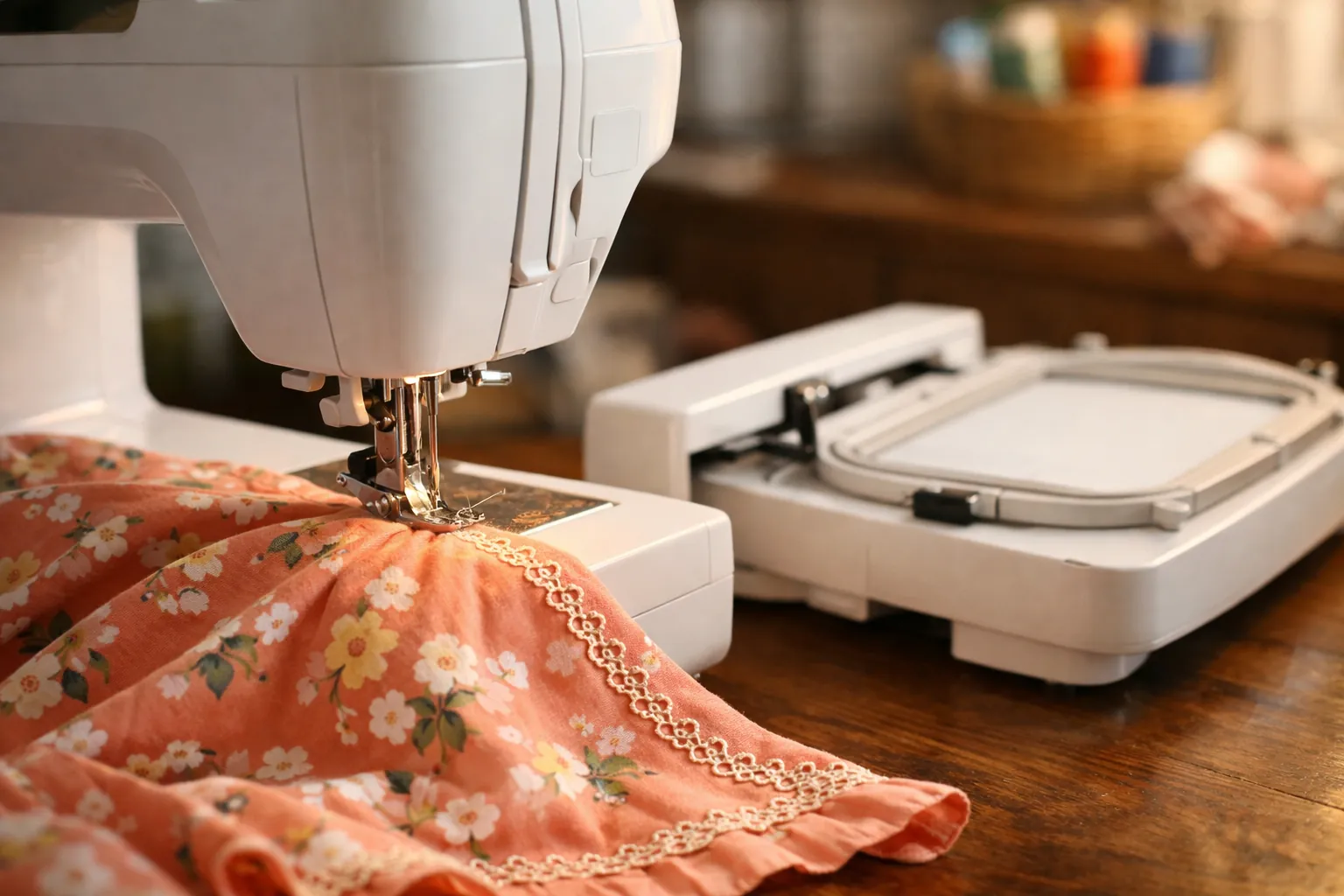
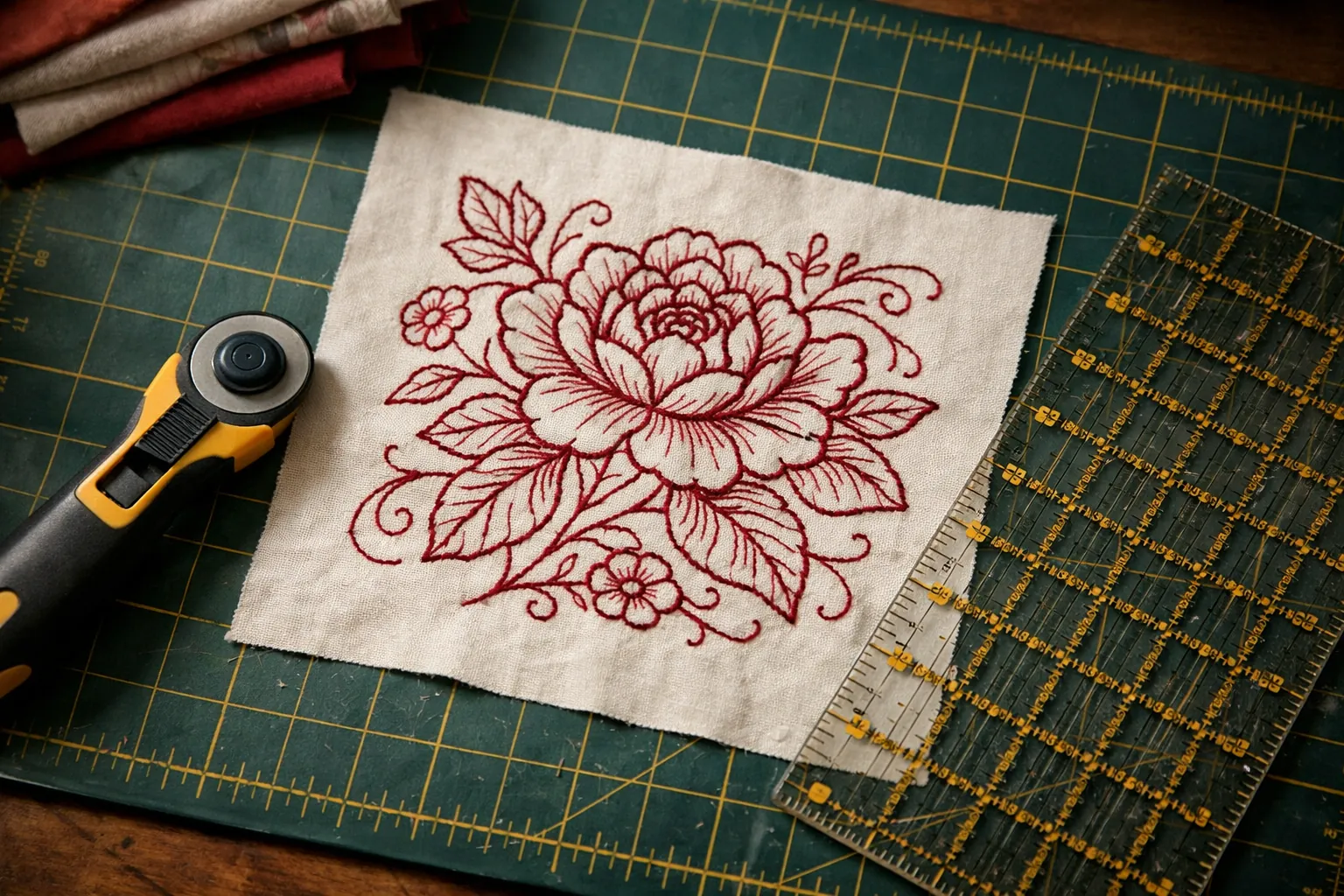
This is what you're paying for with either machine over a 4" x 4" model like the SE700 or PE545. A 5" x 7" field fits a quilt-block design, a large monogram on a tote or pillow, or a full name across a sweatshirt in one hooping. With 193 built-in designs (the PE900 listing mentions scrollwork, florals and quilt patterns among them), you can make a lot before buying a single file.
Jump stitch trimming matters more at this size. Bigger designs with more separate parts mean more traveling threads, and both machines cut those between sections automatically. Color Sort reorders combined designs so you change thread fewer times. Both features are on both machines.
The two machines
Brother PE900
The value choice for anyone with a working sewing machine. You get the SE2000's full embroidery side with no sewing half to pay for, and the embroidery arm never has to come off. Its listing averages 4.5 stars from 297 ratings, a better record than the SE2000's. Brother adds a figure the SE2000 page doesn't give: 7.4 inches from needle to arm, which is the room to the right of the needle for bulkier items. Bundles exist too; one PE900 bundle lists five hoops including a 12" x 5" and 40 thread spools.
- Max field5" x 7"
- Designs193 + 50 free downloads
- Fonts13
- Needle to arm7.4"
- Wi-Fiyes
- Jump stitch trimmingyes
Why it stands out
- Same embroidery as the SE2000 for less
- Better Amazon rating than the SE2000
- No switching between sewing and embroidery
Think twice if
- You don't own a sewing machine
- You want one machine for everything
Brother SE2000
The only current Brother combo with a 5" x 7" field. It's the right buy when you want bigger embroidery and a capable sewing machine in a single footprint. Brother lists 241 stitches with the My Custom Stitch feature for designing your own, and names its 4" x 7" magnetic hoop as compatible. The 4.0-star average from 205 ratings is lower than the PE900's; read the recent reviews before you buy.
- Max field5" x 7"
- Designs193
- Sewing stitches241
- Buttonholes10
- Speed850 spm
- Wi-Fiyes
Why it stands out
- Sewing and 5x7 embroidery in one
- 241 stitches, 10 buttonhole styles
- Same embroidery features as the PE900
Think twice if
- You already own a sewing machine you like
- You want to sew while a design stitches
Which one, by situation
| Your situation | Our pick | Why |
|---|---|---|
| You quilt on a machine you love and want to embroider blocks | PE900 | Your quilting machine stays as it is; the PE900 adds the 5x7 field. |
| You're new to sewing and embroidery and have one table | SE2000 | One machine, and its sewing side covers garments, bags and home sewing. |
| You personalize items to sell | PE900, next to any sewing machine | One machine embroiders while you finish items on the other. |
| Your current sewing machine is old and due for replacement anyway | SE2000 | You'd be buying a sewing machine either way. |
| You're upgrading from a PE800 or SE1900 | The same type you have now | Same field, so your hoops likely carry over; you gain Wi-Fi and trimming. |
On the wireless side there's nothing to separate them. Both connect over home Wi-Fi, take designs from a PC through Brother's free Design Database Transfer software, work with the Artspira phone app, and keep a USB port. Brother notes that both machines' 50 free downloadable designs need firmware 1.51 or later and the Artspira app to redeem. Our Artspira guide covers the free and paid plans.
Brother SE700 vs PE900
This pairing shows up in searches too, and it's a different decision: the SE700 sews but has a 4" x 4" field; the PE900 has a 5" x 7" field but doesn't sew. If you need a sewing machine and small designs are fine, the SE700. If you already sew and want bigger designs, the PE900. If you need both, that's the SE2000. For the full lineup, see all Brother embroidery models compared.
Hoops and supplies
The two share a 5" x 7" field, and third-party hoop listings name them together, like this 5" x 7" magnetic hoop for the PE900, SE2000 and PE800. Our Brother hoop sizes by model page lists every code that fits, and the magnetic hoop guide covers when one is worth buying.
Getting started: print our machine embroidery cheat sheet for needle, stabilizer and topping by fabric. Coming from an older 5x7 combo? SE1900 vs SE2000 covers what changed.
Decide by what you already own
Own a sewing machine: the Brother PE900. Don't, and want one machine: the Brother SE2000. The embroidery is the same either way, so don't let feature lists talk you into paying twice for a sewing machine.
Specs from Brother's product pages and Amazon listings, checked October 3, 2026. Prices change often, so the buttons show the current price on Amazon. How we research · Affiliate disclosure